Find your learning path
Choose the path closest to your responsibilities. These are recommended reading orders, not permission bundles. Your administrator decides which actions you can perform.
Sales staff
- If you received an invitation, complete agent onboarding.
- Make your first sale, following each screen through the outcome.
- Check your assigned stock before a serialized sale.
- Find or create a customer and understand consent.
- Record a sale, including payment details and product requirements.
- Provide evidence and follow progress.
- Learn offline sale recovery before working with an unreliable connection.
- If your role includes wallet-funded work, open Account to learn how selling balance works. Authorised bulk operators should also read bulk sales and top-ups.
Finance staff
- Check a payment and sale, following the receipt through matching and outcome.
- Learn the difference between payments, commissions, withdrawals and payouts.
- Record and match a payment.
- Review cash deposits and client settlements.
- Inspect commission balances, destinations and withdrawal progress.
- Resolve differences through reconciliation, then export reports.
- Platform Finance operators responsible for agent funding should learn bulk top-up review.
Operations staff
For stock handover, follow the stock maker or stock checker walkthrough. Then read inventory, My stock and receipts, cases, approvals and bulk sale verification. If you review wallet batches, also read bulk sales and top-ups. Learn how a case or hold can affect money before removing a restriction.
Network and merchant managers
Team leads should start with invite an agent. Then read agents, contracts and suspensions, assignments, and merchant activation and users.
Administrators and configuration reviewers
Begin with access. Then review products, campaigns, product rules, reward plans and connections.
Do not activate rules or reward versions simply to make a blocked sale proceed. Those settings affect subsequent business decisions and need review by the responsible people.
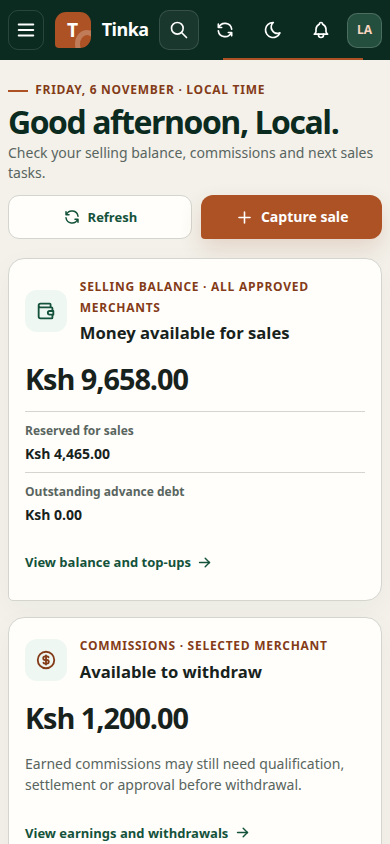
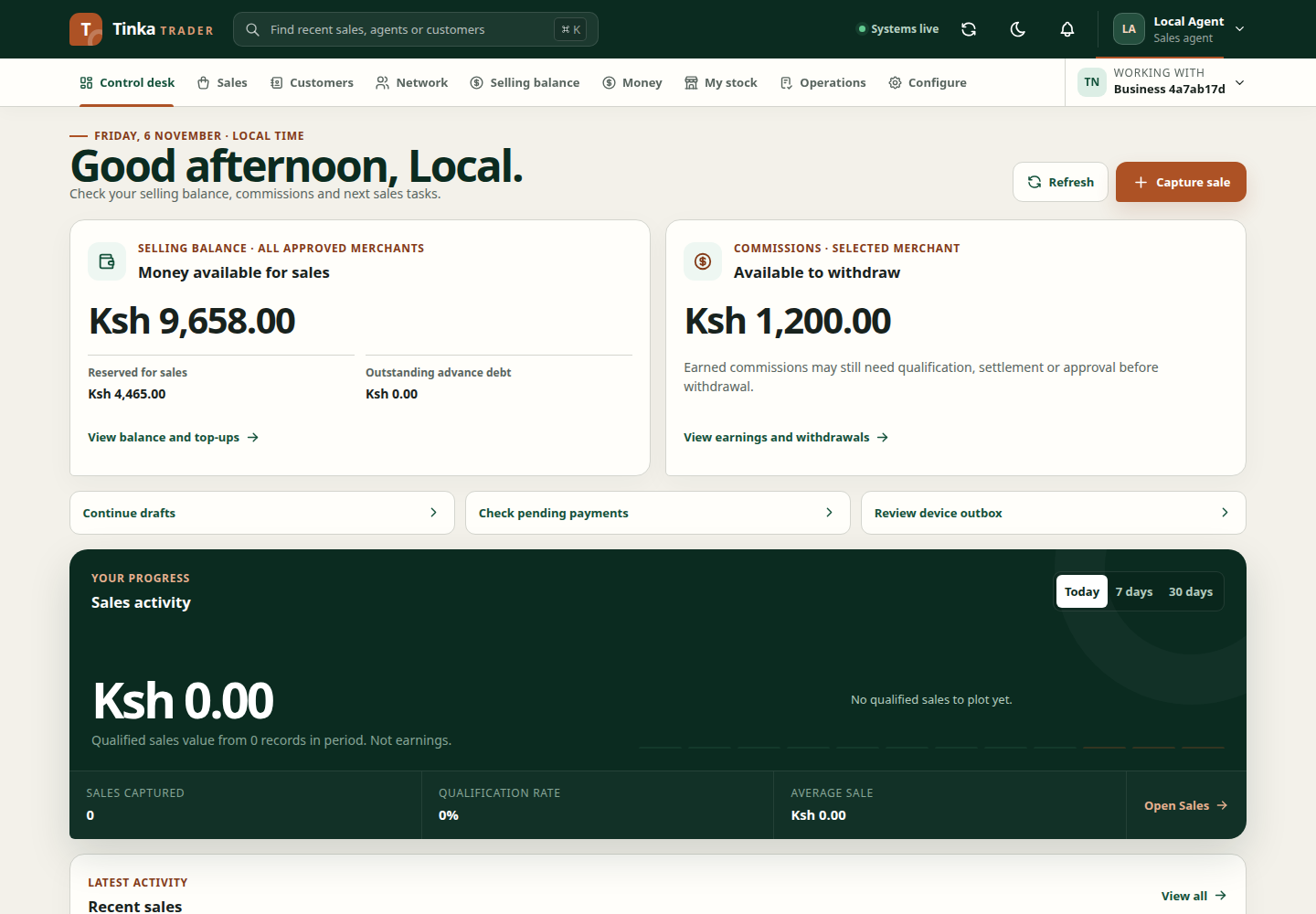
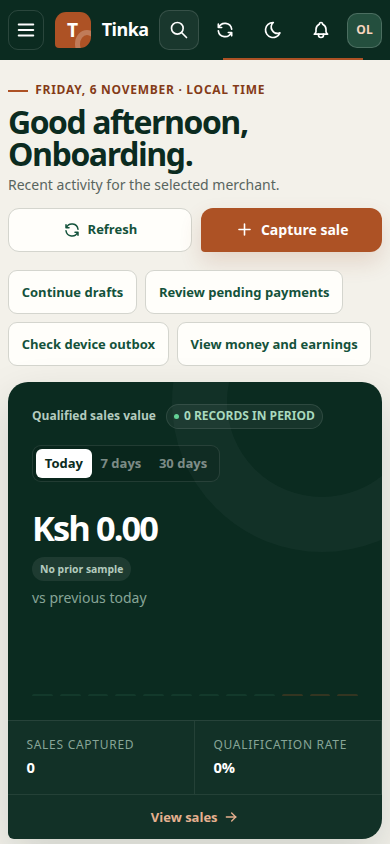
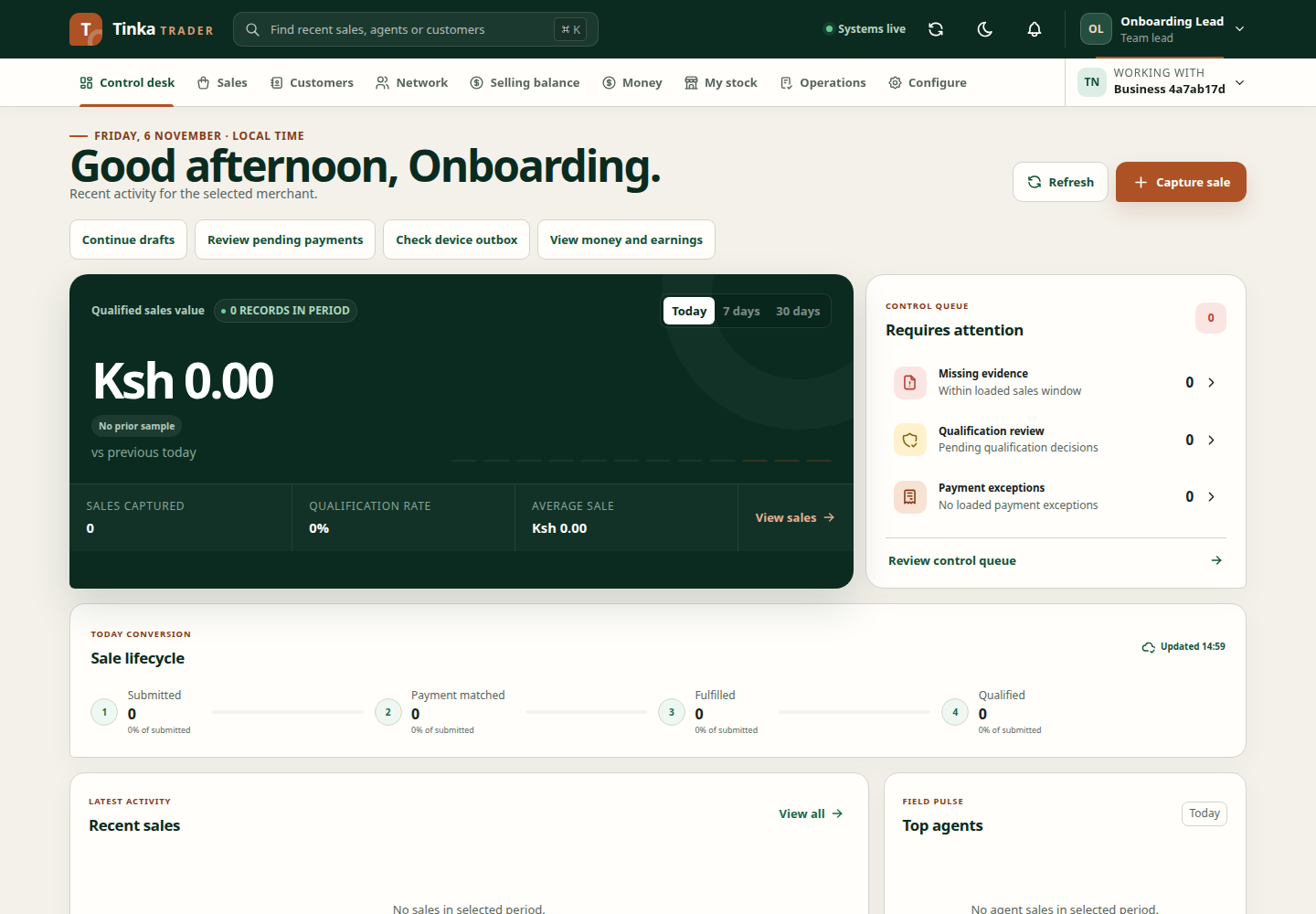
Team lead dashboard — screen example
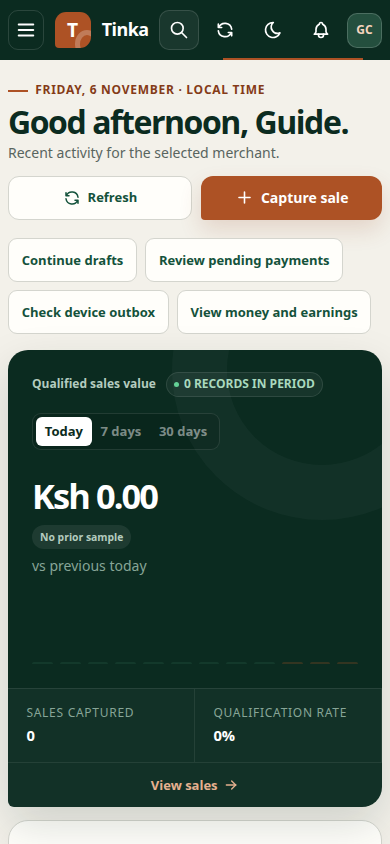
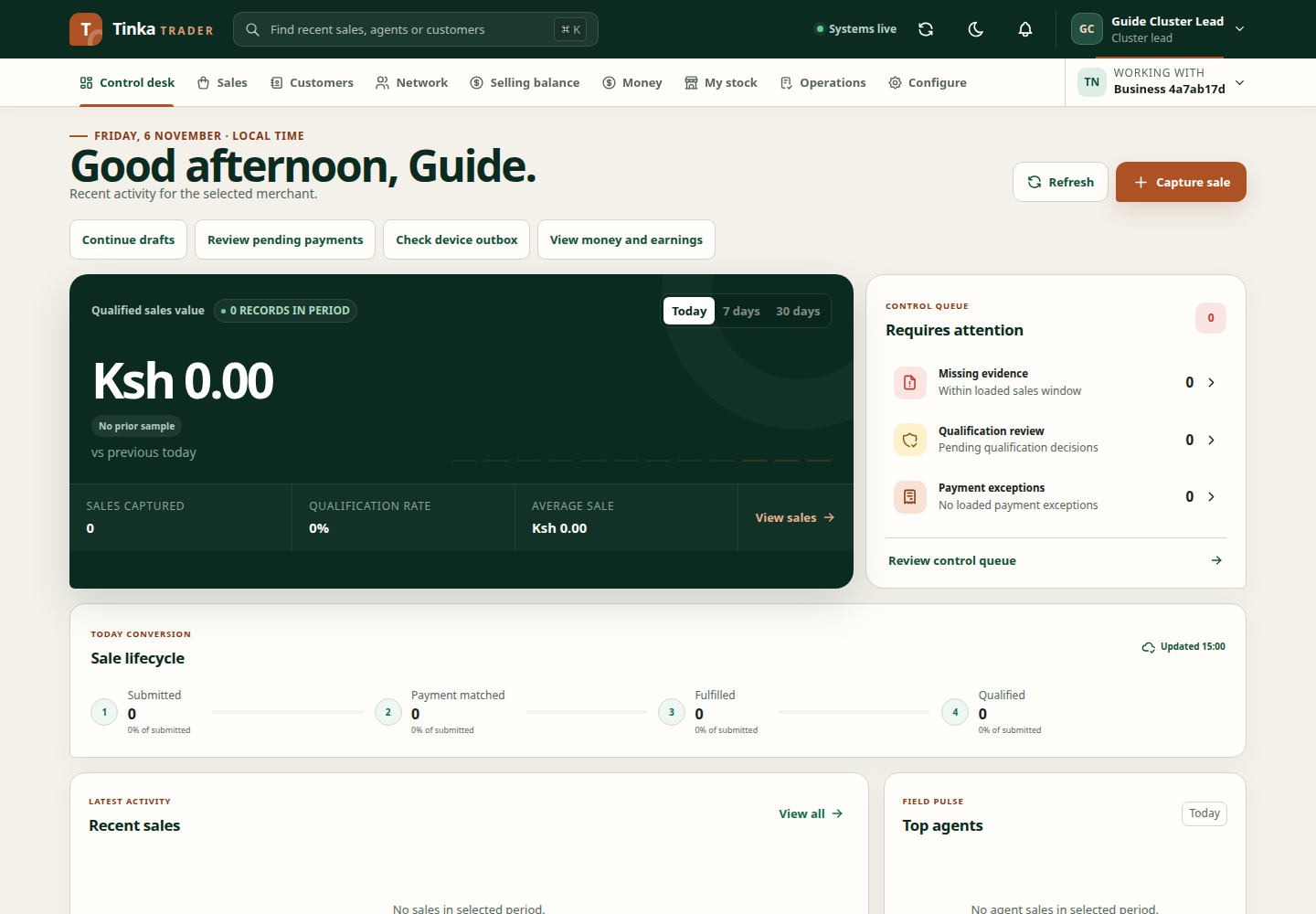
Cluster lead dashboard — screen example
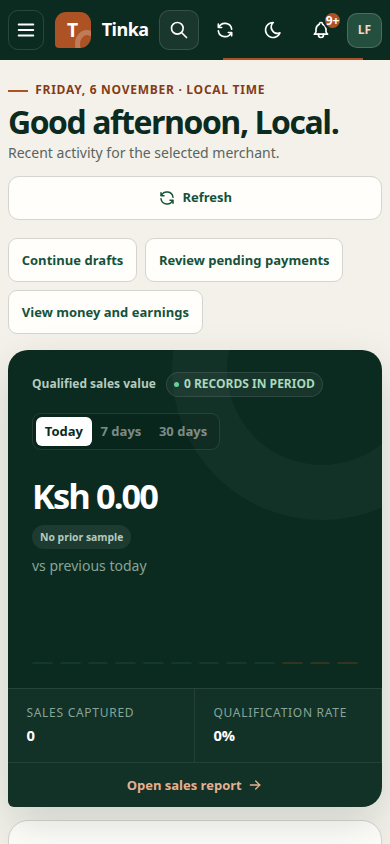
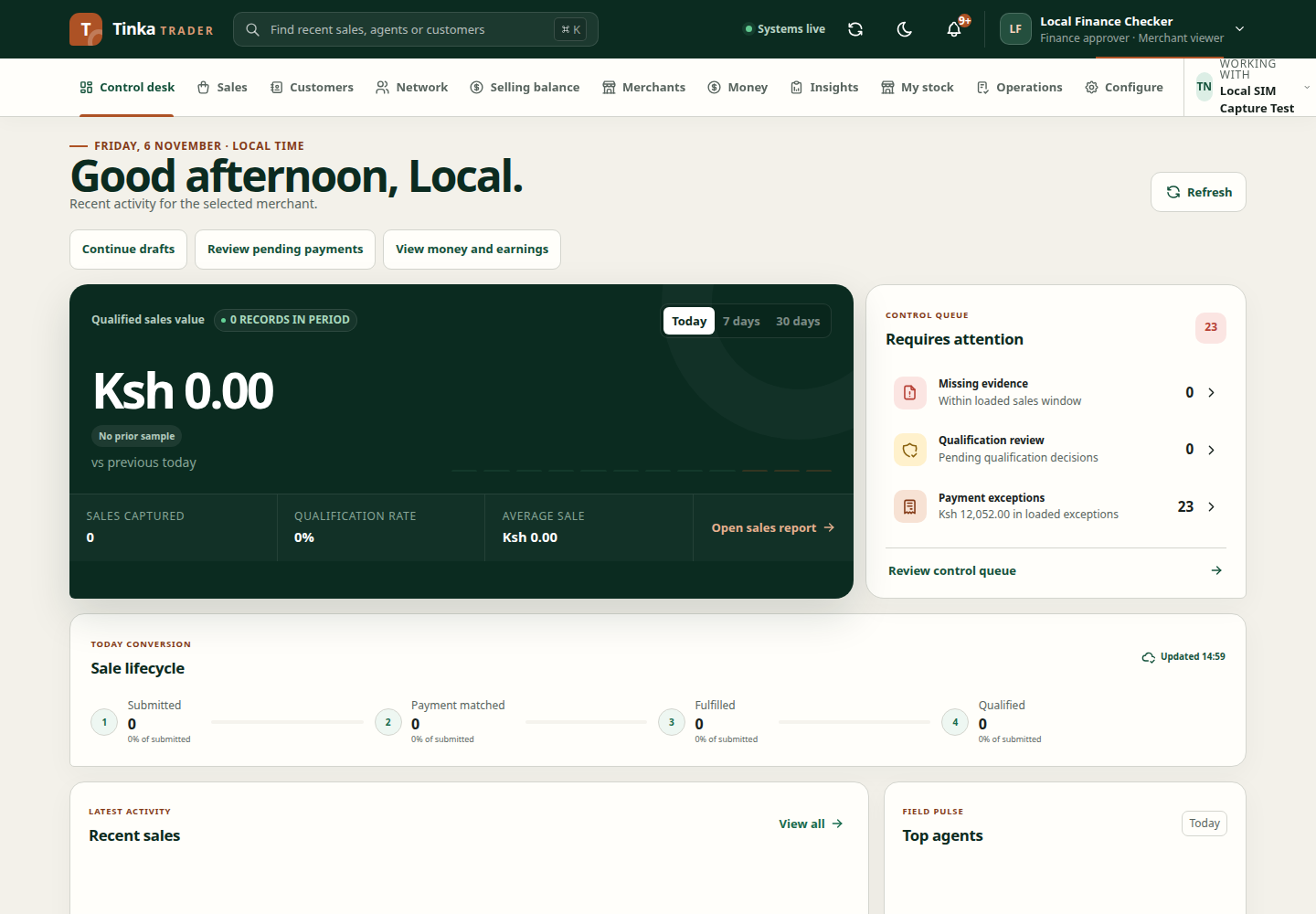
Finance dashboard — screen example
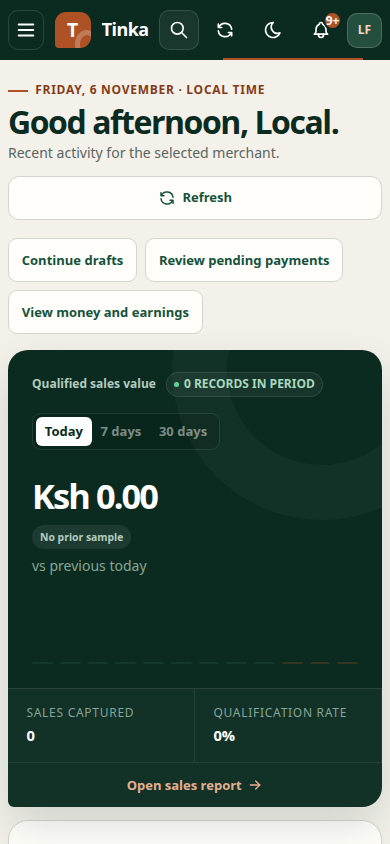
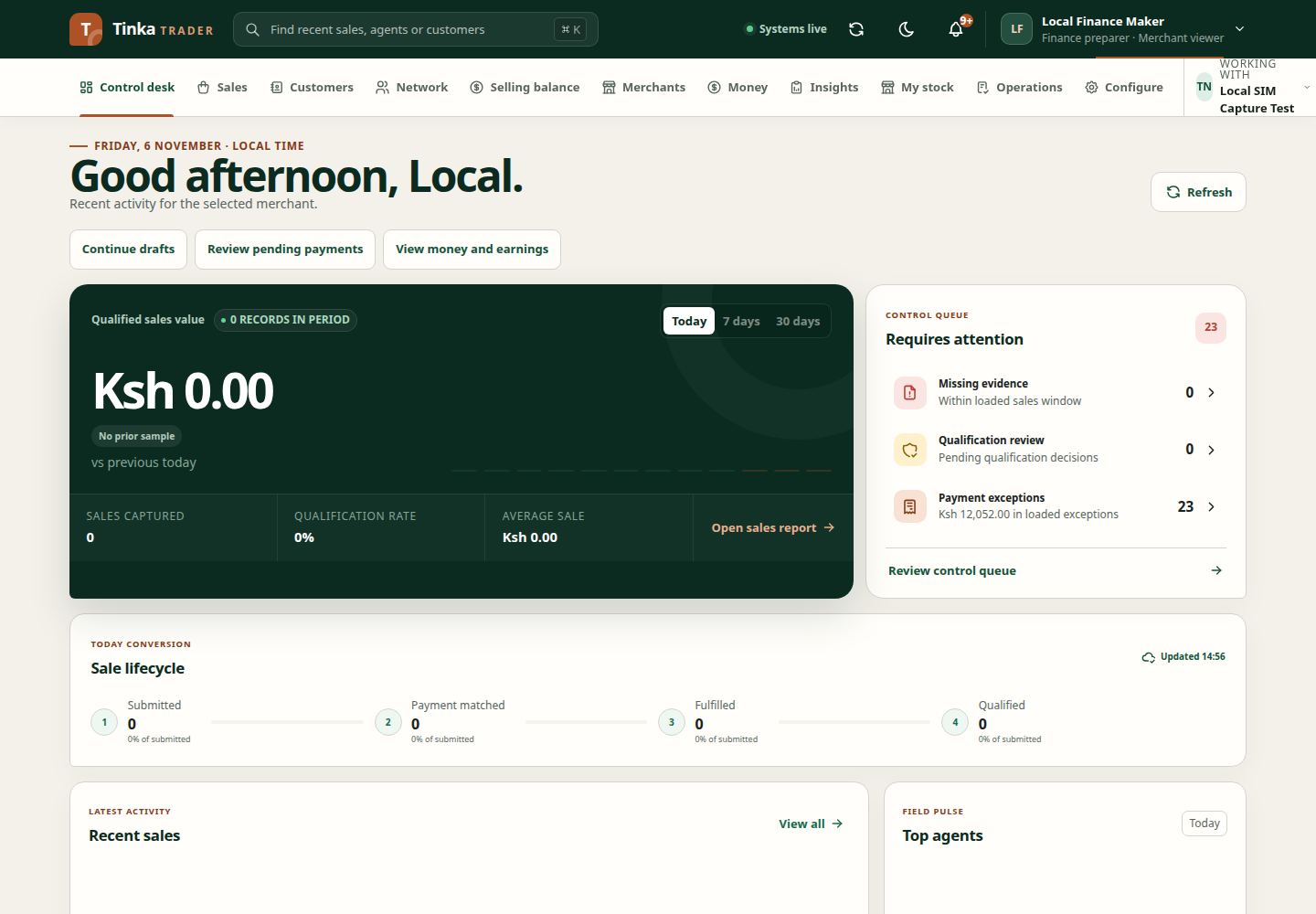
Operations dashboard — screen example
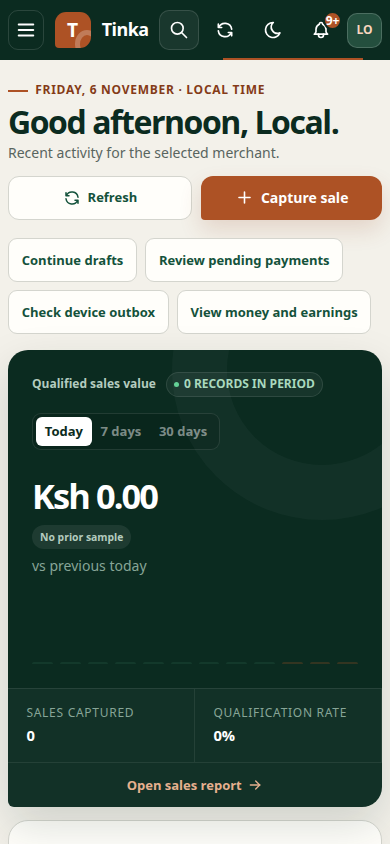
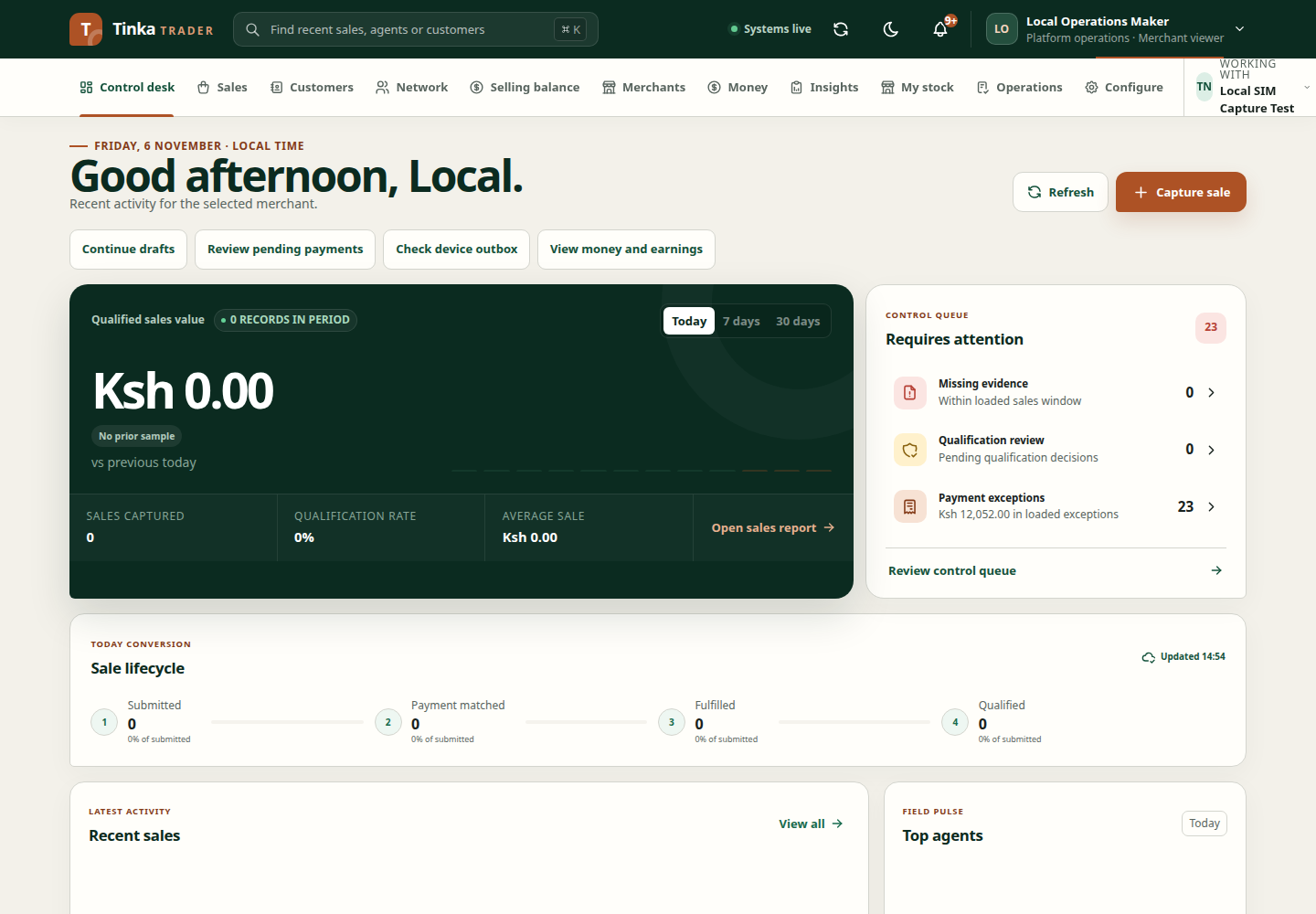
Finance checker control desk — screen example