Account access and missing actions
Your account can have different access for different merchants and tasks. A role label is a summary, not a promise that every menu or action will be available.
Why a control is missing
The application checks effective permissions, active memberships and record state. Read access and write access are separate. Some workflows also require a specific reviewer or an independent approval.
For example, access to payments does not automatically grant payout-destination verification. A verified destination also does not grant permission to request withdrawals.
Check access in order
- Confirm you are signed in as the expected person.
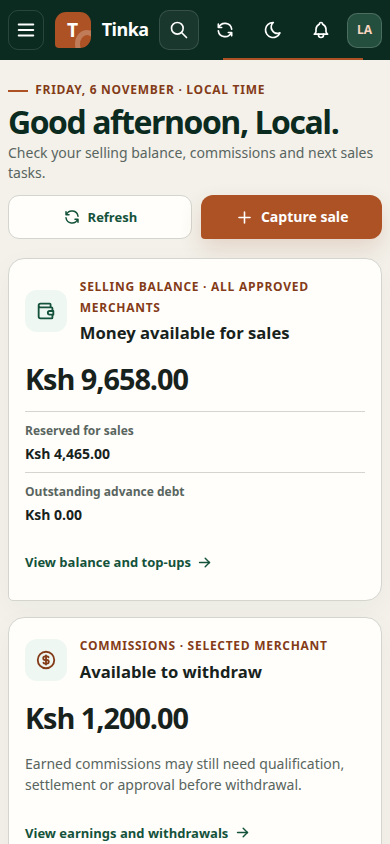
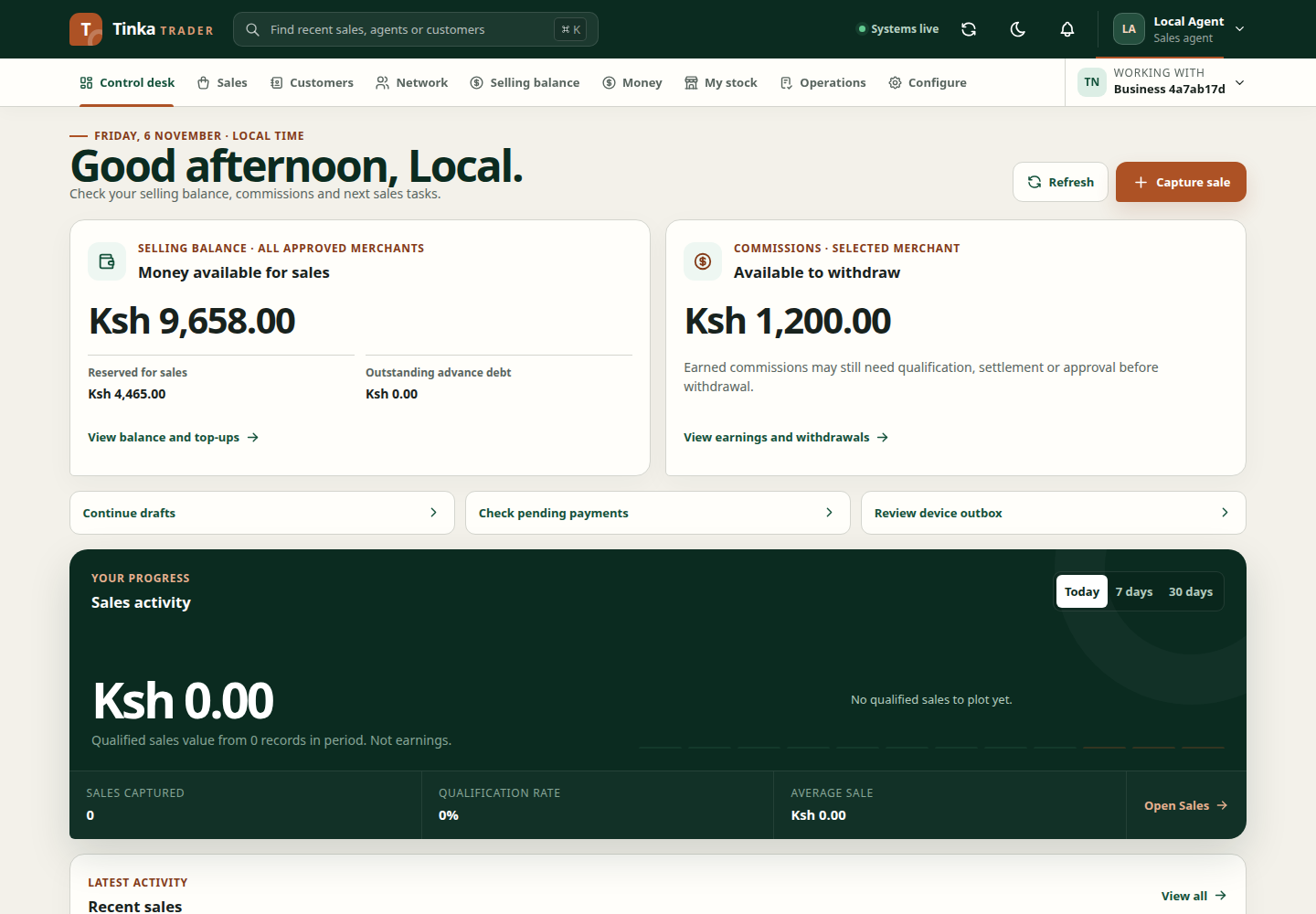
- Check Working with.
- Refresh the affected workspace.
- Read the exact unavailable-access message.
- Ask your administrator for the task you need to perform and the affected merchant, rather than requesting unrestricted access.
Permissions are refreshed and stale protected views are cleared when access changes. Previously cached data should not be treated as authority to keep working after access has been rejected.
Administrators can use identity and access management for platform grants, merchant users, and agent memberships. Permission to view a record does not imply permission to change it or download its evidence.
Expired sessions
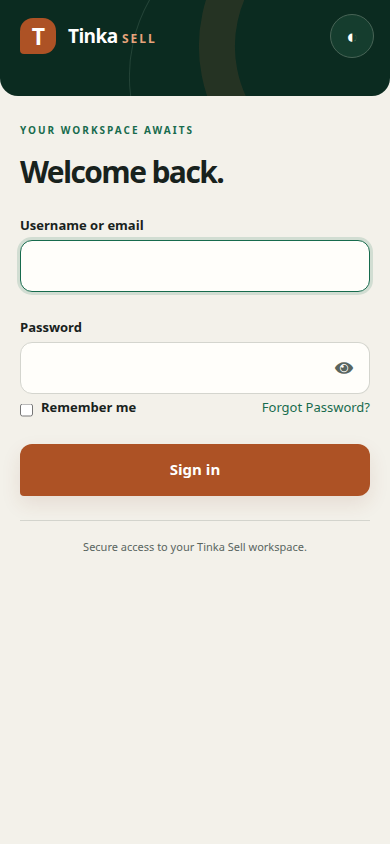
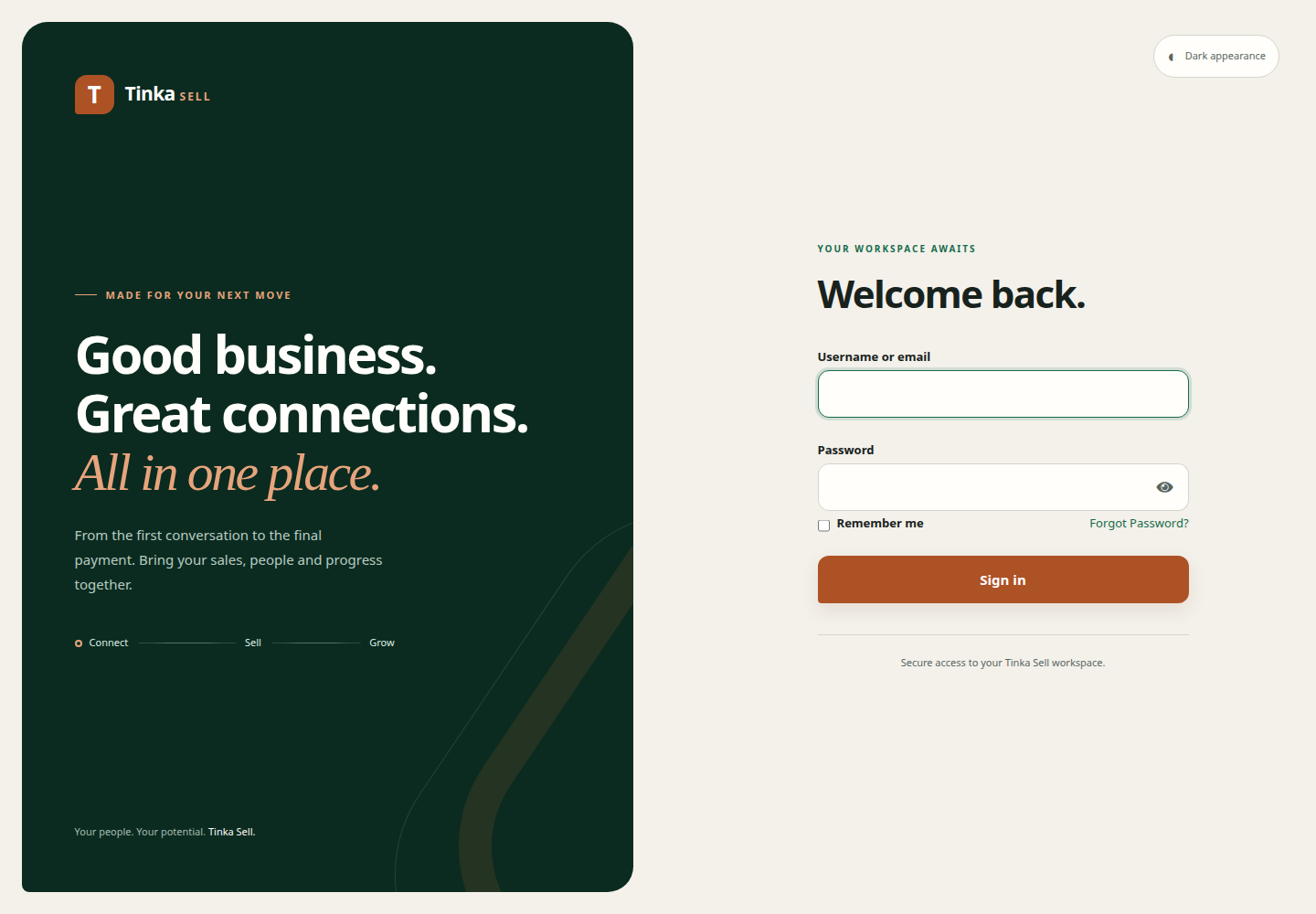
If the application requests sign-in again, reauthenticate through the supplied identity provider. Do not paste access tokens into the browser console. If account recovery is offered on the login page, follow that provider's process; otherwise contact your administrator.
Pending work is associated with the account and merchant that created it. Switching to another account does not transfer those drafts or make them safe to submit.
Sign out
Open the account menu and select sign out. Wait for the signed-out confirmation. If cleanup reports a storage error, follow its retry guidance before handing the device to someone else. Closing the tab does not confirm account-linked local data was cleaned up.
Request support safely
Share the page, task, merchant reference and displayed error/reference. Never share your password, access token, private key or unredacted customer records. For other problems, use troubleshooting.
Sign in — screen example