Manage identities and access
Access combines the person's identity, role, permitted actions, merchant, and effective dates. An administrator role label alone does not grant every action.
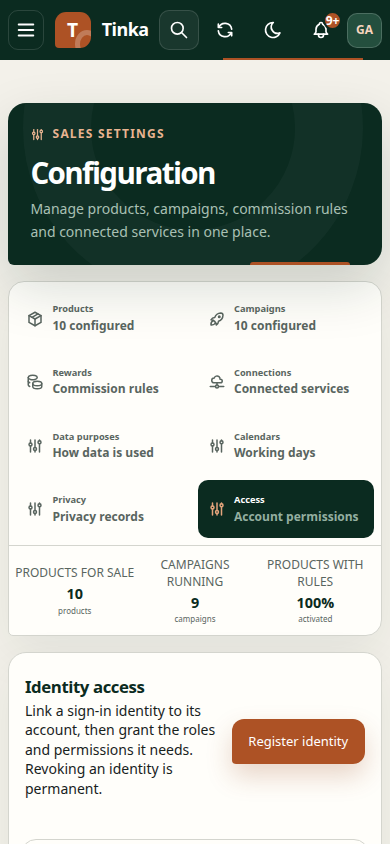
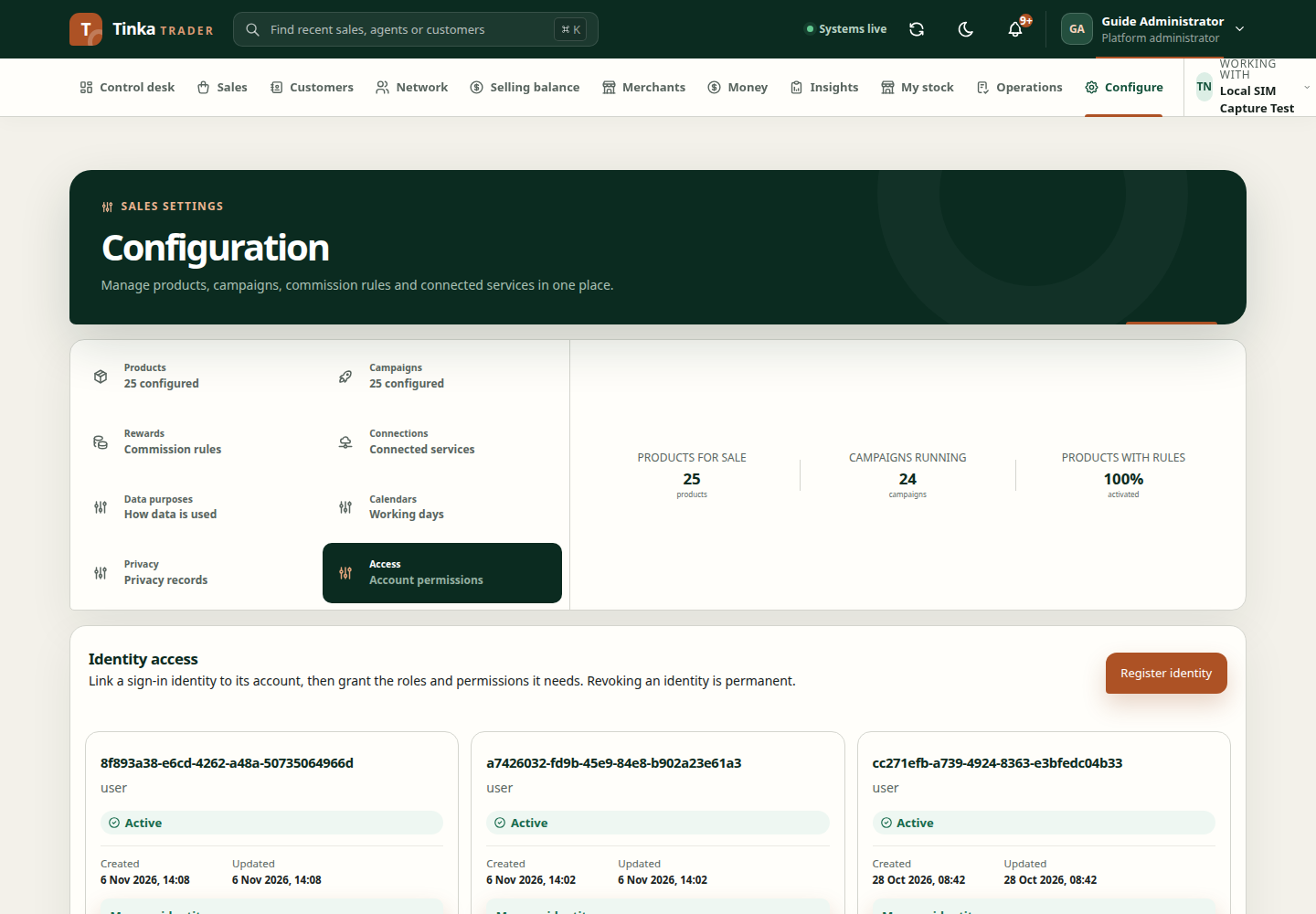
Platform identity administration
Configure → Access requires an active platform administrator membership and the relevant access permissions. This screen registers identities with Tinka Trader and manages their access; it does not set identity-provider passwords.
- Find the identity first to avoid duplicate registration.
- For a new identity, enter the exact Identity subject ID supplied by the identity administrator. An email address is not a subject ID.
- Choose the identity type and any required agent or integration binding. Only use confirmed identifiers.
- Review allowed OAuth clients with the identity administrator. These control which applications may use that identity's access.
- Save, open the identity, and create an access grant for the required role, merchant scope, permitted actions, and effective dates.
- Review the saved grant before asking the person to refresh their access or sign in again.
Use only the scope codes needed for the job. The backend checks whether the role, scopes, identity type, and merchant scope are compatible.
Suspend or revoke access
Inspect the current identity or grant before changing its status. Give a clear reason and check effective dates. Revocation is permanent in this interface; use a supported temporary status when the approved intent is temporary suspension.
Merchant users
Open Merchants, select the merchant and user, then Manage access. Review the exact identity subject, role, status, and effective dates. Explain the change before saving. This is delegated merchant access, not unrestricted platform administration.
Agent memberships
Open Network → agent profile and its memberships. Create or update the merchant membership with the approved role, capabilities, and effective dates. An ended membership is terminal in this interface.
Membership does not replace identity verification, contracts, or other agent activation requirements. See agent onboarding.
When access still fails
Confirm the person, merchant, active dates, and required read/write permissions. Independent approval and record-state rules still apply. Share the blocked task and error reference with the administrator, not passwords or tokens. See access troubleshooting.