Manage products
Products define what a merchant can sell. Their configuration affects sale capture, pricing, stock requirements and qualification rules.
Create a product
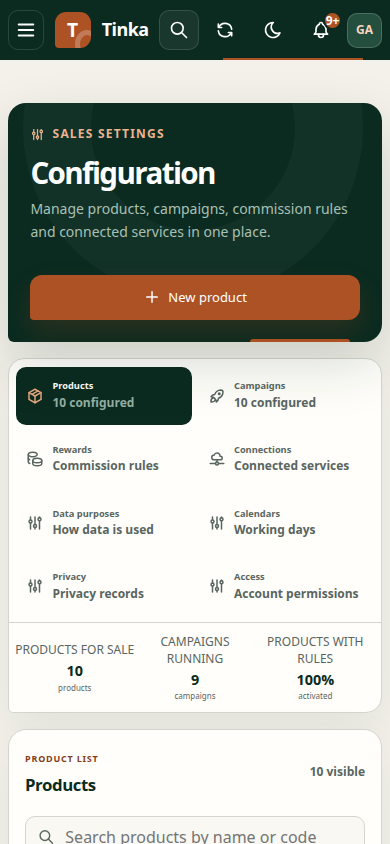
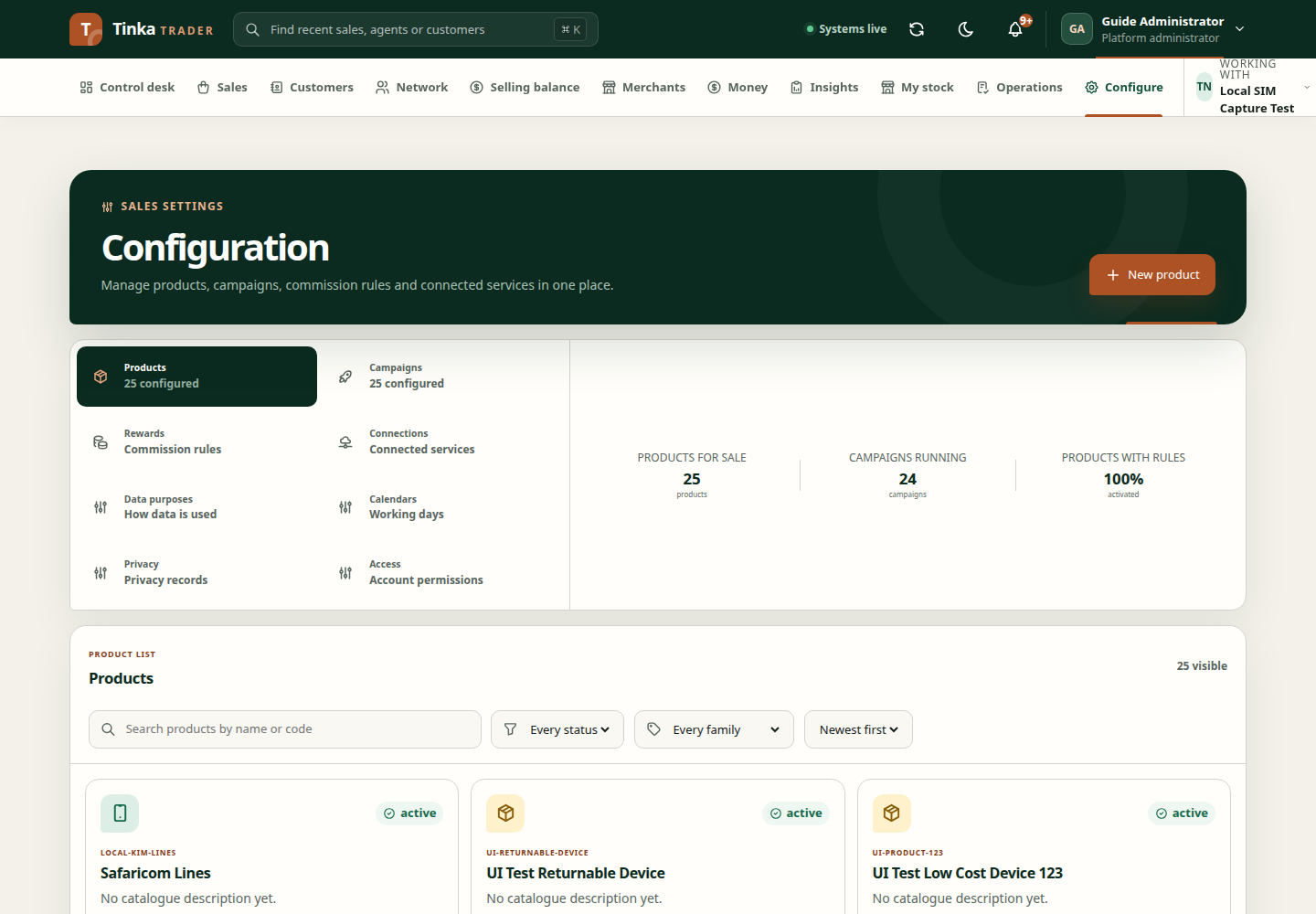
- Open Configure and the product catalogue.
- Select Create product.
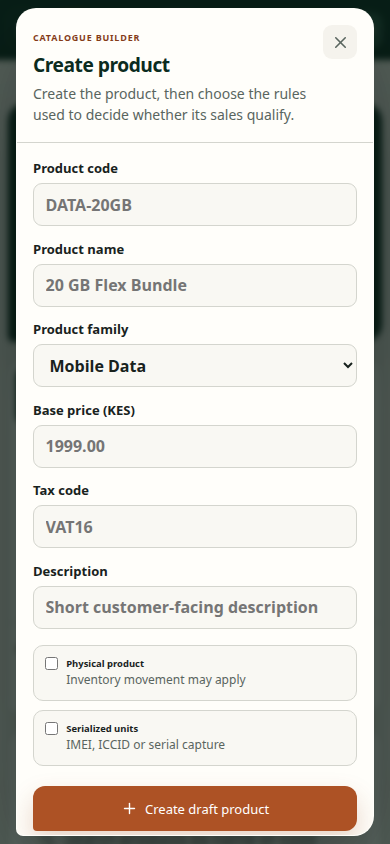
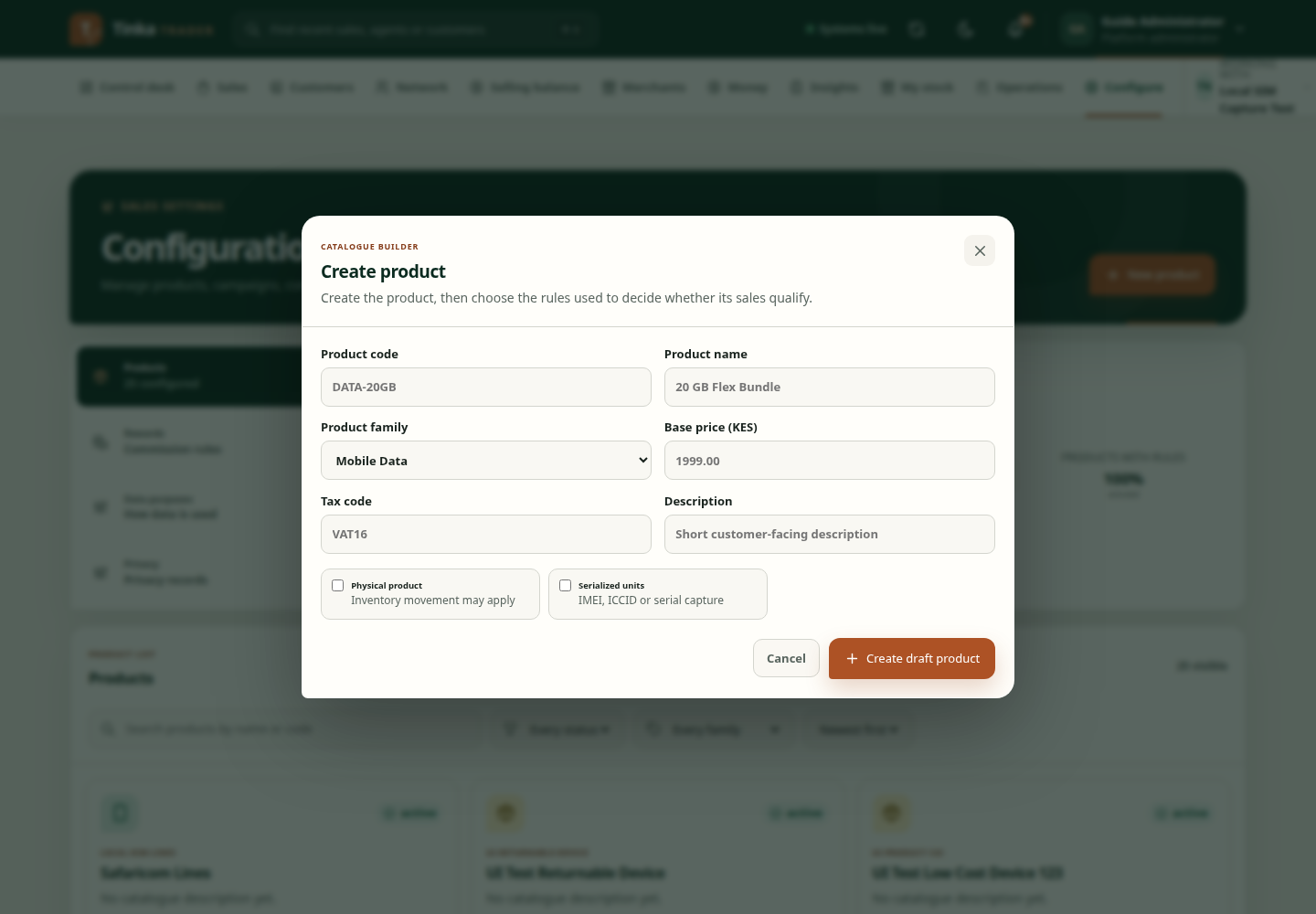
- Enter Product code and Product name. Codes should be meaningful and stable; names should be understandable to staff selecting them.
- Choose Product family from the options supported by the application.
- Set physical and serialized characteristics according to the real product.
- Enter Base price (KES) if the product has a fixed base price. Follow the form's supported empty-value behaviour for variable pricing.
- Complete Tax code and a short Description where applicable.
- Review and save, then inspect the created product.
Money fields accept up to two decimal places. Do not enter an amount in minor units into a field labelled KES.
Edit or change status
Use Edit to update supported details. Status controls may offer Activate, Suspend, Restore or Retire depending on the record. Review the effect on new sales and campaign eligibility before changing availability.
The client checks for a newer product version before saving an edit. If the product changed, close the form, refresh and review current values. Do not keep submitting the stale form.
Connect products to business rules
A product record alone does not define all sale evidence or commission behaviour. Review product rules, include the product in the appropriate campaign, and check reward plans and assignments.
If a family or option is unavailable, use only supported choices. Do not choose an unrelated family merely to pass validation.
Create product — screen example