Your account
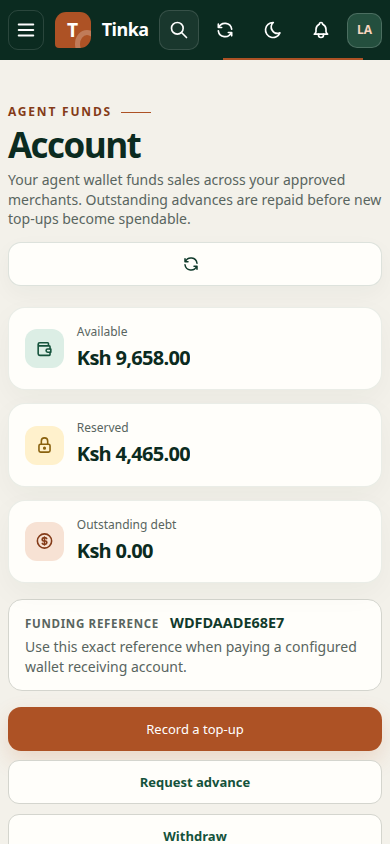
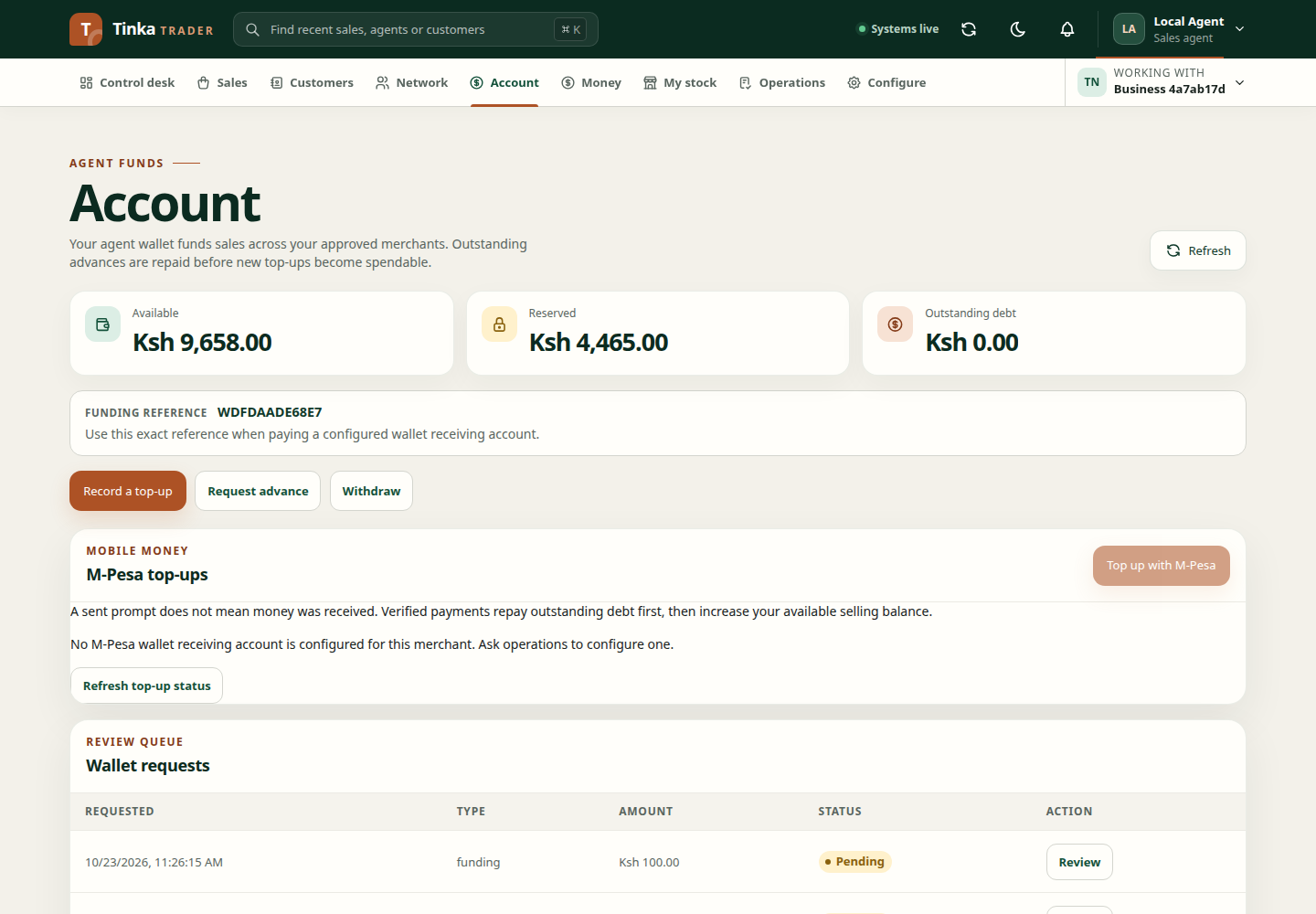
Open Account to check your selling balance, top-ups and activity. Selling balance is money an agent can use to pay for eligible sales. One agent has one shared balance across approved merchants. It is separate from commission earnings and merchant Trade Float.
Read the balance
| Amount | What it means |
|---|---|
| Available | Money that can be used for a new eligible sale |
| Reserved | Money held for sales that have not reached their configured completion point |
| Outstanding debt | Advance money that the agent still owes |
A wallet-funded sale normally moves money from Available to Reserved first. The reservation is settled only after the configured delivery, handover, activation or qualification check succeeds. A confirmed failure or eligible cancellation can release it.
Add money
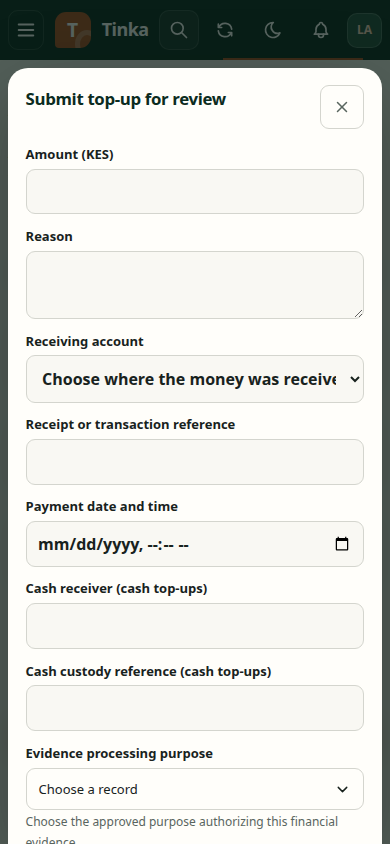
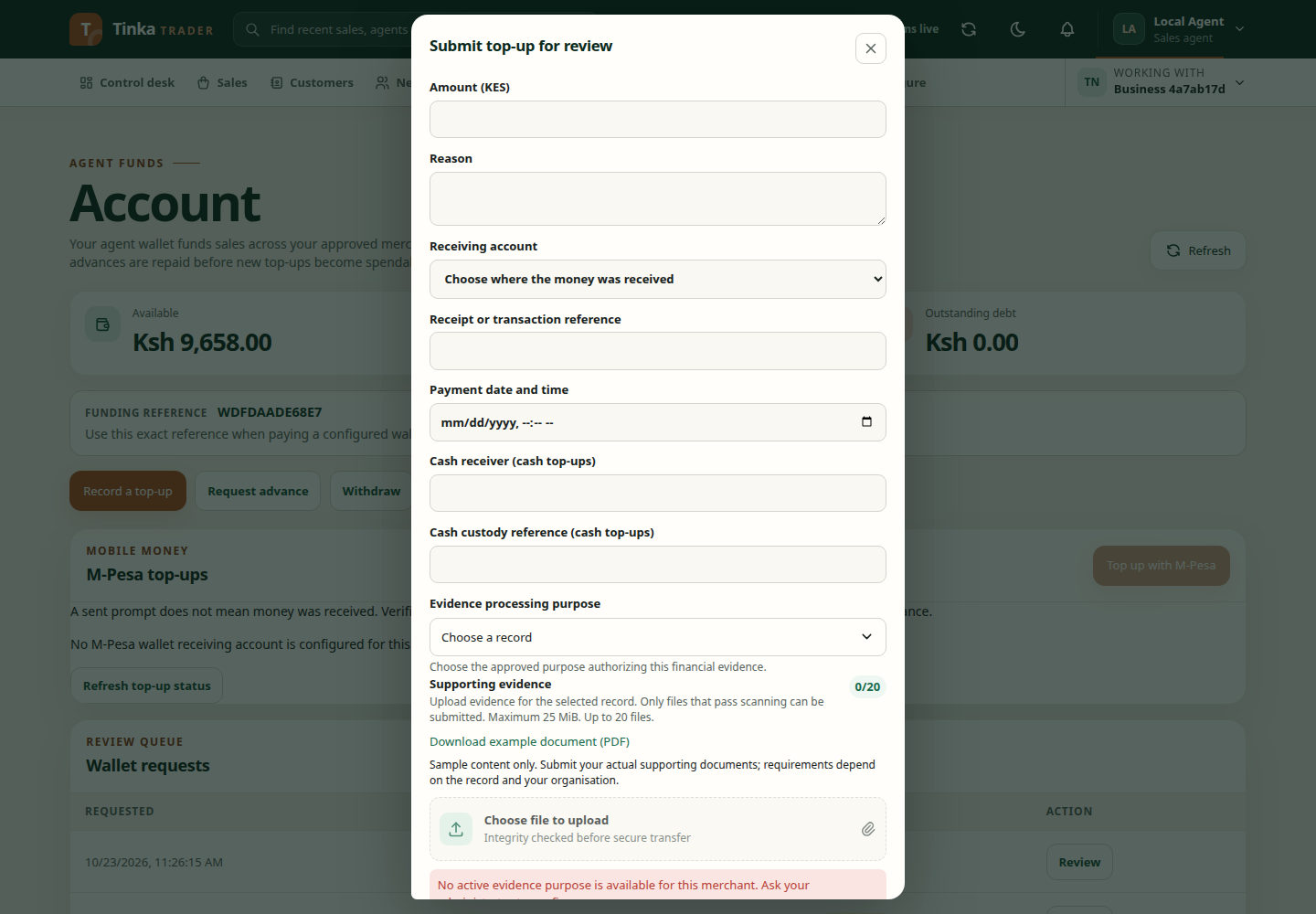
Use Record a top-up when authorised. Choose the receiving account and enter the payment reference exactly as it appears on the M-Pesa, bank or cash receipt. Attach genuine evidence and submit the request.
Uploading evidence does not immediately create spendable balance. A different authorised reviewer must confirm that the receiving account actually received the money. Follow the wallet request until it is applied or rejected.
Platform operators can prepare several top-ups together. See process bulk sales and top-ups.
Top up with M-Pesa
When offered, select Top up with M-Pesa, enter a whole-shilling amount and the payer's phone number, confirm consent and check the receiving account. Submit once, then approve the prompt on that phone.
Pending means Trader is waiting for the provider. A sent prompt or accepted request is not a credited balance. A successful provider confirmation repays outstanding debt first, then adds the remainder to Available. Keep the request open and refresh its outcome before starting another top-up. Cancelling the browser page does not cancel a phone prompt already sent.
Use money for a sale
Selling balance is offered only when the selected product, campaign, agent and merchant satisfy the current rules. Review the sale price, discount and wallet debit before confirming.
The discount reduces the amount taken from selling balance. It is not automatically a second commission. Some products can create a separate commission after their own qualification rules succeed.
Know what happens next
- Pending means another action or review is required.
- Reserved means money is held for a sale and is not available for another sale.
- Applied means a top-up has been credited or another wallet operation has completed.
- Failed or rejected means no successful result should be assumed; open the request and read its reason.
Use Wallet activity to trace changes. If a result is unclear, share the wallet request, batch or sale reference with support. Do not submit the same payment again until its existing state is known.
Access and availability
Wallet controls depend on your permission, selected merchant, agent eligibility and the merchant's enabled selling-balance policy. A missing action can be expected when one of these requirements is absent. Ask an administrator to check access and policy instead of using another person's account.
Record top up — screen example