Work with sales
A sale connects a customer, agent, campaign and products. Its progress can include evidence, payment, verification, fulfilment and commission decisions. These are related, but they are not interchangeable statuses.
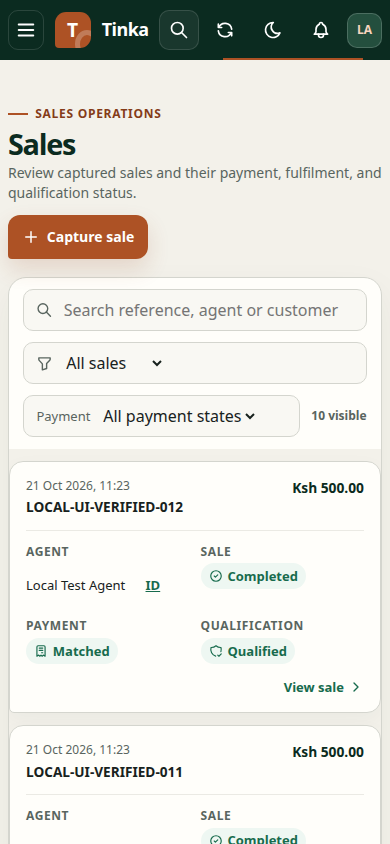
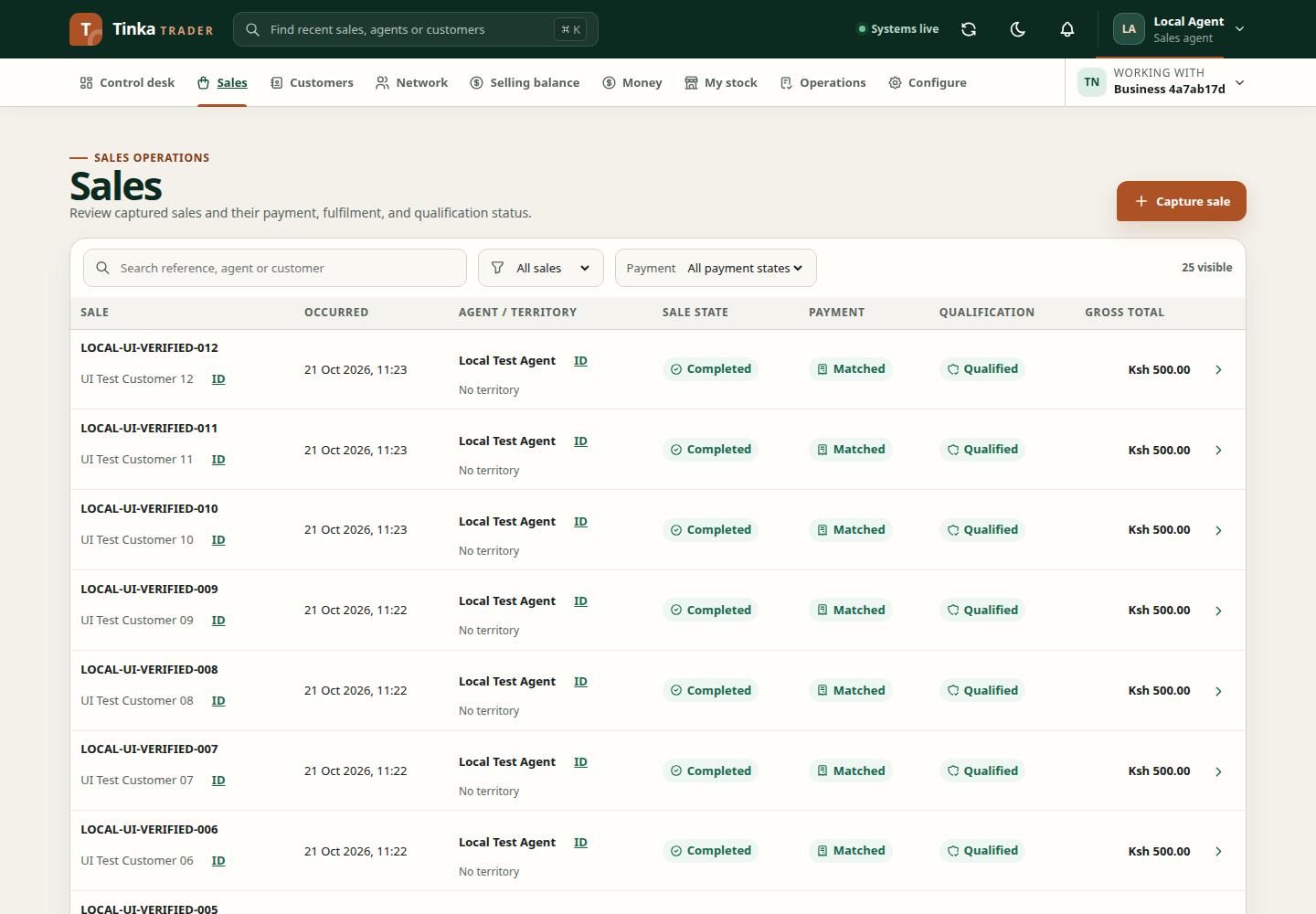
Find and inspect a sale
- Open Sales for the correct merchant.
- Search using a known sale reference and adjust the existing filters if necessary.
- Open the sale's detail view.
- Check the customer, agent, products, quantities, amount and date.
- Read each lifecycle status and any required action or evidence.
A merchant sale reference is the business reference entered during capture. A Tinka sale ID is the system-generated identifier. Use the type of identifier requested by a form or import.
Choose the next task
- Record a sale when the transaction has not yet been captured.
- Provide evidence and review progress for an existing sale.
- Verify details in bulk when authorised to import verification facts.
- Recover offline submissions when capture occurred without a reliable connection.
- Match a payment when money has arrived but is not linked to the sale.
- Request a refund or return when a completed transaction needs that workflow.
Avoid duplicates
Before recording a sale again after an error, search for its original reference and inspect the outbox. An interrupted response does not prove the original submission failed. Keep the same business reference when retrying the same sale through its existing retry controls.
If a sale is missing, check merchant, filters, access and queued work in that order. If a sale is present but an action is missing, its current state or your permissions may prevent that action.