Upload files and supporting evidence
Files support contracts, payment evidence, identity checks and imports. A selected file is not automatically an attached, usable file.
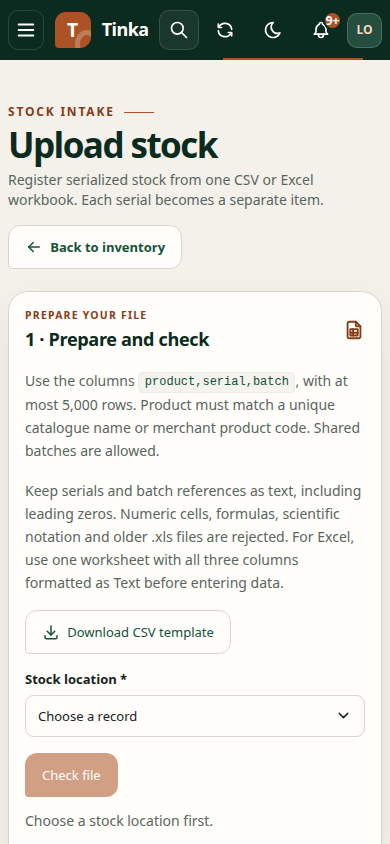
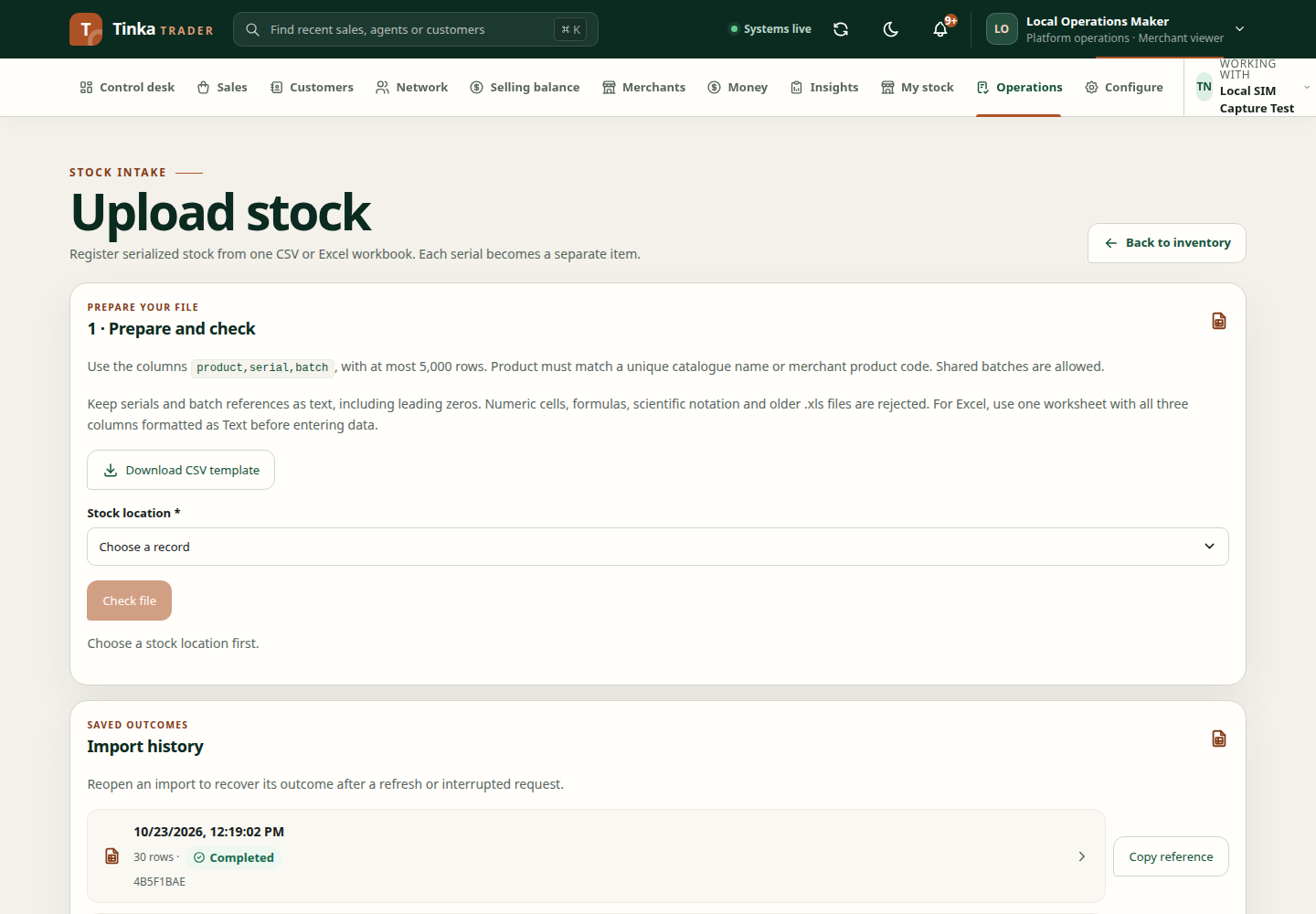
Prepare a file
Choose the evidence category that matches the task. Check the accepted formats shown by the uploader; different tasks can require different content, such as a CSV for bulk verification.
Files must be non-empty and no larger than 25 MiB (26,214,400 bytes) each. Use a clear business filename and check that the document belongs to the selected record and merchant.
Upload and confirm
- Confirm Working with before selecting the file.
- Open the relevant upload picker. A sole eligible Document processing purpose is preselected; choose explicitly if several apply. The form determines the evidence category and supplies its record owner.
- Select the file and wait for upload to storage.
- Wait for completion and the scan result.
- Confirm the file is shown as successfully attached/clean before submitting the surrounding form.
The client does not attach a file when the completion response reports a scan state other than clean. An upload can reach storage but still fail to become usable evidence.
Understand failures
| Message or situation | What to do |
|---|---|
| Empty or oversized file | Create a valid smaller file and choose it again |
| Unsupported format | Use the format requested by this task; renaming an extension does not convert content |
| File could not reach storage | Check the connection and retry; if persistent, ask support to inspect storage access |
| Scan pending or rejected | The file is not attached; follow the displayed guidance or contact support for scanning status |
| Wrong merchant selected | Stop and return to the correct merchant before uploading |
| No active document purpose | Ask an authorised policy administrator to configure and activate a purpose covering this document and your role |
| Upload control unavailable | Check the selected purpose, record owner, required fields, connection, and file-upload permission |
Do not assume pending scans will automatically become attached without a supported refresh/completion flow. Avoid repeated uploads of the same file while the underlying scanner or storage service is unavailable.
Download an example document
Use Download example document (PDF) where offered to see the expected kind of supporting document. It contains sample content, not evidence that a real verification, signature, or payment occurred. Submit your actual supporting document; your organisation's requirements still apply. A PDF example does not replace a CSV required for an import.
Why the processing purpose is required
The purpose is required by the API and describes the approved use of the information. An empty list leaves uploading unavailable even if your account has upload permission. An authorised administrator can create a draft under Configure → Data purposes, then a different checker must activate it. See data purposes.
The document also needs the correct owner. Upload from the relevant record so evidence belongs to the intended agent, sale, case, or other supported record. Stock-adjustment evidence uses a case; return-conversion evidence belongs to the original sale.
Purpose choices are filtered using that owner as well as your role and effective lawful basis. A consent-based document policy is not selectable for an agent, campaign or client owner with no customer grant. Upload, scanning completion and download independently recheck authorization; a choice is not a permanent grant.
Administrators can run the read-only privacy:audit-purpose-coverage command
before rollout to find missing document-use policies and customer notices. This
checks setup coverage, not every actor's authorization, and never seeds or
activates policies. Privacy changes remain draft/review/checker-controlled.
Download saved evidence
Where a download action is offered, you need file-read permission as well as access to the record and merchant. The application requests a fresh expiring link and downloads using your signed-in access. If it expires or fails, reopen the record and request the download again. Do not share temporary links or assume permission to upload includes permission to download.
Include only information needed for the task, and redact sensitive data before sharing an error screenshot outside the authorised workflow.