Find and maintain customer profiles
Customer profiles identify the person associated with a sale. Correct records help avoid duplicate customers and evidence linked to the wrong person.
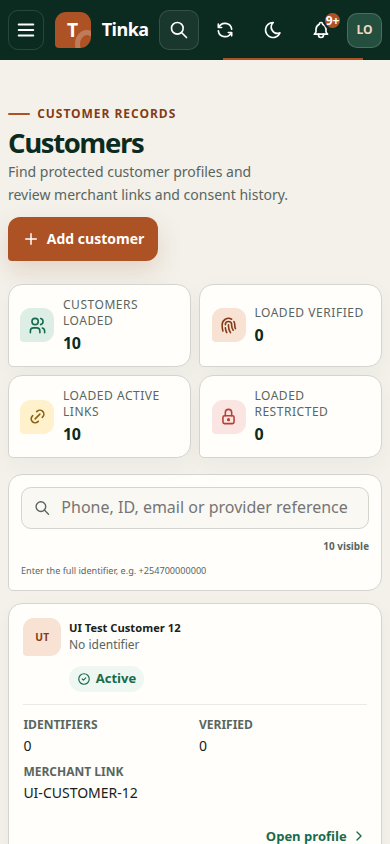
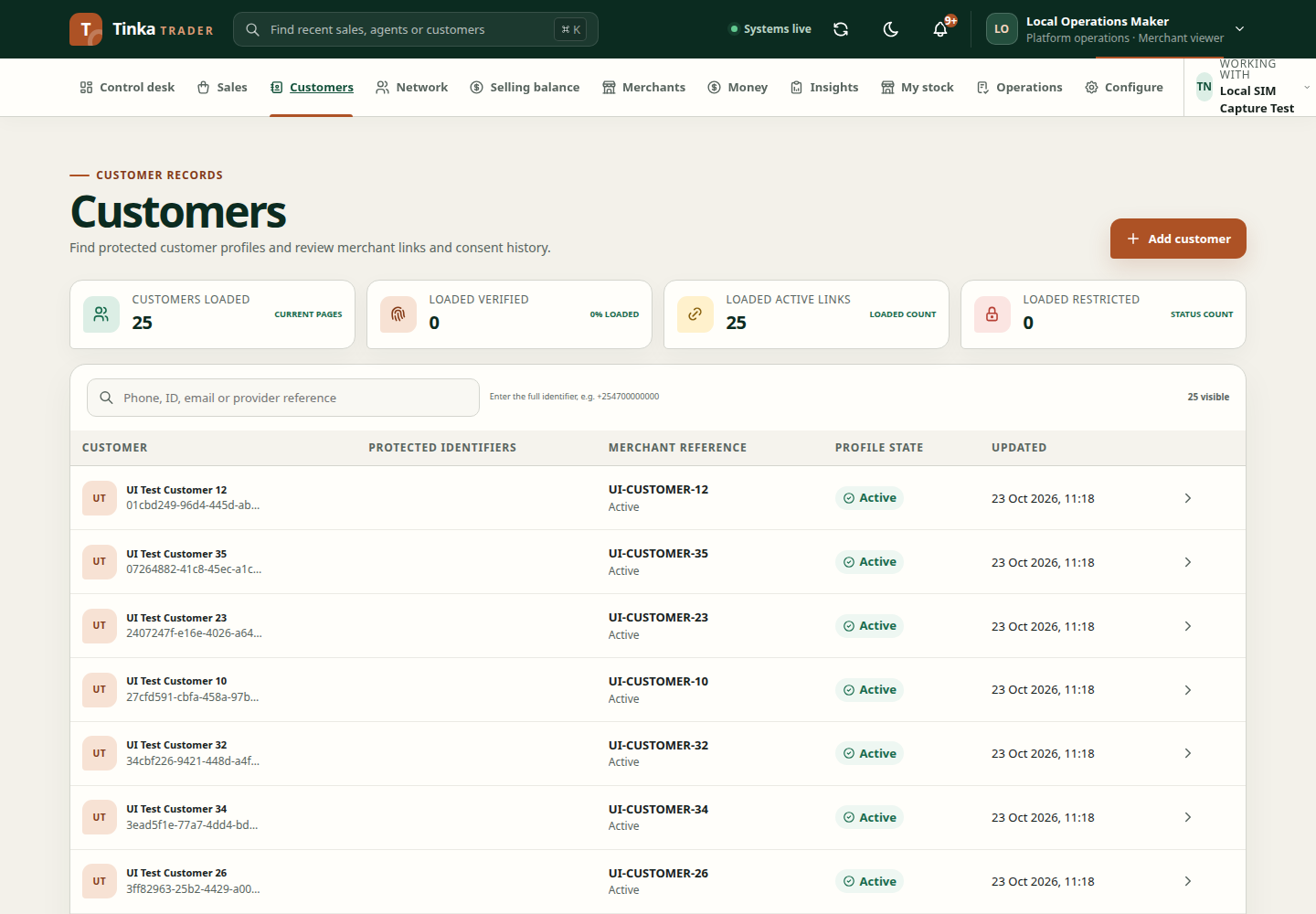
Find an existing customer
- Open Customers under the correct merchant.
- Search with the identifier supported by the screen, such as the customer's mobile number or other known reference.
- Review matching records carefully. Similar names do not prove two records identify the same person.
- Open the profile and check the visible identifiers. Some values are intentionally masked for privacy.
Search before creating a new profile. A filtered empty list is not proof that a customer does not exist in another view or under another identifier.
Create a profile
Open the create-customer action, enter the requested name and identifiers, and check validation before submitting. Enter real values in the required format. Avoid placing private details into unrelated notes or reference fields.
Select an active processing purpose covering the information you are collecting. If no purpose is offered, check the merchant and ask an authorised administrator to configure and activate one under Configure → Data purposes. This is an API requirement, not an optional description. See data purposes.
After saving, reopen the new record and confirm its displayed name and identifier summary. Use this profile when capturing the customer's sale.
Correct an existing profile
Use Correct customer profile where authorised. Review Display name, New identifier type, New identifier value and Correction reason. Supported identifier choices include mobile, national ID, email and provider reference.
Explain what was corrected and why. An identifier correction is not a way to transfer a sale to a different person. If the record changed while open, refresh and review it before resubmitting.
Consent is a separate decision
Creating or correcting a customer does not imply that the person agreed to every use of their information. Record consent through the consent workflow, with the correct purpose and notice version.
If a profile is missing or inaccessible, verify merchant and permissions. Do not send a screenshot containing full personal details when asking support; use the record reference and a redacted explanation.