Record consent or notice acknowledgement
Decision records capture an actual consent grant, denial, withdrawal or notice acknowledgement. They are separate from profile corrections and do not change the customer's lawful basis.
Before you start
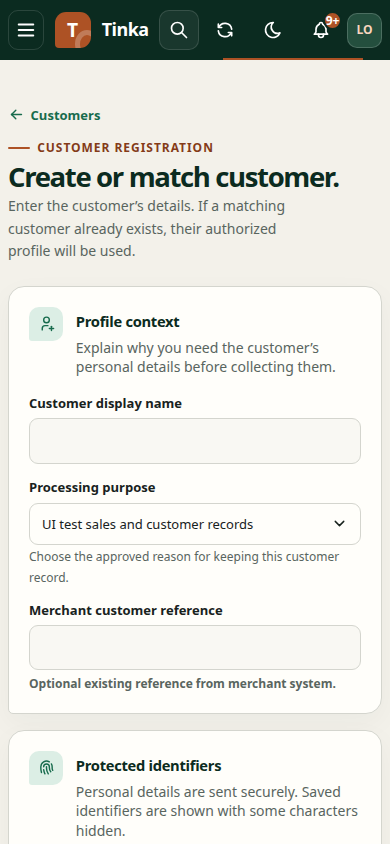
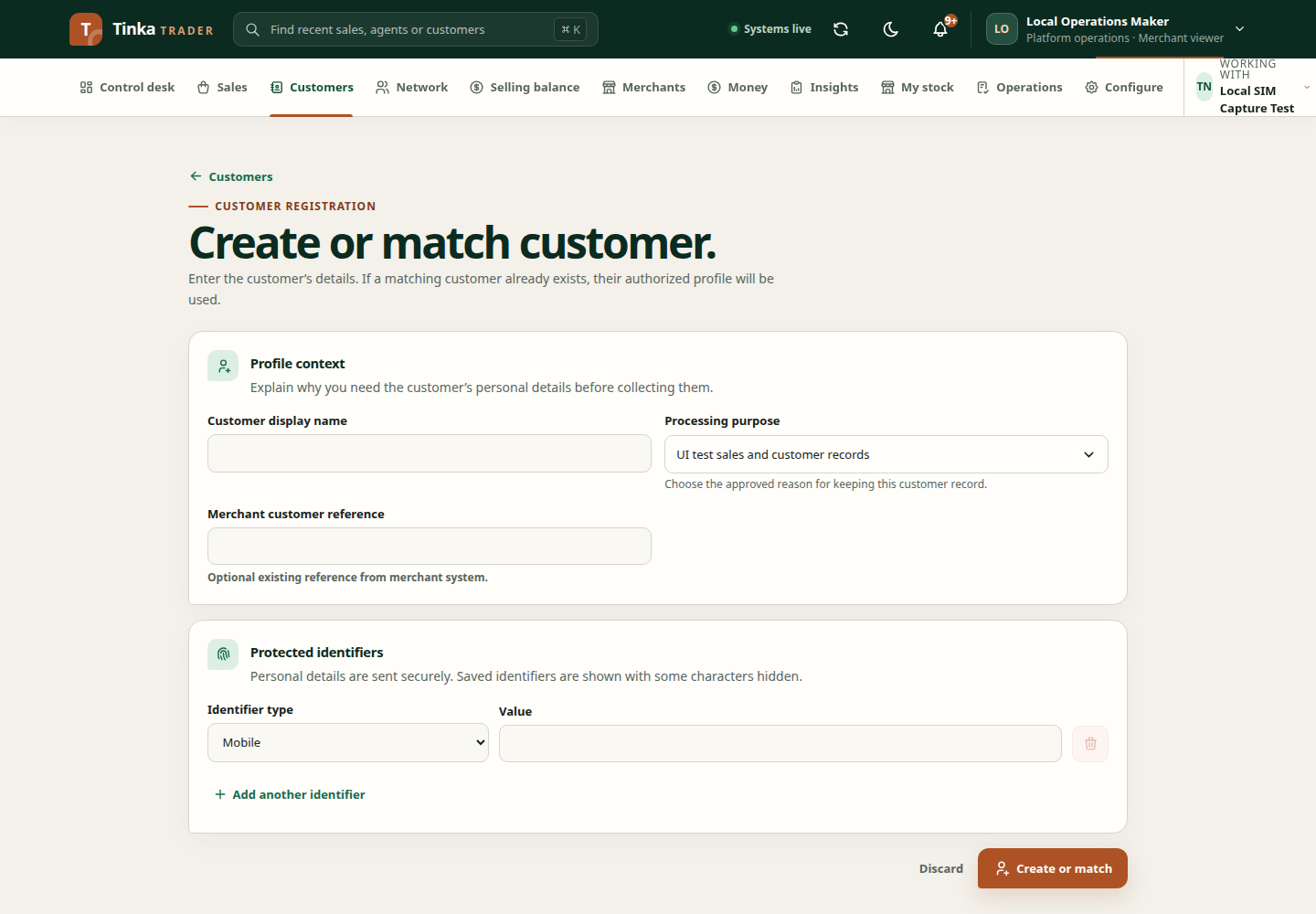
You need authority to record consent, the correct customer profile, and evidence of the actual decision. Know which notice the customer saw and the channel through which they responded. Do not assume consent from a completed sale.
Enter the decision
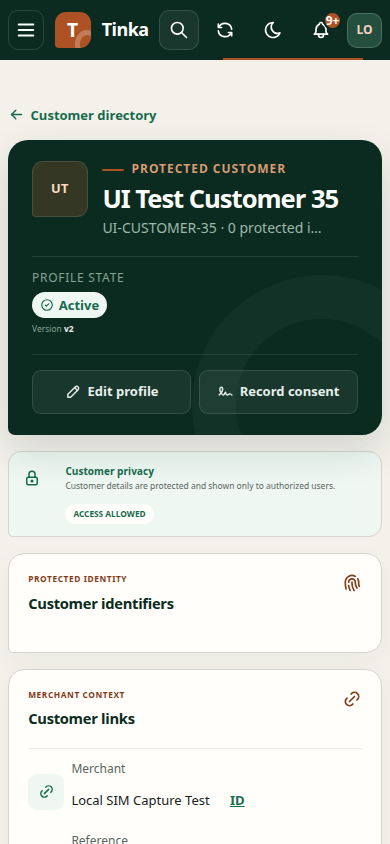
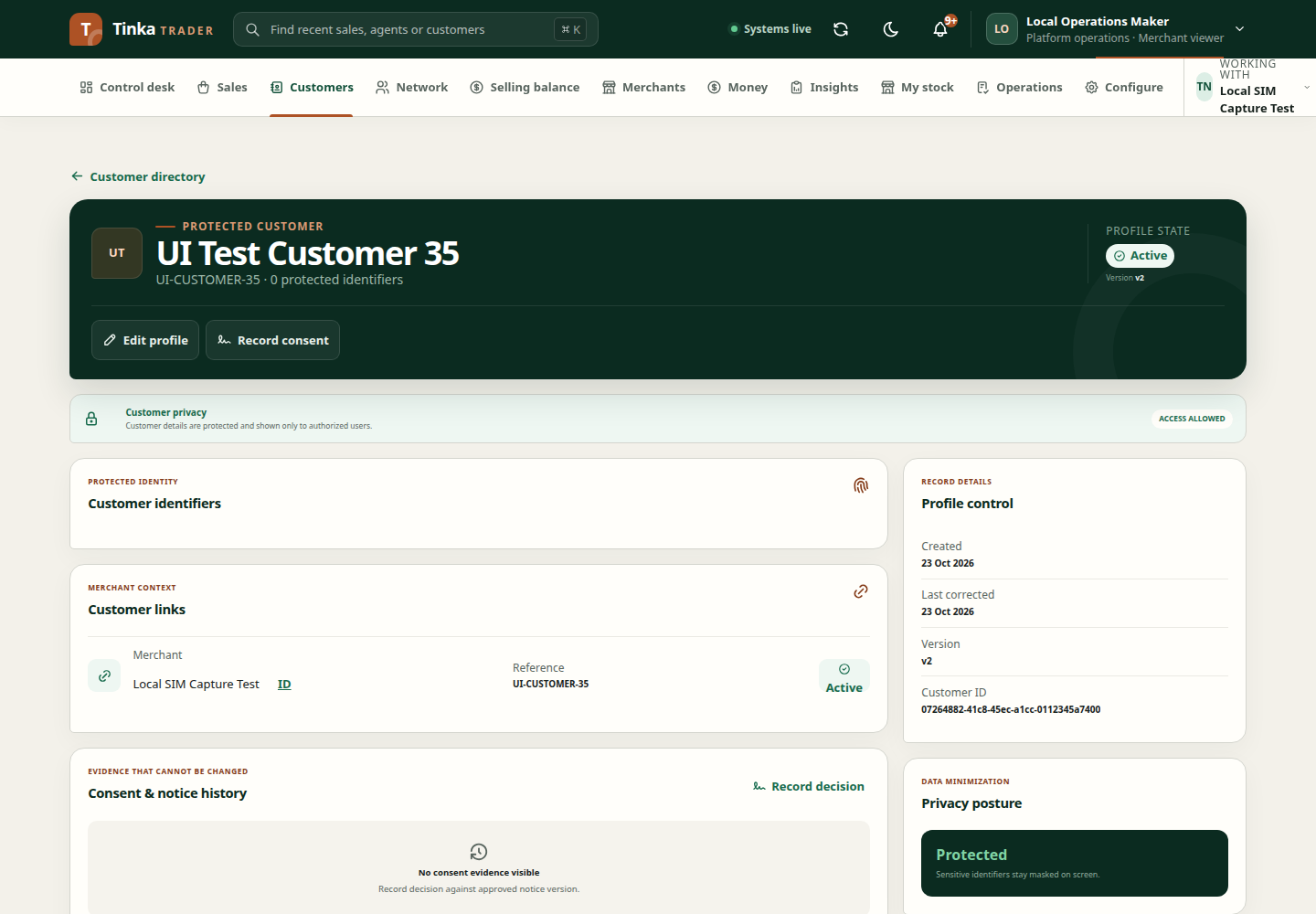
- Open the customer's profile and Record decision.
- The Processing purpose comes from the customer's existing binding and your recording authority. A single eligible purpose is preselected. Do not substitute an unrelated purpose from an administrative catalogue.
- Read the approved notice. Its current version is supplied by the API and is read-only when published. A legacy non-consent policy without a published notice needs the actual version shown to the customer, never an invented value.
- A consent-based purpose permits Granted, Denied or Withdrawn. A contract or other non-consent basis permits Notice acknowledged only. Granting consent requires an explicit customer-agreement checkbox; preselecting a purpose does not grant consent.
- Choose Channel, such as Agent app, Customer app, Web, Paper or Provider.
- Set Captured at to the actual decision time. The form preserves seconds and milliseconds so immediate decisions are not rounded before the notice became effective or before a recent decision. Subsequent decisions must be later than the previous one.
- Review and submit. Confirm the recorded result in the profile or resulting response.
Notice acknowledged describes acknowledgement; it is not interchangeable with Granted. Withdrawn records withdrawal of a previous permission rather than an ordinary correction to spelling.
For withdrawal, cite the version of the current grant, which can be older than the currently published notice. Denial or withdrawal does not remove the authorized decision workflow, but it can hide ordinary customer data. A later grant requires a new explicit decision against the current approved notice.
Supporting files are optional. Upload is offered only if the same purpose, customer owner, file-write permission and any required existing grant allow it. The API rechecks the clean file and exact purpose revision; an unrelated evidence purpose cannot be used to bypass these conditions.
An empty purpose list means the bound purpose or recording authority needs review. Ask the privacy administrator to inspect that binding and the effective policy. Adding a generic consent purpose will not repair a contract-based customer and cannot lawfully turn acknowledgement into consent.
If the decision was entered incorrectly
Follow the authorised correction or subsequent decision process supported by your organisation. Do not invent a new notice version or backdate an event to make it fit another record. If you cannot see a correction action, ask the responsible administrator how to record the change.
For missing menus, see access help. For timestamps, see dates and amounts.
Customer profile and consent — screen example