Understand the merchant workspace
A merchant is the organisation whose records you are viewing or changing. Some screens and references use the word “client” for the same organisation.
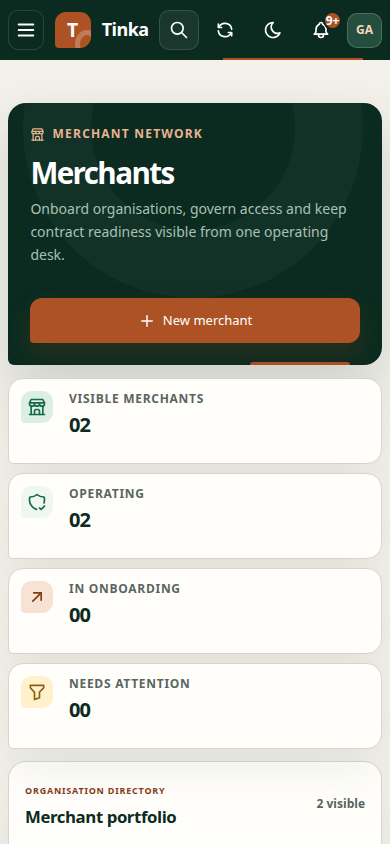
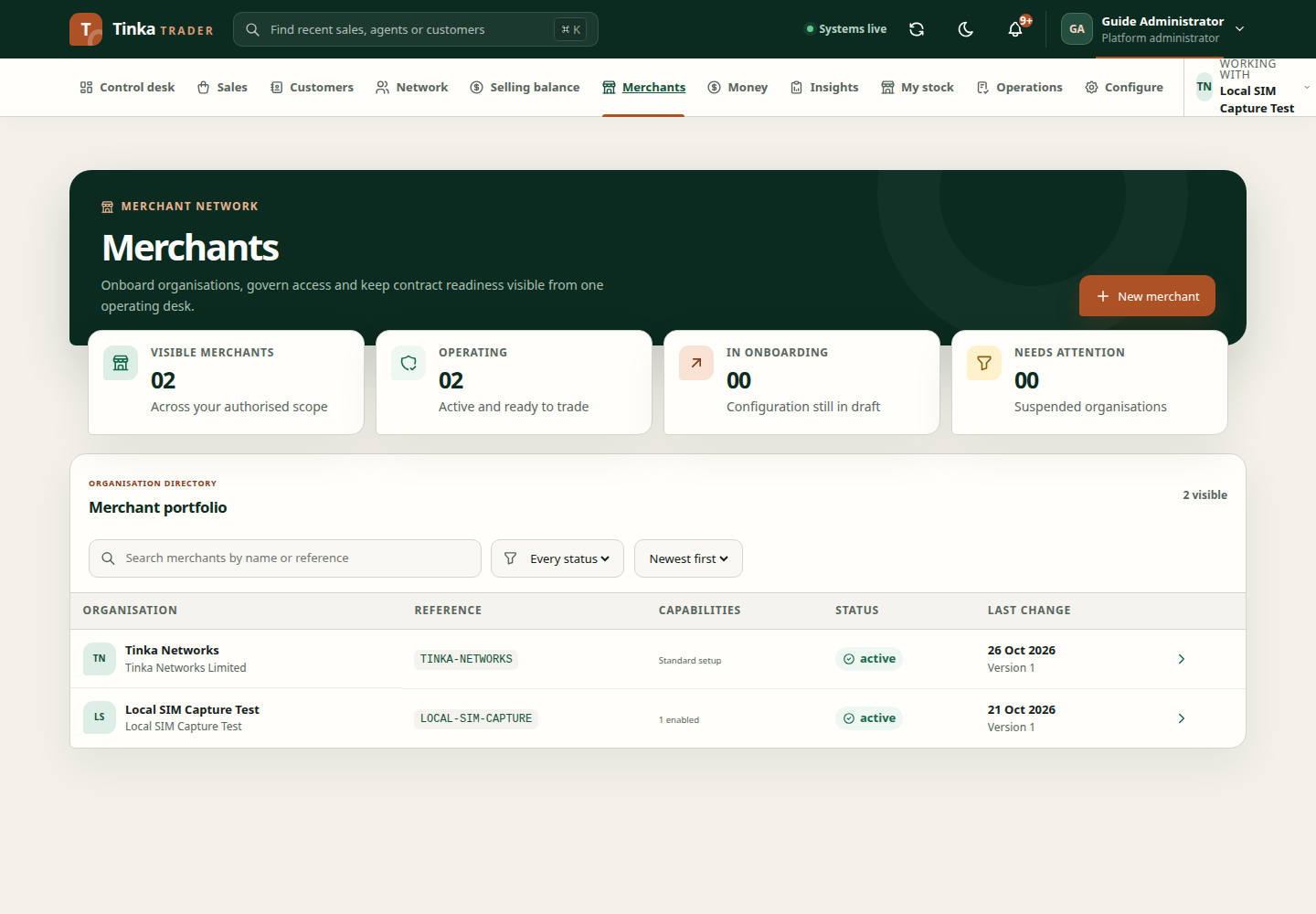
Open a merchant
Use Merchants to browse organisations you can access. Open a detail page to inspect the organisation summary, contracts, delegated users and feature controls. Your ability to view the organisation does not automatically grant permission to change its settings.
Check the registered name, country, base currency and timezone. Financial information should be interpreted within the correct merchant context.
Viewing versus operating
The organisation detail you opened and the merchant shown under Working with are related but should not be assumed identical. Before uploading a contract or creating a merchant-scoped record, select the intended operating merchant. The upload workflow uses that active context.
To work with another merchant, finish current form work, change Working with, and wait for the workspace to reload. The application may select a merchant automatically on sign-in; always verify it.
Edit organisation details
Use Edit organisation where permitted. Review display name, merchant reference and lifecycle status. Activating a merchant has prerequisites; it is not just a cosmetic label change. See activation and users.
Feature switches affect available capabilities. Do not toggle them to troubleshoot a missing menu without understanding the approved setup and permissions.
When a merchant is missing
Confirm that your account has an active membership or the necessary platform access. If the picker shows identifiers instead of names, names may have failed to load. Refresh or ask your administrator to confirm the correct ID.
Never use another merchant as a temporary location for a record that belongs elsewhere. A successful save under the wrong merchant does not solve an access problem.