Merchant activation, contracts and users
Merchant activation depends on the organisation's approved setup. Read the prerequisites shown by the application before changing lifecycle status.
Prepare and approve a contract
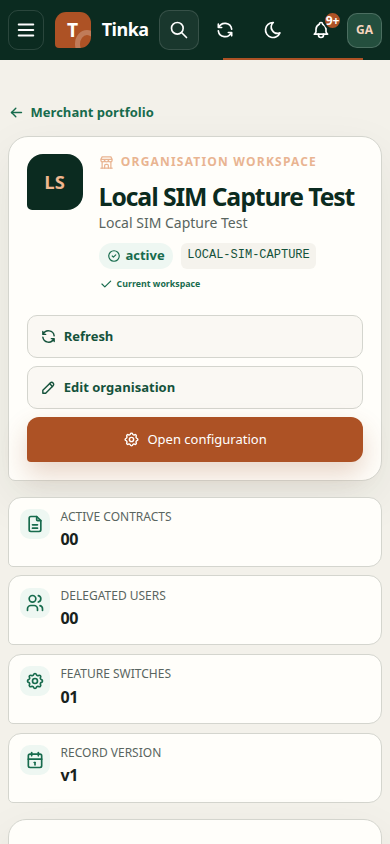
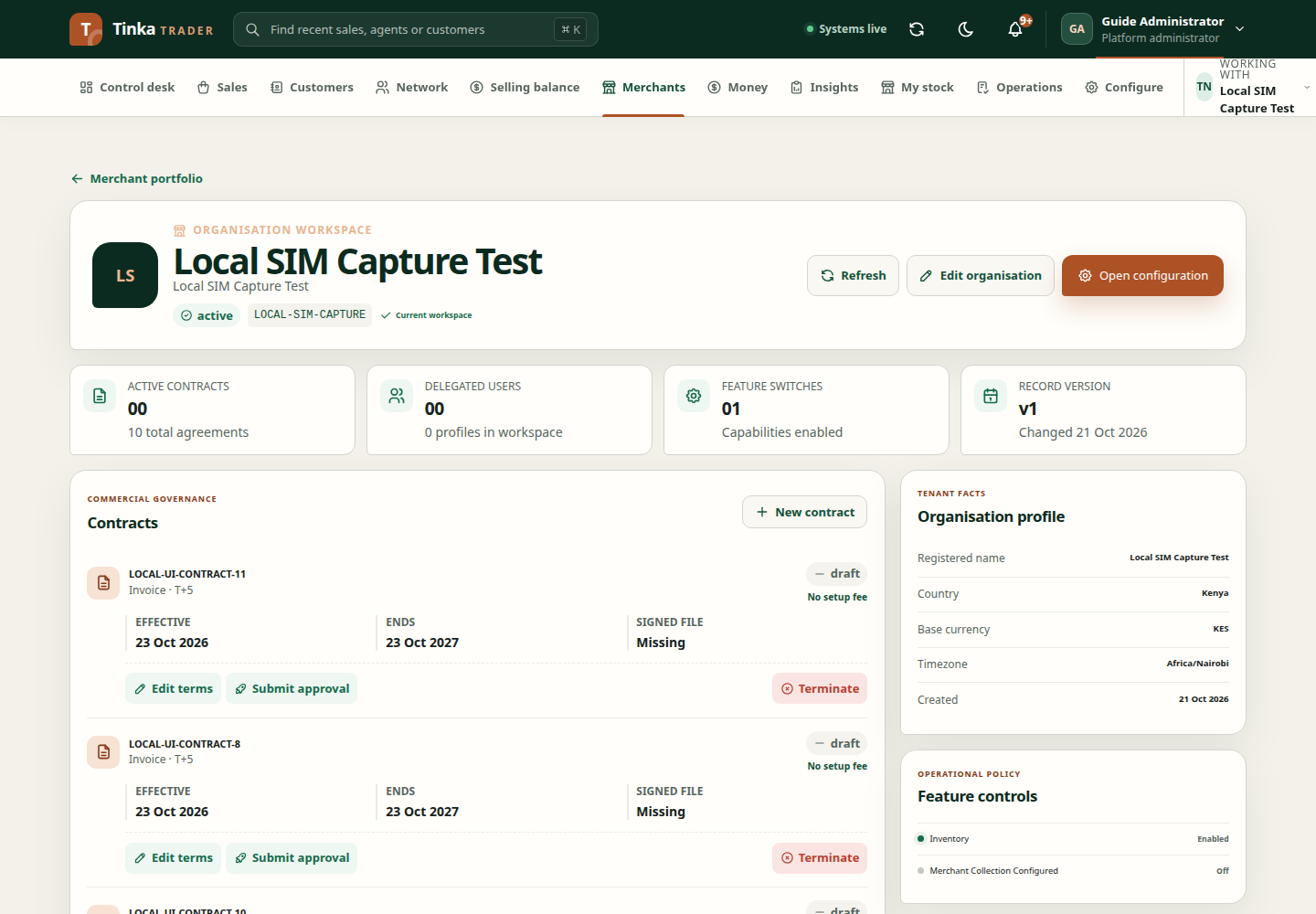
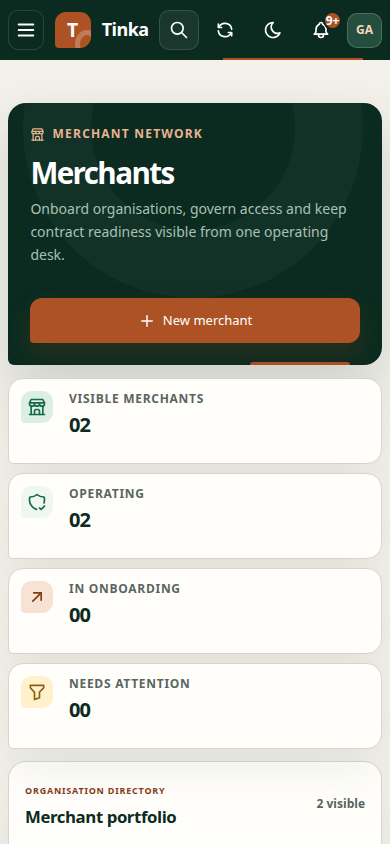
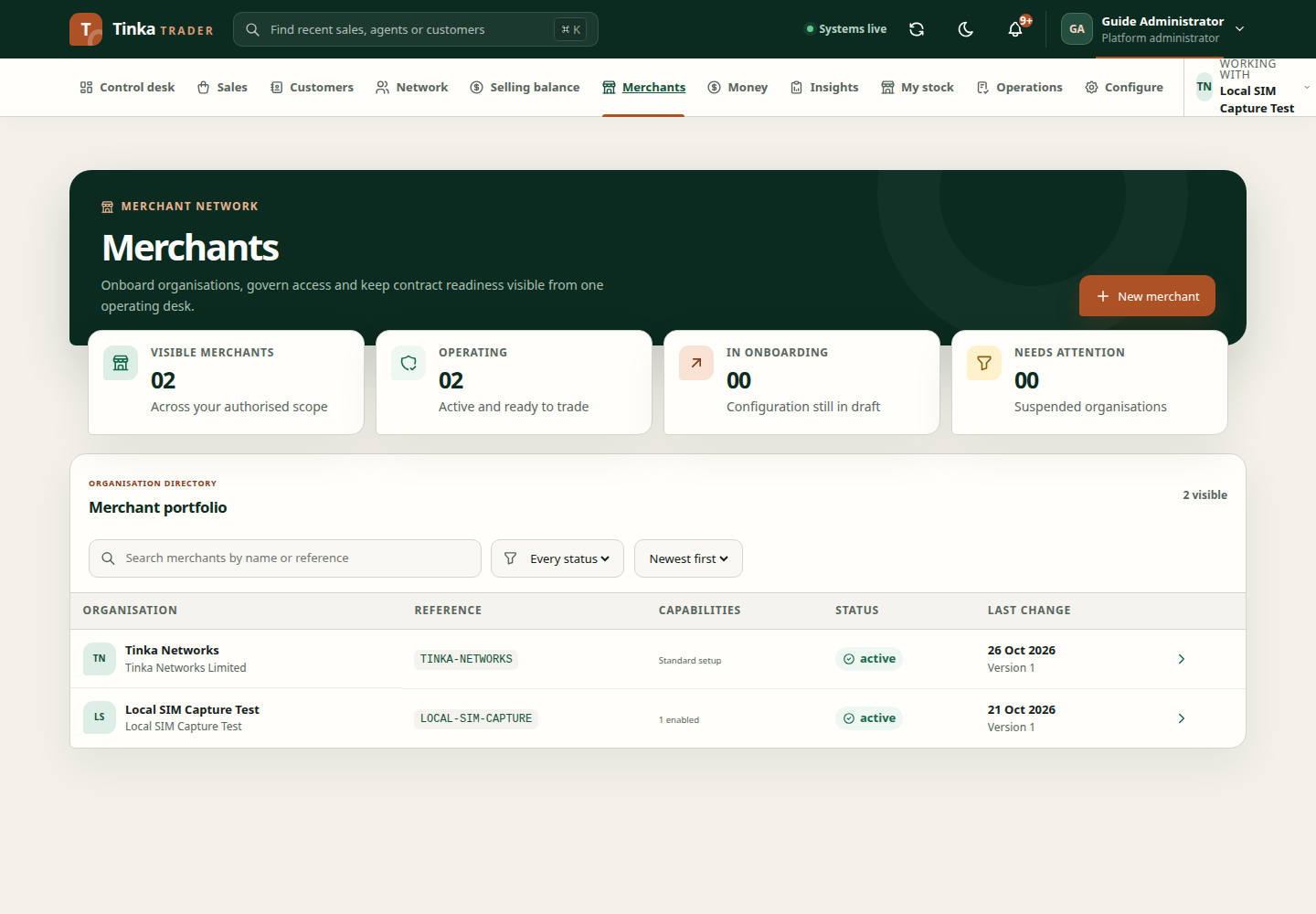
- Open the intended merchant and select it under Working with before uploading files.
- Choose New contract.
- Enter Contract reference, Effective from, Effective to where applicable, and Setup fee (KES).
- Select Settlement basis and complete the related working-day offset or daily cutoff fields as required.
- Upload the signed agreement and save the draft.
- Review the saved terms, then use Submit approval when ready.
- A different authorised finance checker reviews the evidence and uses Checker activate when appropriate.
The signed document is mandatory for activation. Editing terms, returning to draft, marking expired or terminating should follow the actual contract decision. Do not use lifecycle actions to hide an error.
Activate the merchant
Read Before activating this merchant. An active contract and approved collection setup are prerequisites. If collection setup is unapproved or unsupported by the connected service, the client cannot make it approved by changing a switch. Ask the responsible finance or platform administrator to complete the required setup.
Invite a merchant user
Use Invite user, enter the person's work email, and choose the offered workspace role: Viewer, Finance or Administrator. Confirm the intended merchant and role before submitting.
An invitation request being accepted does not establish that email delivery or account activation has completed. Those depend on the connected identity and backend services. If the recipient cannot join, retain the invitation/reference details and ask the administrator to inspect the invitation lifecycle.
Review access periodically
Keep delegated access aligned with current responsibilities. Menus depend on effective permissions and active membership, not only the role label. See account and access.
Merchant setup and users — screen example