Finance: check a payment and sale
Use this path to connect an actual receipt to its sale. You need payment and sale access for the selected merchant. Recording a receipt and matching it to a sale are separate actions.
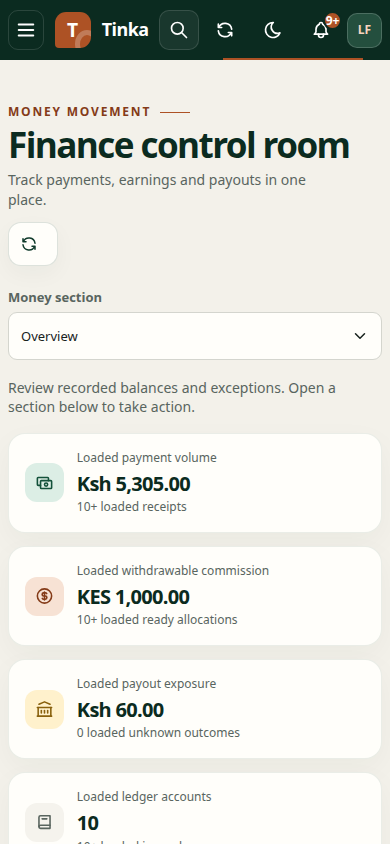
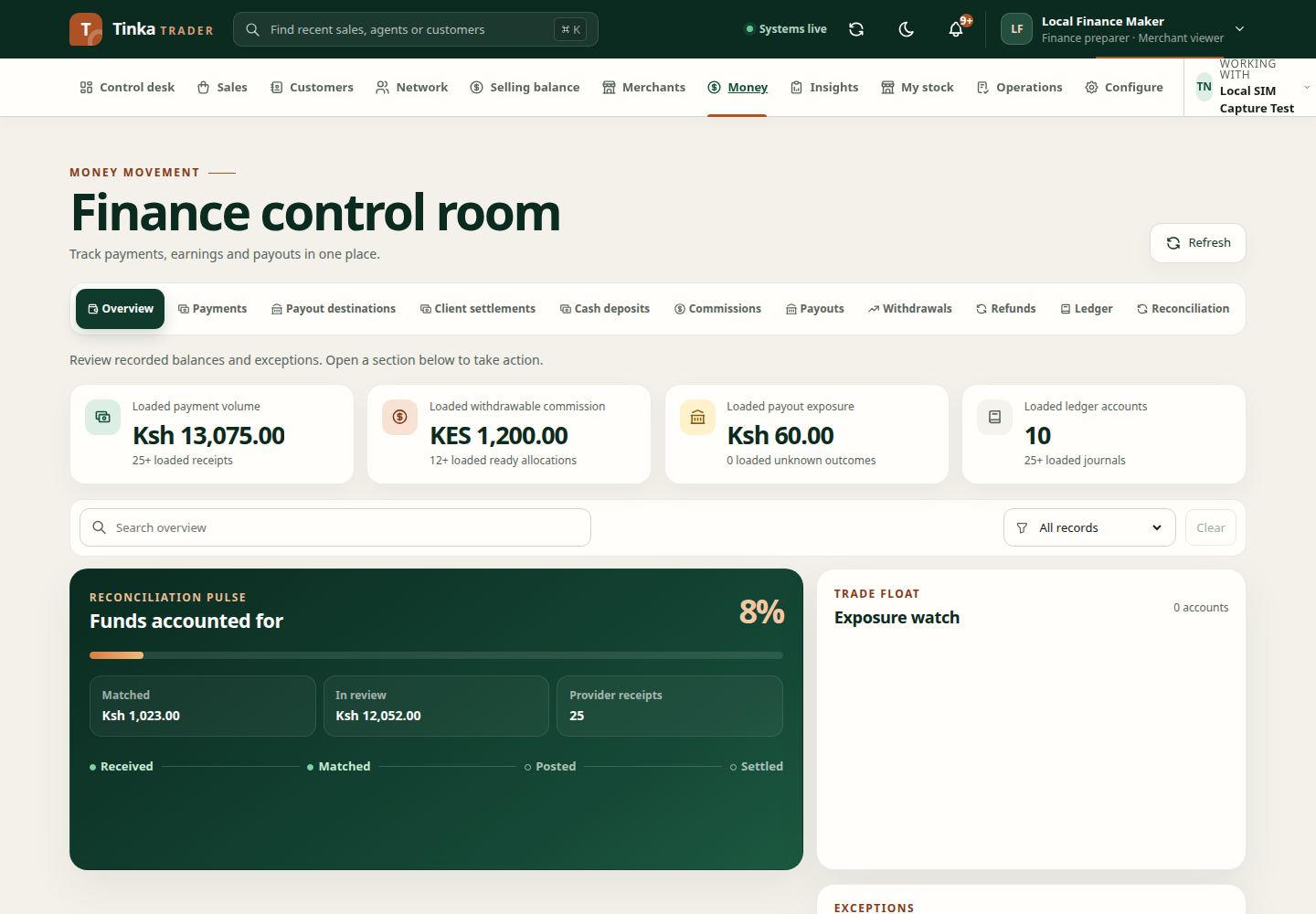
Screen 1 — Find the sale and receipt
Check Working with. Open Sales, find the sale and note its reference, customer, amount and payment status. Open Money → Payments and search the provider reference on the real receipt. If a payment already exists, open that record instead of recording it again.
Screen 2 — Record a missing receipt
If the payment is absent and your role allows recording it, choose Record payment. Select the actual Source, then enter the receipt's Occurred at, Merchant account reference, Provider reference, Amount (KES) and provider status. Add payer information, authorisation reason and evidence when the form requires them. Review the merchant, reference and amount before submitting once.
Expected result: a payment record with its own reference. A recorded payment is not yet allocated to the sale. If the request times out, search the same provider reference before trying again.
Screen 3 — Match to the sale
Open the payment and choose Match when offered. Choose the correct Sale, any specific sale line if needed, and an allocation amount no greater than the payment's unallocated balance. Explain the matching reason, review both references and confirm.
Expected result: the payment allocation appears on the payment and the sale. If the sale cannot be found, check merchant and access. If amounts or payer details disagree, investigate rather than matching the closest record. See payment matching.
Screen 4 — Check final status
Refresh both records. Confirm the sale's payment state and the payment's allocation state. A provider request, received receipt, matched payment and completed sale are different results. For an unresolved difference, use reconciliation or an operations case. For outgoing commission money, follow withdrawals and payouts instead.