Open and resolve operational cases
A case gives an issue a reference, owner, evidence and resolution history. Use cases for discrepancies that need investigation rather than scattering the details across unrelated notes.
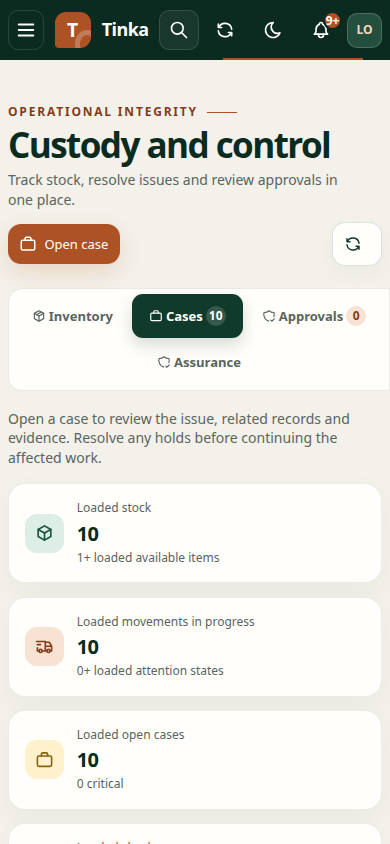
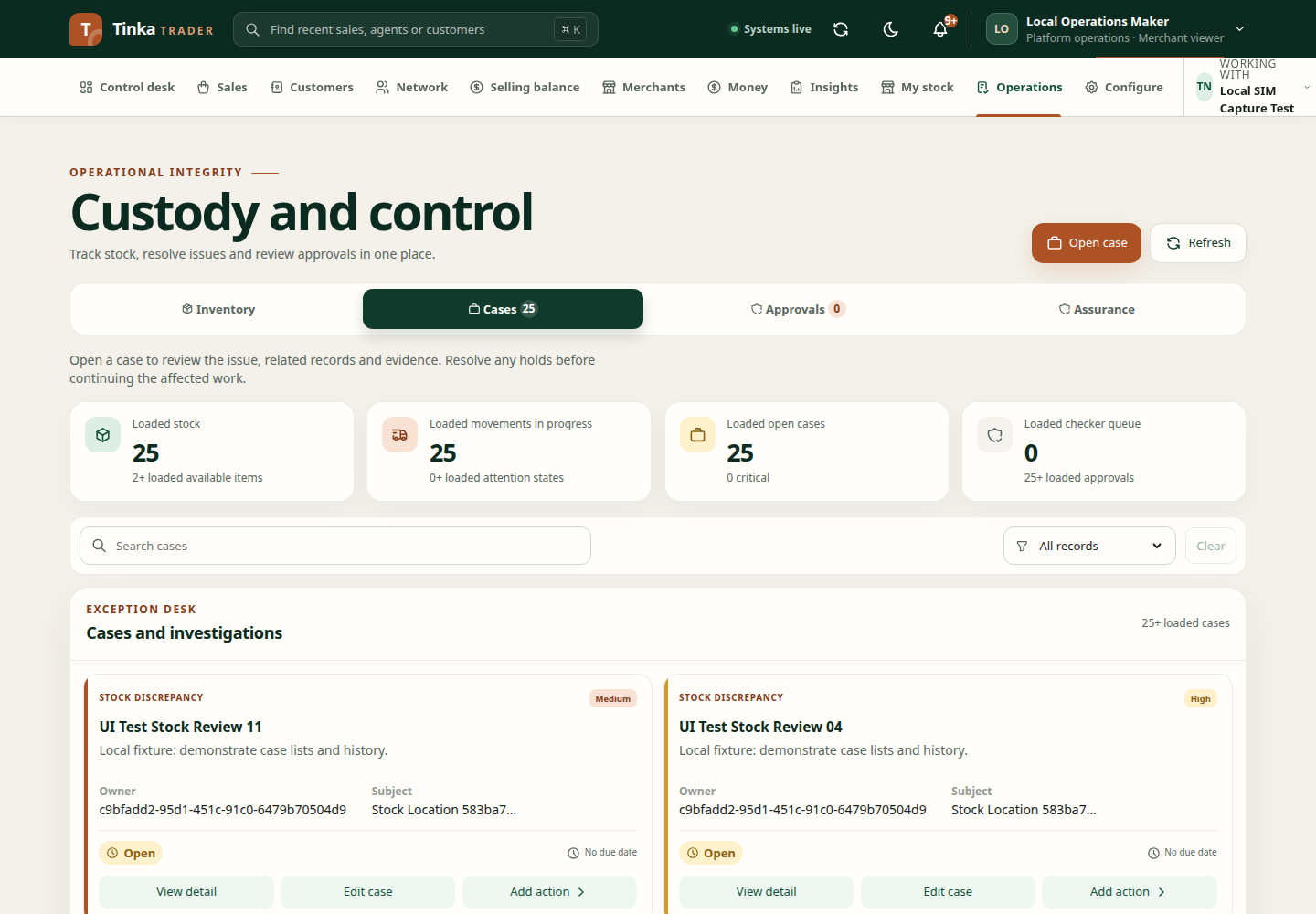
Open a case
- Open Operations → Cases and select Open case.
- Choose Case type and Severity. Use Low, Medium, High or Critical according to your organisation's process.
- Choose Subject type and the affected Case subject, or enter its valid ID where the form requires one.
- Enter a concise Case title and factual Description.
- Assign Owner ID and Due at when known.
- Select an Initial hold only if the affected activity needs that restriction and you have authority.
- Review and submit.
For example, a payment mismatch case should identify the actual payment and explain the conflicting reference or amount. Do not put passwords or unneeded personal information in the description.
Investigate and update
Open View detail to read current state, subjects and history. Edit case updates supported fields such as owner, due time or state. Add action records the next authorised investigation or control event.
Use Case note to describe evidence checked and the reason for an action. Where supported, specify the hold scope or assignee requested by that action. A hold can affect selling, cash, stock, payout, sale or refund activity; review the impact before confirming.
Resolve deliberately
Resolve the underlying issue, record the evidence and use the permitted resolution action. Changing a case state should reflect the investigation outcome. It should not be used to bypass a missing payment confirmation or stock discrepancy.
If a case changed while open, refresh before editing. For approval decisions, see approvals and audit. For payment comparisons, see reconciliation.