Review approvals and audit history
Some changes need one person to request them and another authorised person to review them. The application may call these people the maker and checker.
For a stock dispatch, follow the stock checker walkthrough. Approval confirms the decision; the agent must still acknowledge the physical stock.
Review a pending approval
- Open Operations → Approvals.
- Find the pending instruction and inspect its subject, amount where relevant, requester and evidence.
- Open the source record if needed. Check the latest state rather than relying on an old note.
- Decide whether the instruction matches the approved business request.
- Select Approve or Reject where authorised.
- Enter Decision reason, including the evidence checked and rationale.
- Confirm, then inspect the resulting approval and source record.
A different authorised reviewer may be required. Requesting an action does not grant you authority to approve it yourself. A role label alone does not establish that every approval is available.
Approval is not always completion
Some approved instructions trigger later processing. For a withdrawal or settlement change, follow the source record and any resulting operation. An approval success message should not be described as a completed bank transfer.
Use Assurance
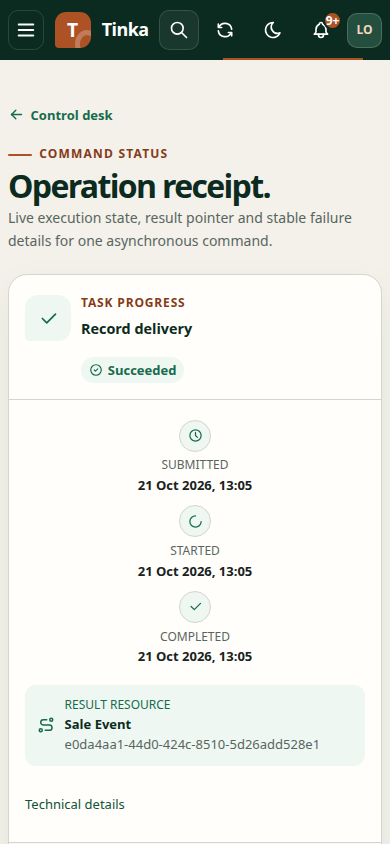
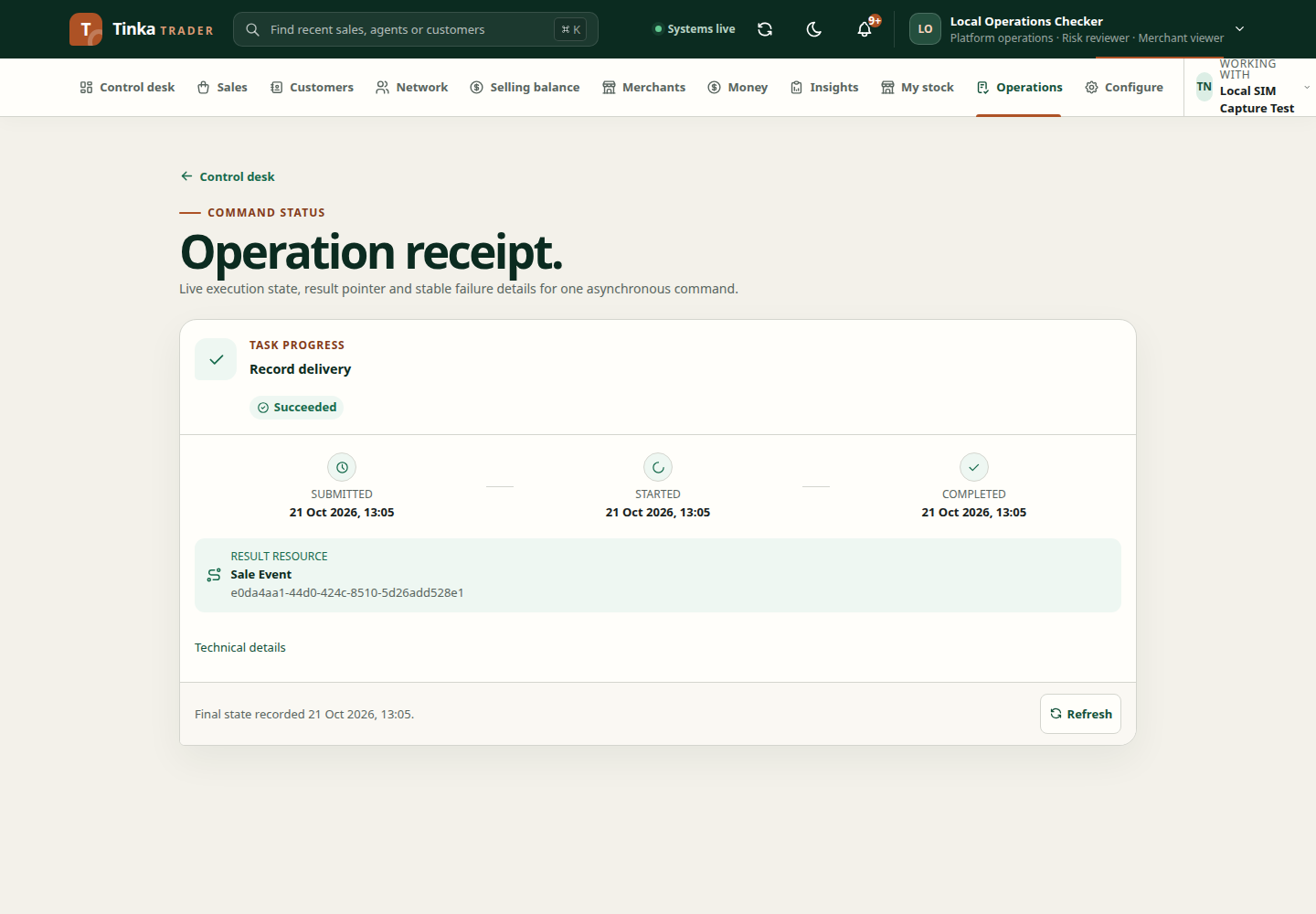
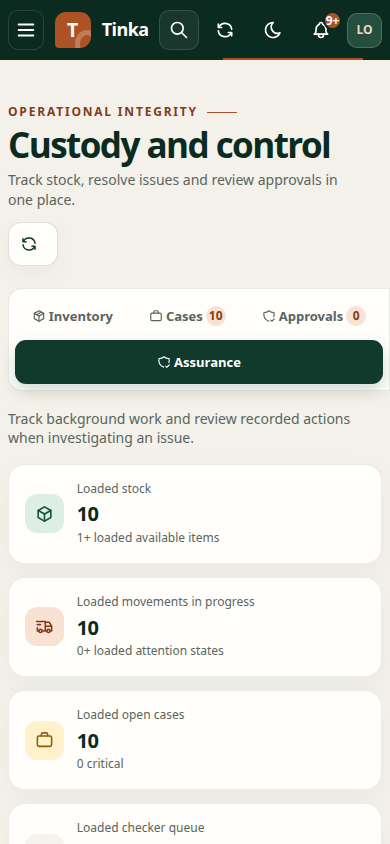
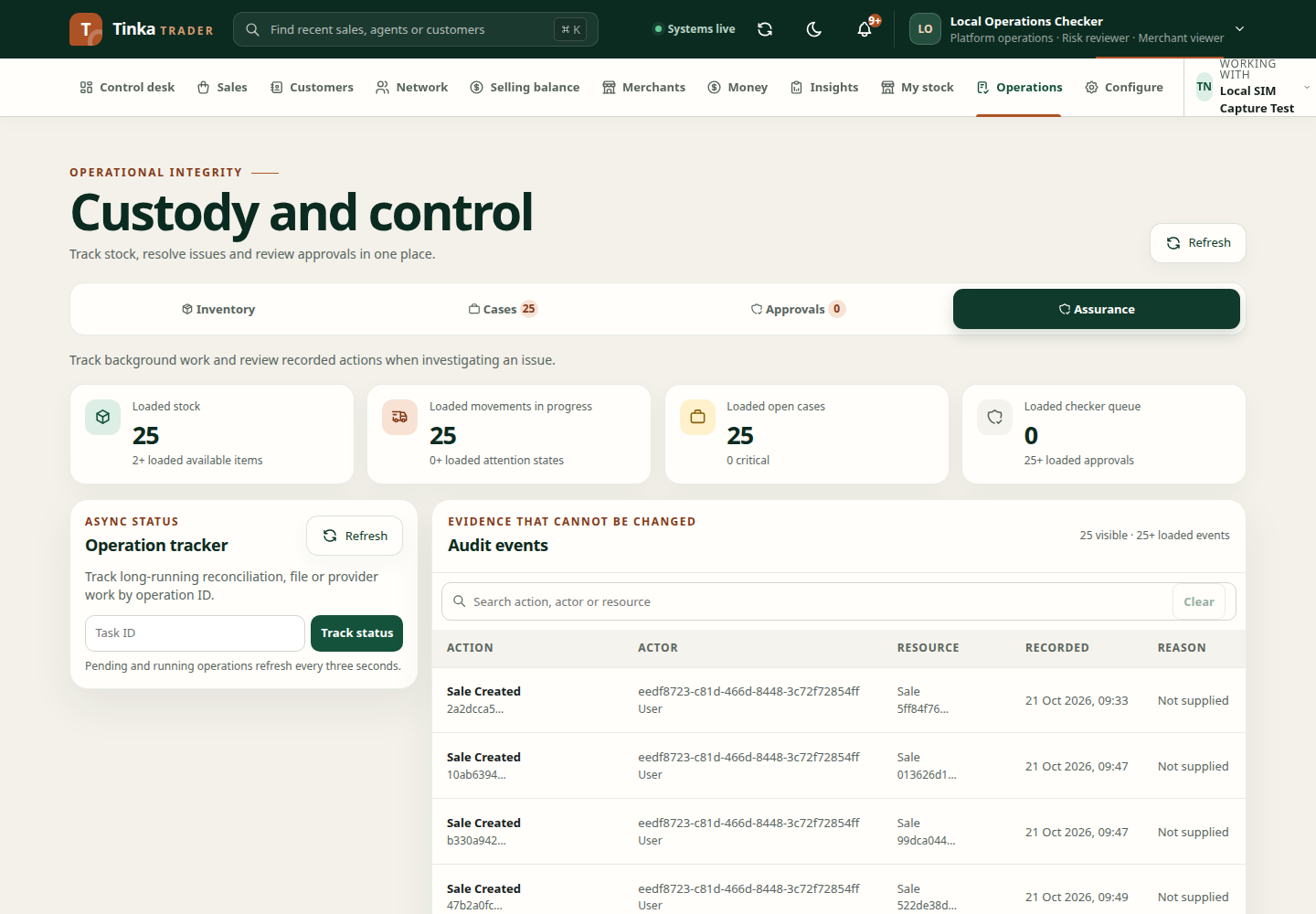
Open Operations → Assurance to inspect available audit and operation information. Use the Task ID control for a known asynchronous task. Search audit records by the supported action, actor or resource fields.
Audit history helps answer who acted, when and on which record. Read it alongside the source transaction. If an operation failed, preserve its task reference and error before requesting a retry.
Handle a conflicting decision
If someone else changed or decided the record while you were reviewing it, reload and inspect the new state. Do not send the same decision through another account. If the outcome is unclear, ask the responsible reviewer to inspect the history.
Cancel an unapplied request
Open the approval and use cancellation where available. This requires cancellation permission and a reason. Pending or approved requests may be eligible only while unapplied; the backend also checks whether you are the requester or an authorised controller.
Inspect the source record after cancellation. Cancelling an approval does not reverse an action that has already been applied.
Background operation status — screen example