Run and review reconciliation
Reconciliation compares records and highlights differences that need investigation. A run can finish successfully while still containing exceptions.
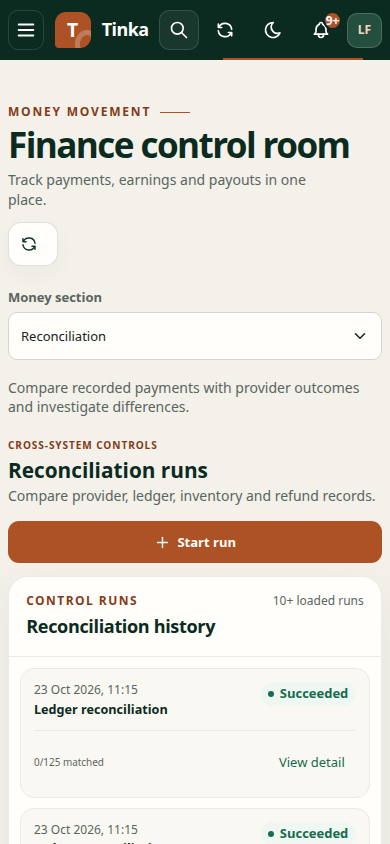
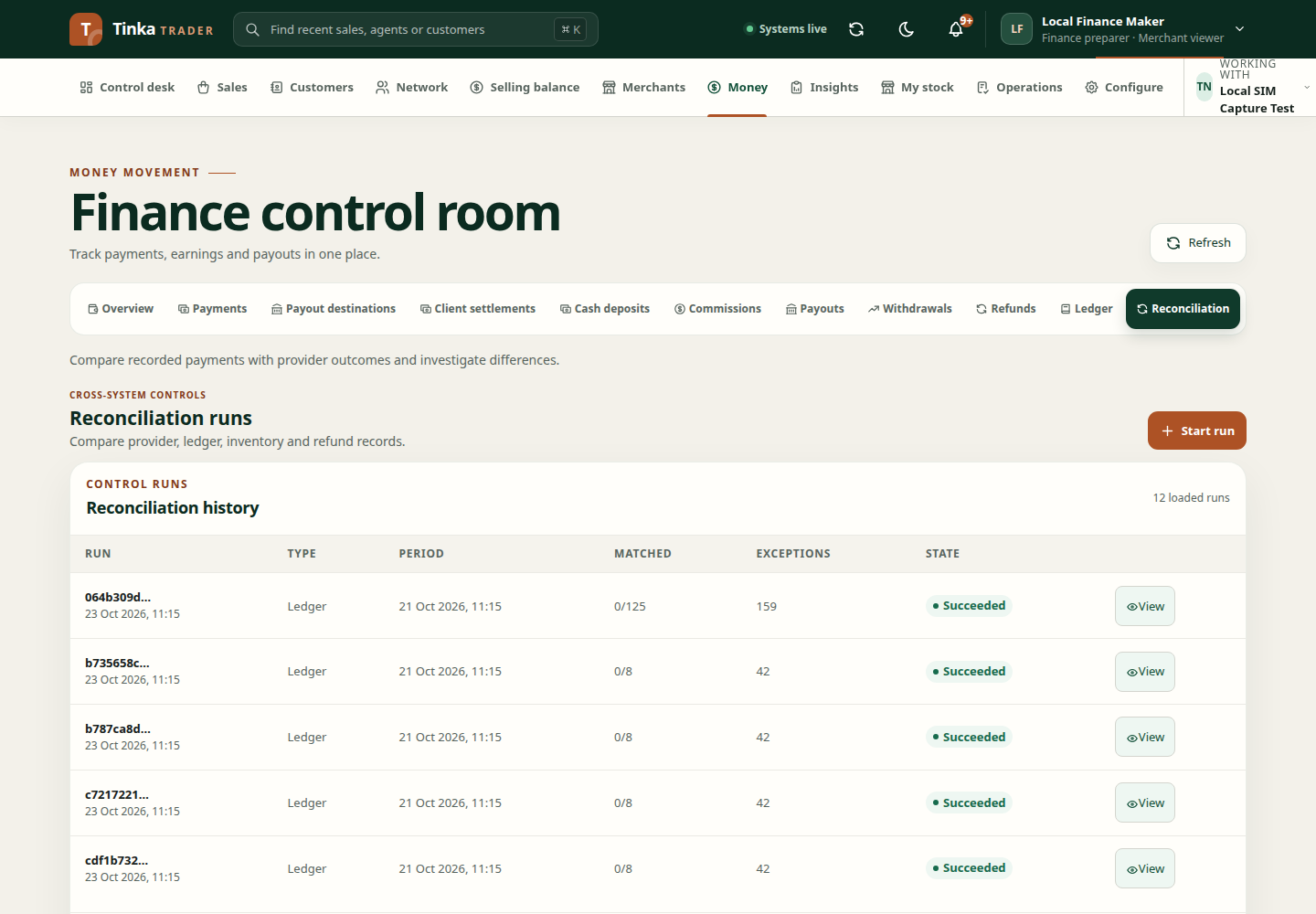
Start a run
- Open Money → Reconciliation.
- Choose Start run where authorised.
- Select the reconciliation type offered by the form.
- Set Period from and Period to to cover the records being investigated.
- Choose Provider integration when the selected type requires one. If read access is unavailable, resolve that access rather than choosing an unrelated integration.
- Supply any statement or evidence requested by the selected workflow.
- Review and select Start run.
The run executes asynchronously. A returned run reference means work has been requested; inspect its progress rather than treating the submission message as a completed comparison.
Read the results
Open View or View detail in reconciliation history. Check type, period, state, matched count and exceptions. Follow the run's available detail or operation record.
A matched count tells you how many comparisons matched. An exception needs its own investigation: compare provider references, amounts, dates and linked internal records. Do not mark the underlying payment complete simply because the reconciliation process finished.
Handle uncertain payouts
For a payout with an unknown provider outcome, inspect the original instruction and use its supported check/reconciliation action. Do this before attempting another transfer. A lost response can occur after money moved.
Escalate a difference
Retain the run ID, affected payment/payout or ledger references, selected period and error text. Open a case when the issue needs ownership, evidence or a hold. Avoid uploading the same statement repeatedly before inspecting the existing run's outcome.
The available reconciliation types and detail depend on the connected service. A missing endpoint is a service availability issue; see feature availability.