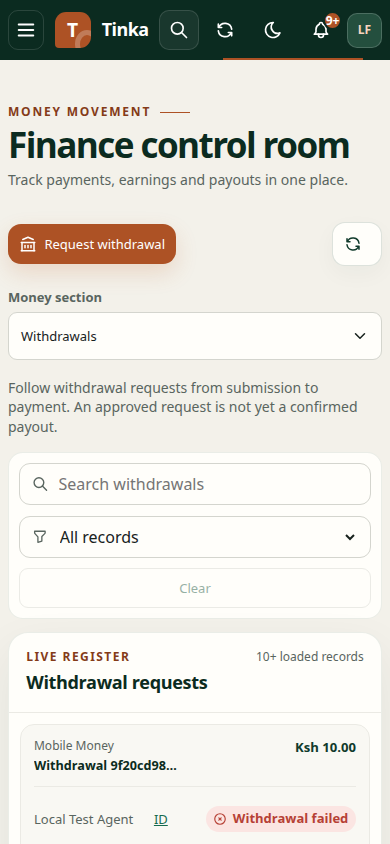
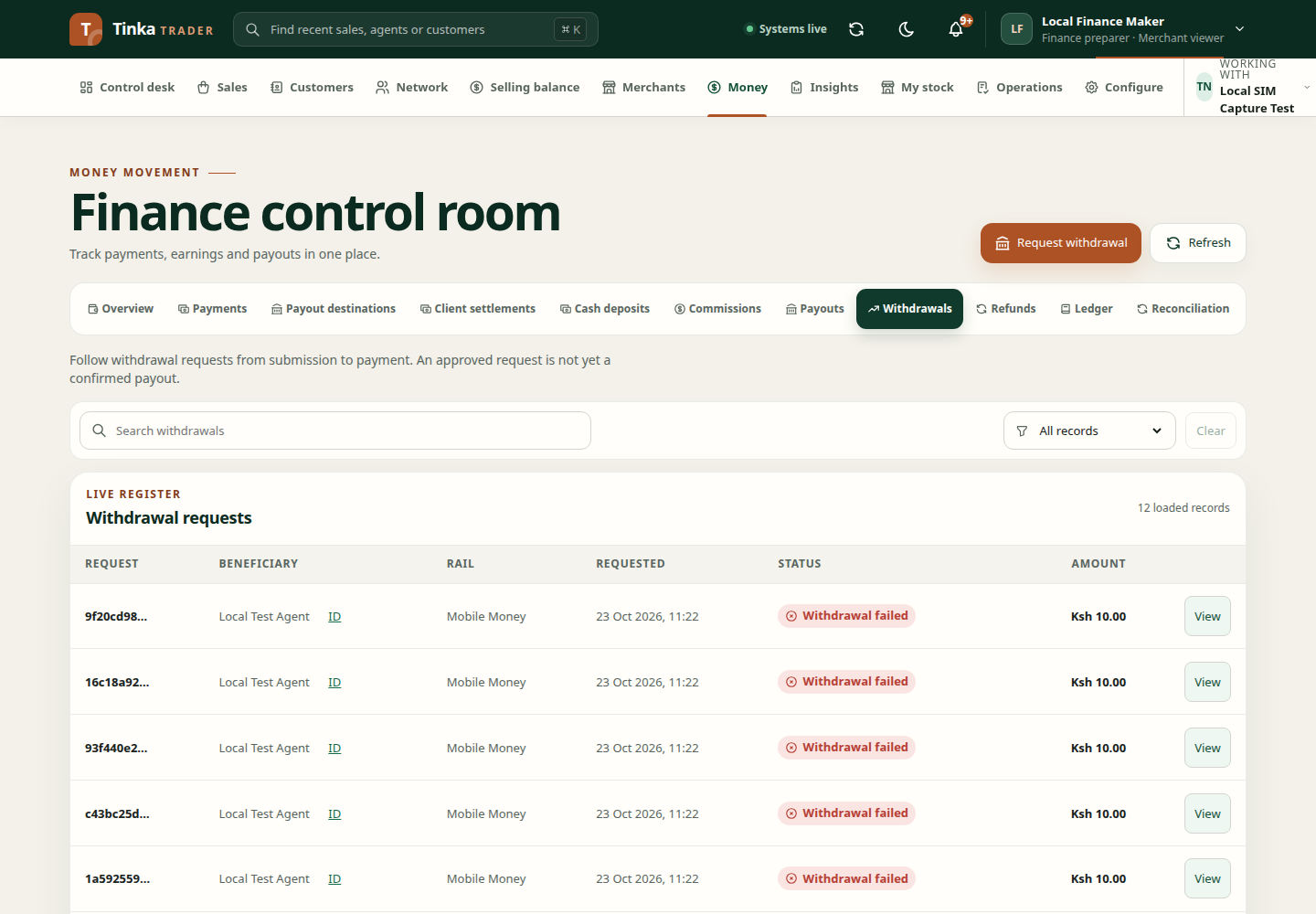
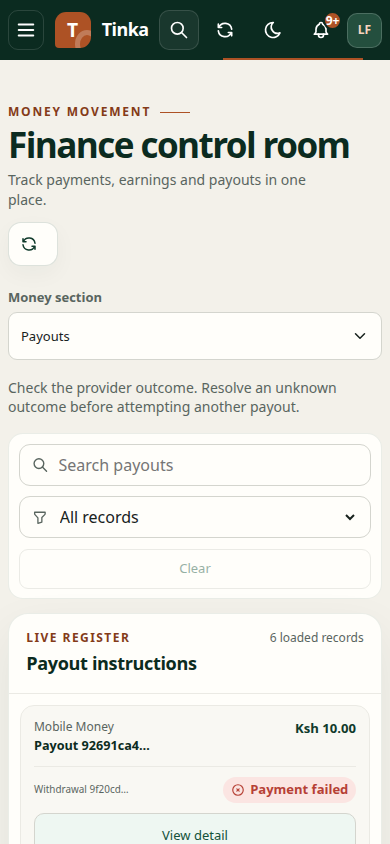
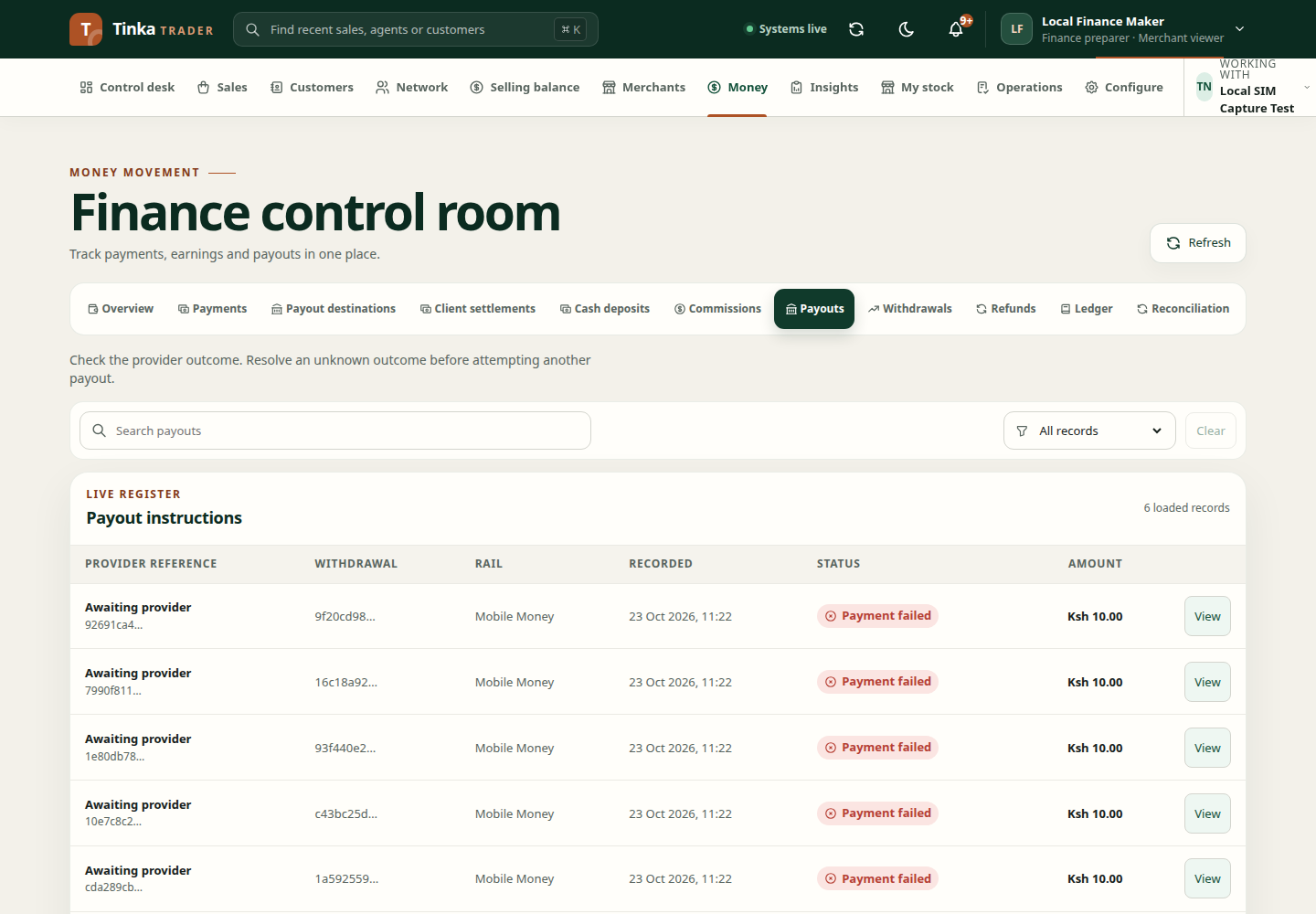
Withdrawals and payout progress
A withdrawal is a beneficiary's request to take money out. A payout is the outgoing payment instruction and its outcome. Keep the two records distinct when answering “has the person been paid?”
Request a withdrawal
- Review the beneficiary's current commission position.
- Open Money → Withdrawals and select Request withdrawal.
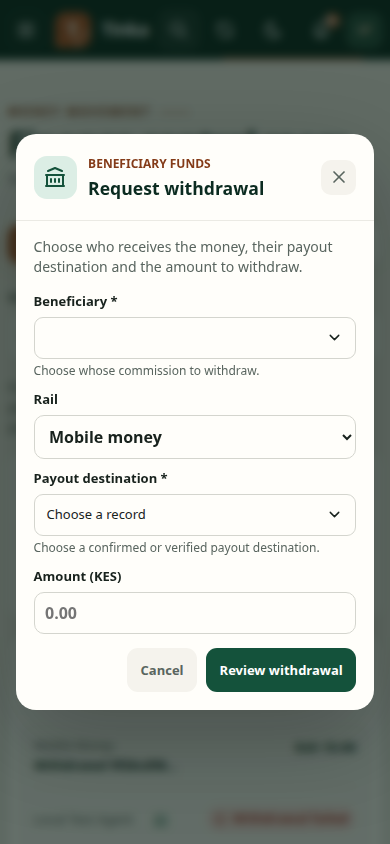
- For an authorised personal mobile-money withdrawal, check the saved phone number shown. If a valid number is missing, provide and confirm it. For another beneficiary or bank payment, choose the beneficiary, rail and eligible payout destination.
- Enter the amount and required reason information.
- Confirm the destination belongs to the beneficiary and matches the selected rail.
- Review and submit once.
- Inspect the withdrawal status and any required approval.
Destination eligibility is checked before payment. Personal mobile-money cash-out can use the supported confirmed phone profile; other routes require their eligible active payout destination. See payout destinations.
Follow the outgoing payment
Open Money → Payouts and inspect the linked withdrawal, provider reference, rail and status. Check the result in the current record rather than assuming a submitted request has completed.
In payout details, inspect the provider observations and load more when offered. These show reported provider outcomes; review them alongside the payout's effective status. A single historical observation is not necessarily the final outcome.
Where offered, Request check starts the supported reconciliation/check action for an uncertain payout. Follow the resulting operation and refreshed payout state.
Cancel a request
Use Cancel only when available for that withdrawal. Provide the requested reason code and cancellation explanation, then confirm the outcome. A request may already have progressed to a state where ordinary cancellation is not available.
Unknown or failed outcome
If the provider timed out or the result is unknown, do not immediately submit another withdrawal or transfer. Money may have moved even if the response was lost. Inspect the existing payout and use reconciliation or an operational case.
If a request failed before acceptance, use its supported retry path after correcting the cause. Preserve the original reference for the same instruction. When escalating, include withdrawal and payout references and the displayed error; do not share destination credentials.
Retry confirmed failed payouts
Authorised finance operators can use Money → Payouts → Retry confirmed failed payouts for up to 50 eligible records. Review the selected failures and request the retry. This requires separate retry permission; seeing the Payouts page alone is insufficient.
Only confirmed failures qualify. Do not retry paid or unknown outcomes. Trader creates linked replacement withdrawal/payout records and preserves the original history. A retry awaiting approval has not paid anyone yet.
Withdrawal form — screen example
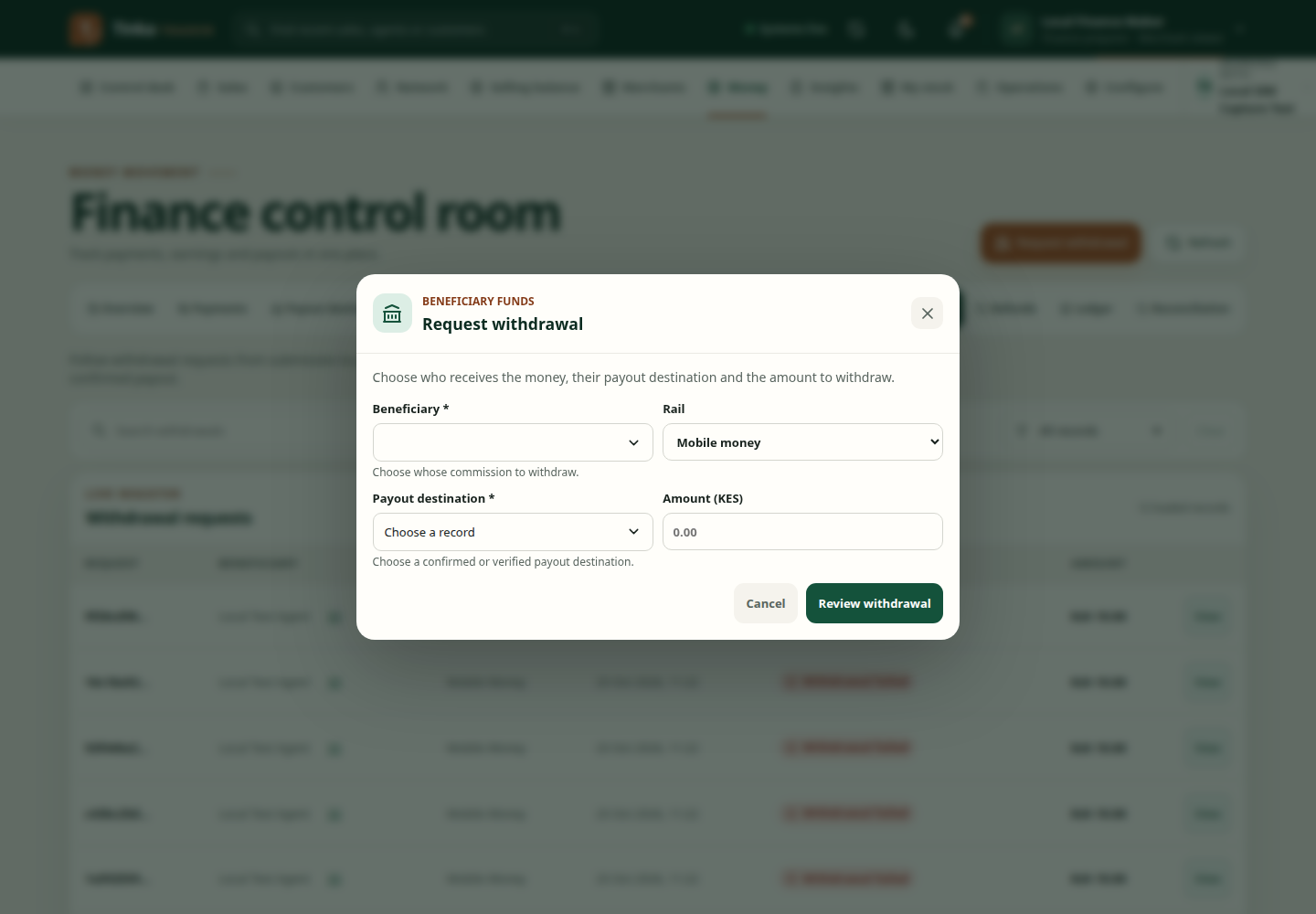
Withdrawal requests — screen example