Review commission recoveries
Recovery handles money that must be recovered from commission earnings. It is separate from an ordinary withdrawal and may require independent approval.
Inspect the recovery first
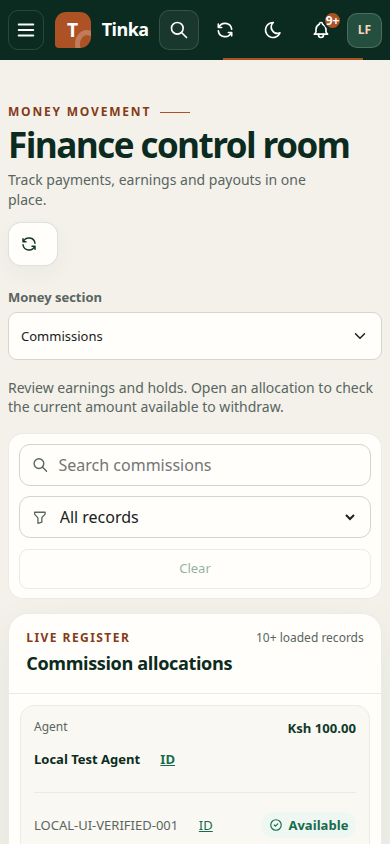
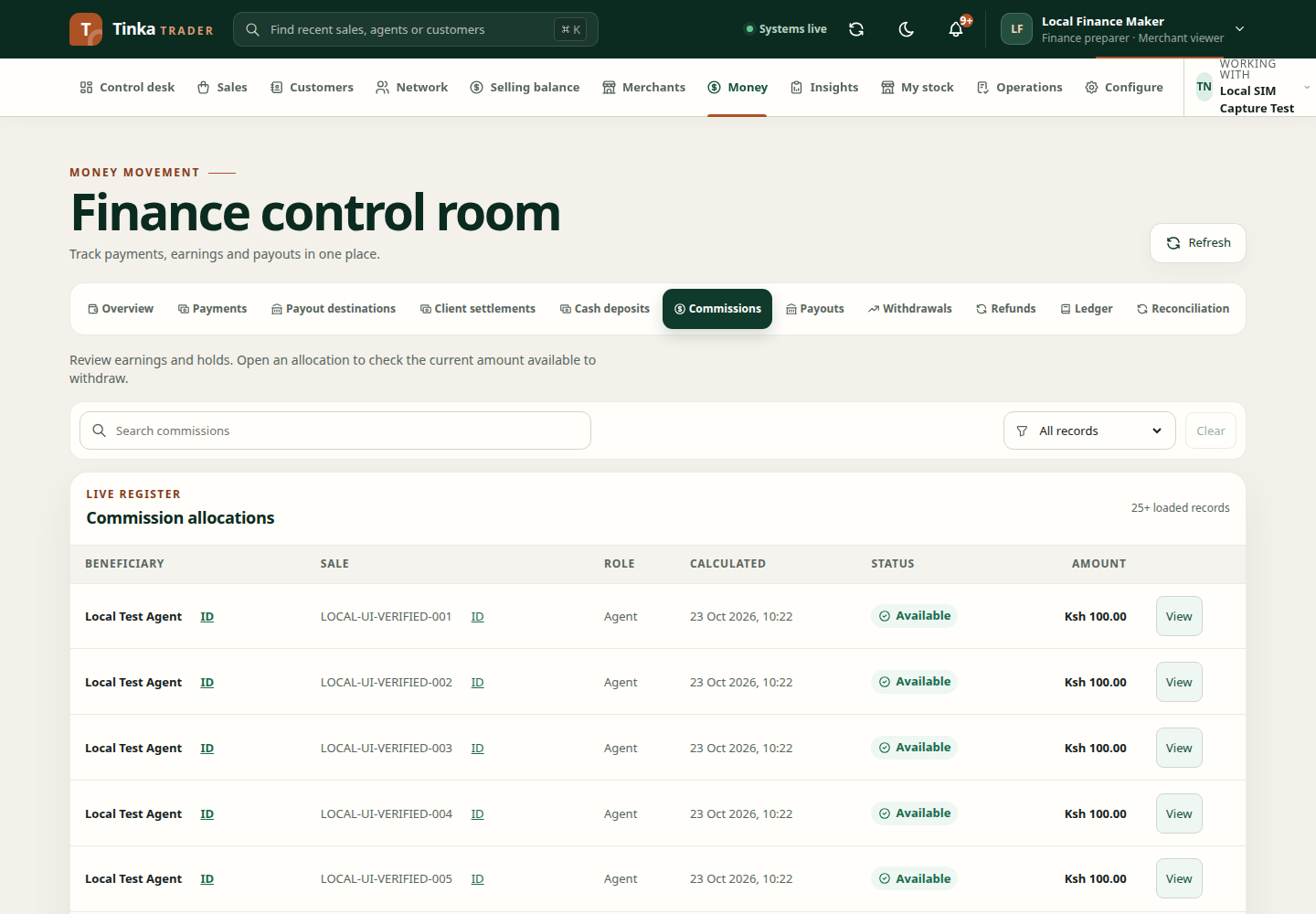
Open the relevant commission detail and read Recovery history and the current financial position. Confirm the beneficiary, source allocation and amount. Do not act on an old screenshot when a current position is available.
Choose an action
Set off against other earnings uses another eligible earned allocation to repay the amount. Request write-off asks for approval to write off the recovery instead. Neither choice should be made solely to clear a warning badge.
Request recovery approval
- Choose the authorised Recovery action.
- For a set-off, select Source earned allocation belonging to the relevant beneficiary.
- Enter Amount (KES). The source must have enough spendable entitlement for the requested set-off.
- Enter a stable Reference and Occurred at time.
- Explain the Reason and provide clean supporting evidence.
- Select Request recovery approval and review the confirmation.
- Follow the request through the approval workflow and inspect recovery history afterwards.
A request being submitted does not mean recovery is approved or completed. A write-off is a business decision needing the appropriate authority, not a technical retry mechanism.
If the request is blocked
Reload the current recovery position. Check source eligibility, same-beneficiary requirements, amount, evidence status and access. If another instruction has consumed the source balance, do not choose an unrelated beneficiary's earnings.
For review responsibilities, see approvals and audit. For outgoing payments, use withdrawals and payouts.