Record and review cash deposits
Cash deposits record evidence that an agent deposited money into a merchant account. The deposit enters verification before reducing the agent's cash exposure.
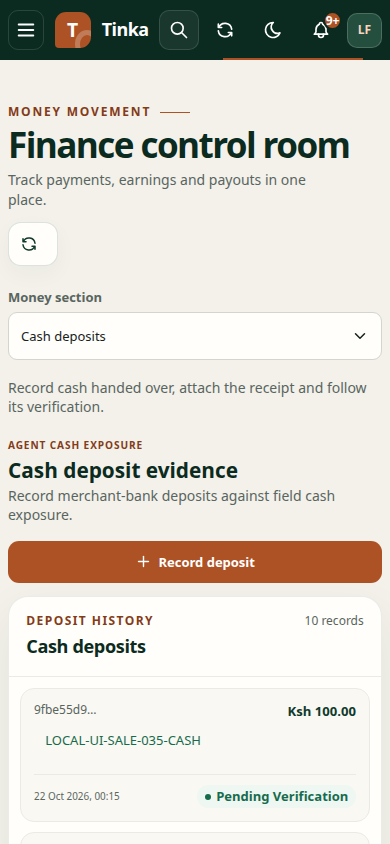
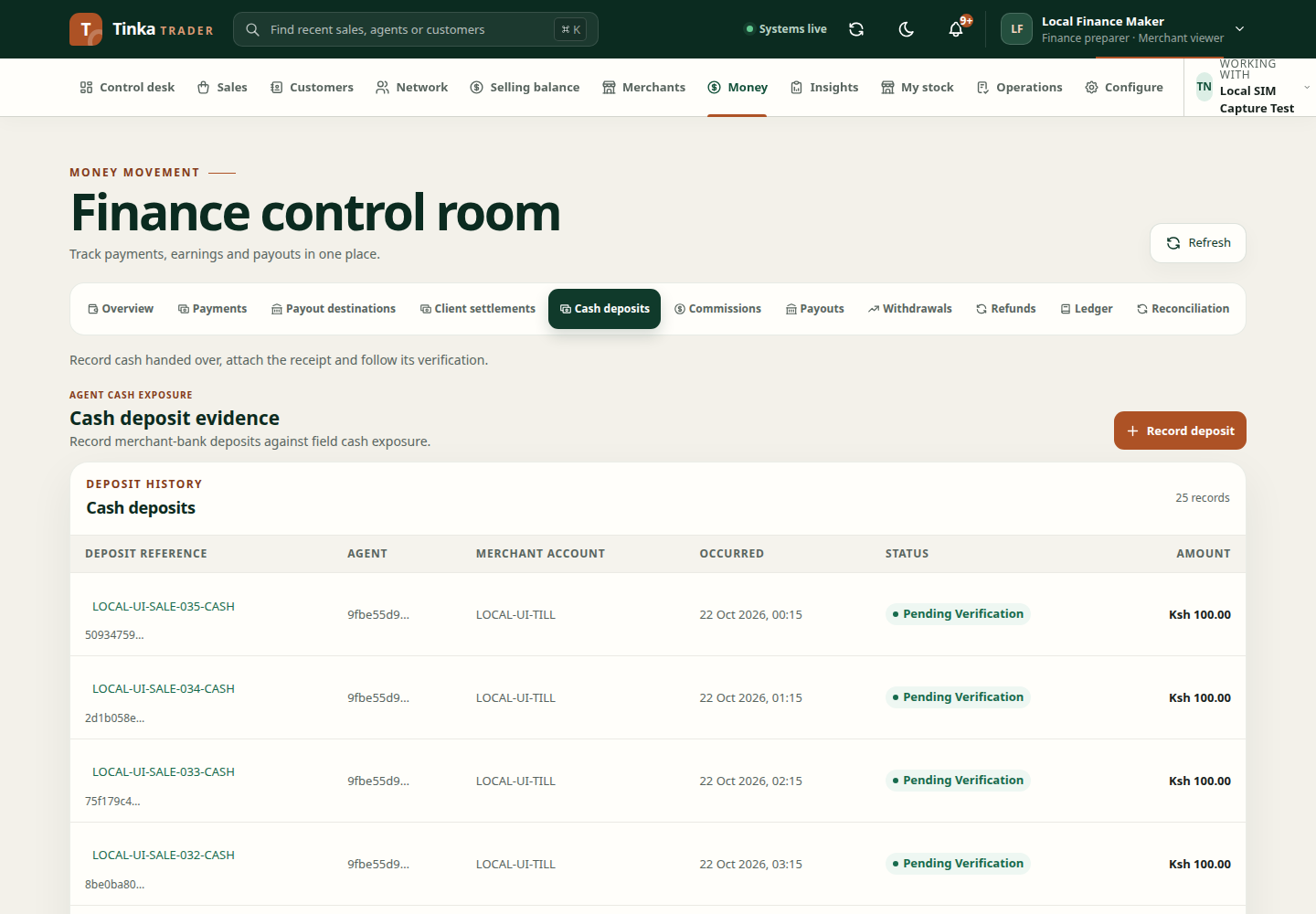
Record the deposit
- Open Money → Cash deposits and select Record deposit.
- Choose the correct Agent.
- Enter the deposit amount in KES and Merchant account reference.
- Set Occurred at to when the deposit happened.
- Complete the deposit reference and evidence fields offered by the form. Use details from the actual bank or deposit record.
- Upload supporting evidence and wait for clean status.
- Review the confirmation and select Record deposit once.
Check the new record's reference, amount and verification status. A pending deposit does not yet prove the cash obligation has been settled.
Review a deposit
Open the deposit reference to display Cash deposit details. Inspect evidence, verification history and corrections before acting.
Where authorised, choose Confirm deposit or Reject deposit. Enter a clear reason of at least three characters; a useful explanation should describe what was checked, not simply say “OK”. Review the confirmation before submitting.
Correct a deposit
Use the correction action offered for the deposit's state and your permissions. Provide the correction's occurred-at time, a reason and clean correction evidence. The record maintains correction history rather than silently replacing the original evidence.
After a decision or correction, reload the detail and inspect the latest history and status. If the current revision is unavailable, reload before taking an action.
If the amount remains outstanding
Check whether the deposit was merely recorded, actually confirmed, rejected or corrected. Review the agent and merchant account reference. If the record is confirmed but related exposure still looks wrong, retain the deposit reference and ask finance to investigate the linked records.
For receipt matching unrelated to agent cash deposits, use Payments.