Data purposes: enable customer records and uploads
A processing purpose records why your organisation collects information, who may use it, and how long it should be kept. Customer creation and document uploads need an appropriate active purpose for the selected merchant.
Before you begin
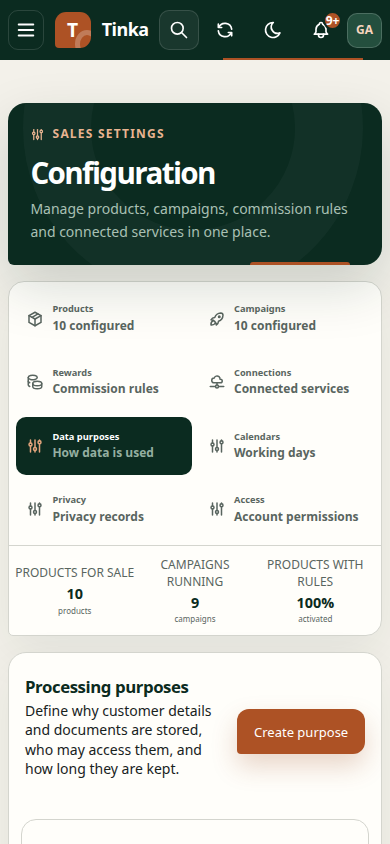
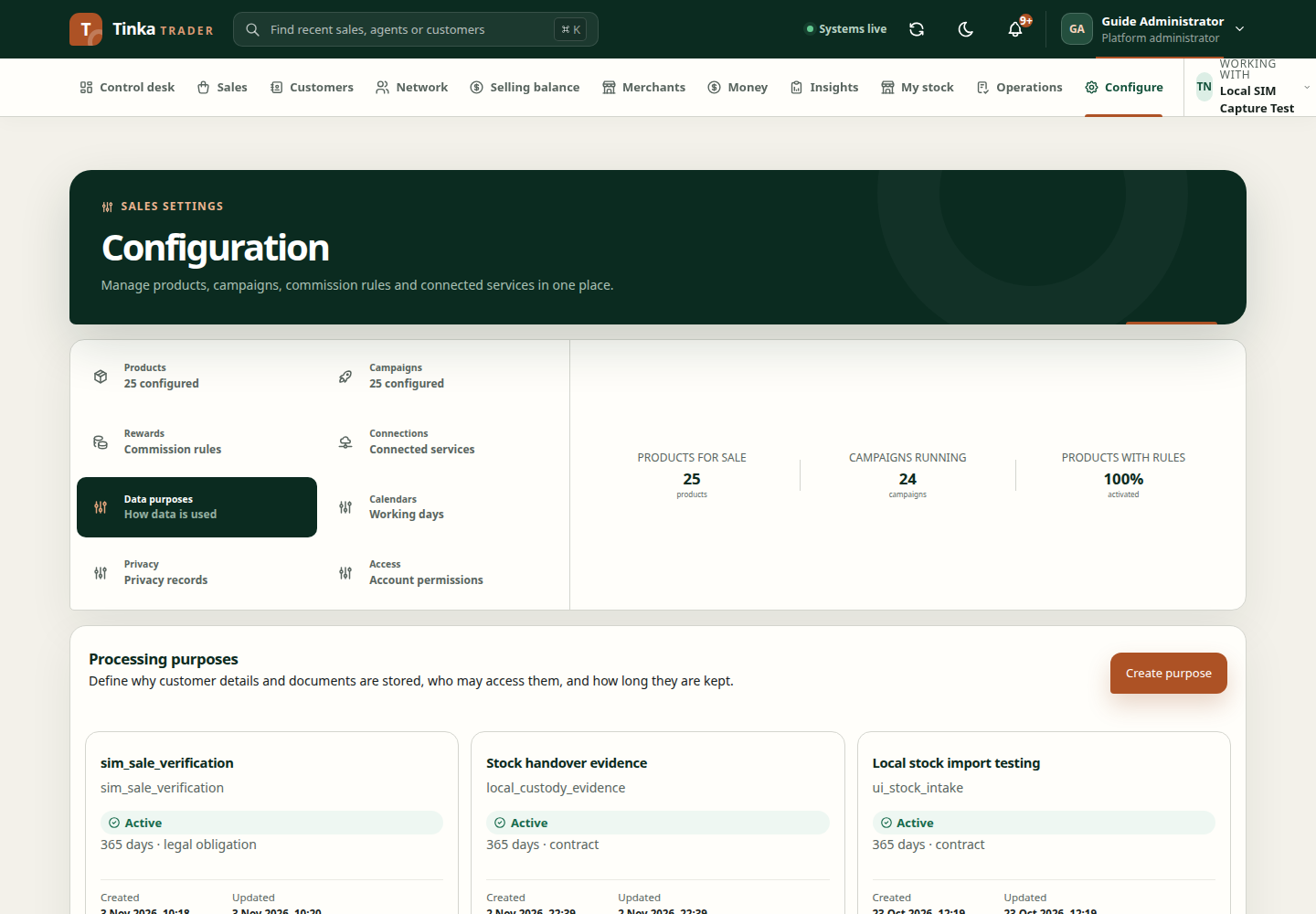
Open Configure → Data purposes. You need permission to manage these policies; an administrator must provide access if the tab is unavailable. Obtain the approved policy details from your organisation's data owner. Creating a purpose is not a substitute for deciding and approving those rules.
Create a draft
- Check Working with and select the intended merchant.
- Create a purpose draft. Give it a meaningful code and name that colleagues can recognise.
- Enter the Data controller (organisation deciding why the information is used), Data processor (organisation handling it), and approved Lawful basis.
- Under Field access, choose the fields or document types the policy covers. For an application field, enter its exact configured field code.
- Specify the roles allowed to read and write each field. Use the role codes supplied by your administrator; display names are not interchangeable with role codes.
- Under Retention, enter the responsible owner, event that starts retention, number of days, action at the end, and treatment of legal holds.
- Publish the approved notice title, body and canonical version where acknowledgement or consent will be recorded. Consent-based policies require a notice. A contract-based notice acknowledgement is not consent and does not change the lawful basis.
- Save the draft and reopen it to review the saved policy.
A saved draft is not yet available for protected uploads. You can edit a draft; an active purpose cannot be edited through this screen.
Activate after review
A different authorised checker opens the purpose, reviews the policy, selects Activate purpose, and supplies a review reason. The system records the activation time on submission. The backend enforces independent review and other activation requirements.
After activation, return to the customer or upload form and reload its purpose choices. Select the purpose that covers that task and your role.
For an existing customer, the decision form uses their bound purpose, not an unrelated policy. Do not change that binding or manufacture consent to make a dropdown work. Use a new independently reviewed revision of the same purpose code when updating its notice or field permissions. Published notice text cannot change under an existing version.
The registration chooser checks the fields being collected and the minimum name-read permission needed to return the newly created profile. Upload choices check the document type, actual owner and effective lawful basis. These small choices do not expose the administrative catalogue or grant additional scopes.
When no purpose is available
Check merchant selection, activation status, covered fields or document types, and allowed roles. An empty dropdown does not mean you should invent a purpose code or bypass the requirement. Ask the policy administrator to create and activate the appropriate policy.
For document preparation and upload steps, see Files and supporting evidence.
An operator can run php artisan privacy:audit-purpose-coverage --client=<client-uuid> --json --fail-on-missing as a read-only setup preflight. It reports missing document uses, customer bindings and approved notices. Candidate coverage is not proof of a particular actor's access; every real request still checks tenant, scope, role, owner, fields and lawful basis.