Reward plans and commission versions
Reward plans define how commissions are calculated and when they become available. Previous reward versions cannot be changed; a new draft version records a policy change.
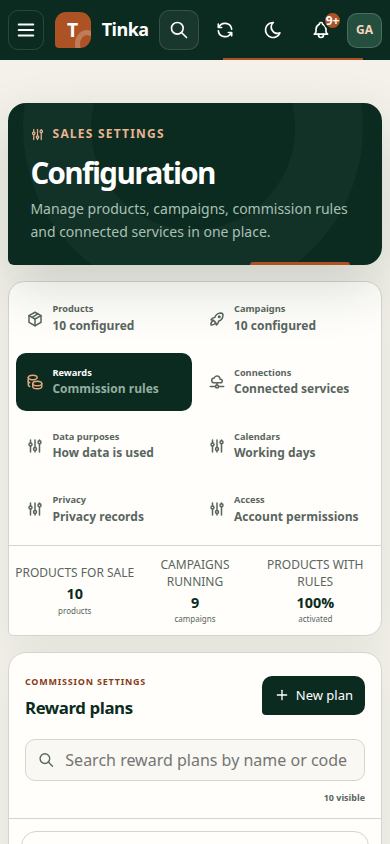
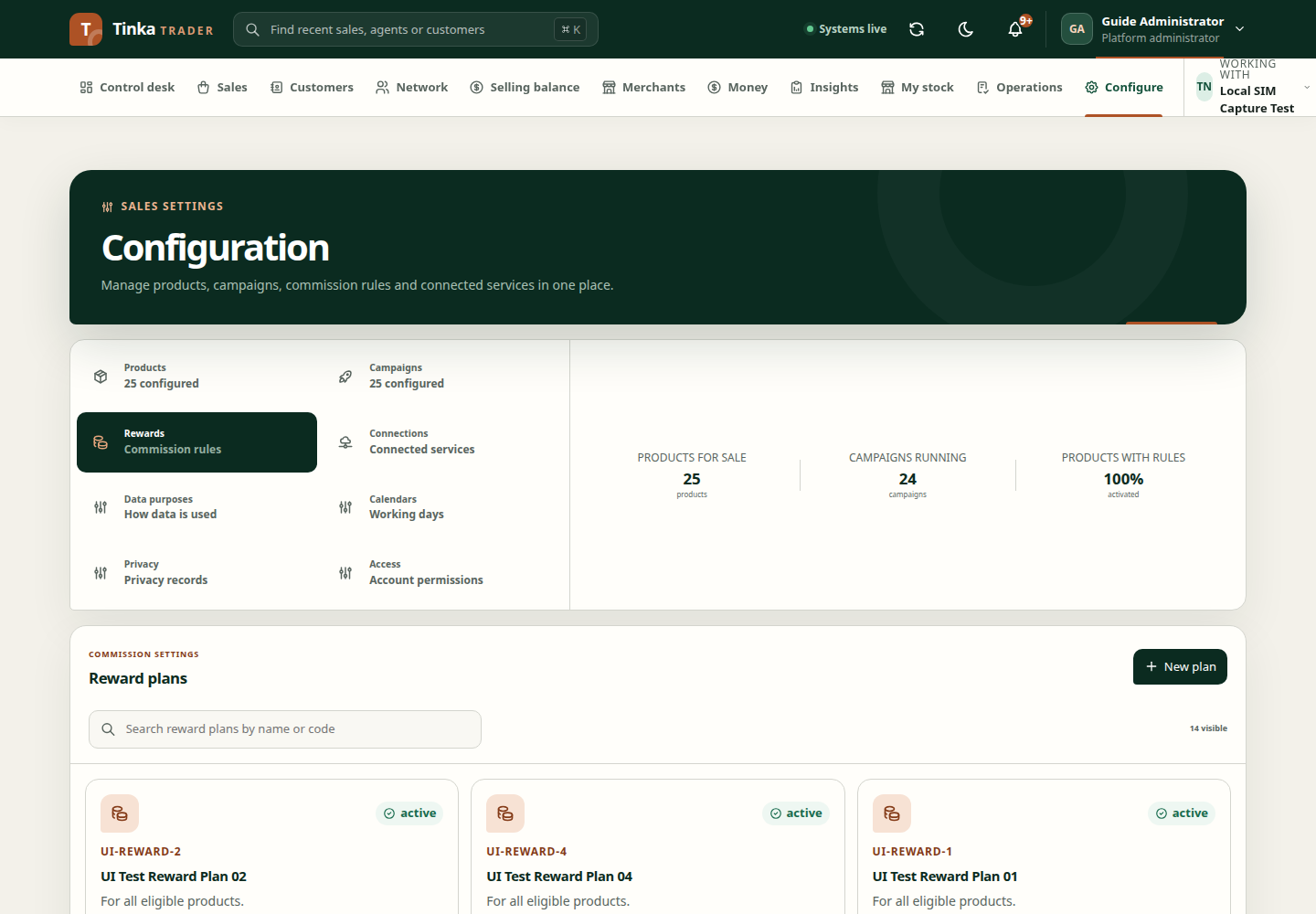
Create a plan
Open Configure → Reward plans and select New plan. Enter Plan code, Plan name and Product scope, then save. Choose Manage versions to inspect or compose the plan's commission policy.
Compose a version
- Select Compose reward version.
- Choose Hierarchy basis and Attribution point, such as qualification or sale capture, according to the approved policy.
- Add beneficiary rules. For each rule, choose Role, Calculation, Value and Rounding.
- Mark exactly one rule as the Residue recipient where required. This recipient receives the final rounding remainder.
- Review Availability policy JSON and Clawback policy JSON.
- Save the draft and inspect the resulting version.
The reward composer uses minor units or basis points depending on calculation type. This is different from a field labelled KES. For illustration, 100 minor units equal KES 1, and 100 basis points equal 1%. Confirm the selected calculation before entering a value.
Half up, Half even and Down are different rounding rules. Do not choose one arbitrarily when the policy specifies another.
Activate a version
A different authorised reviewer must review and activate the version. Enter Effective from and Audit reason, then confirm the latest version before saving. Draft creation is not activation.
After activation, review relevant assignments. Do not assume a new reward plan automatically changes every existing assignment or historical sale.
For commission outcomes, inspect Commissions rather than manually calculating a withdrawable amount from the policy alone.