Legal holds and retention reviews
Open Configure → Privacy for controlled decisions about how long records are retained. These tools are for authorised staff following an approved policy. Viewing records, managing holds, and executing retention actions require different permissions.
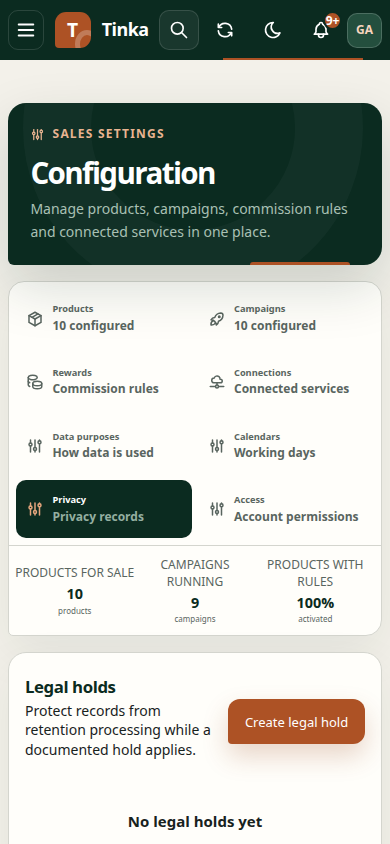
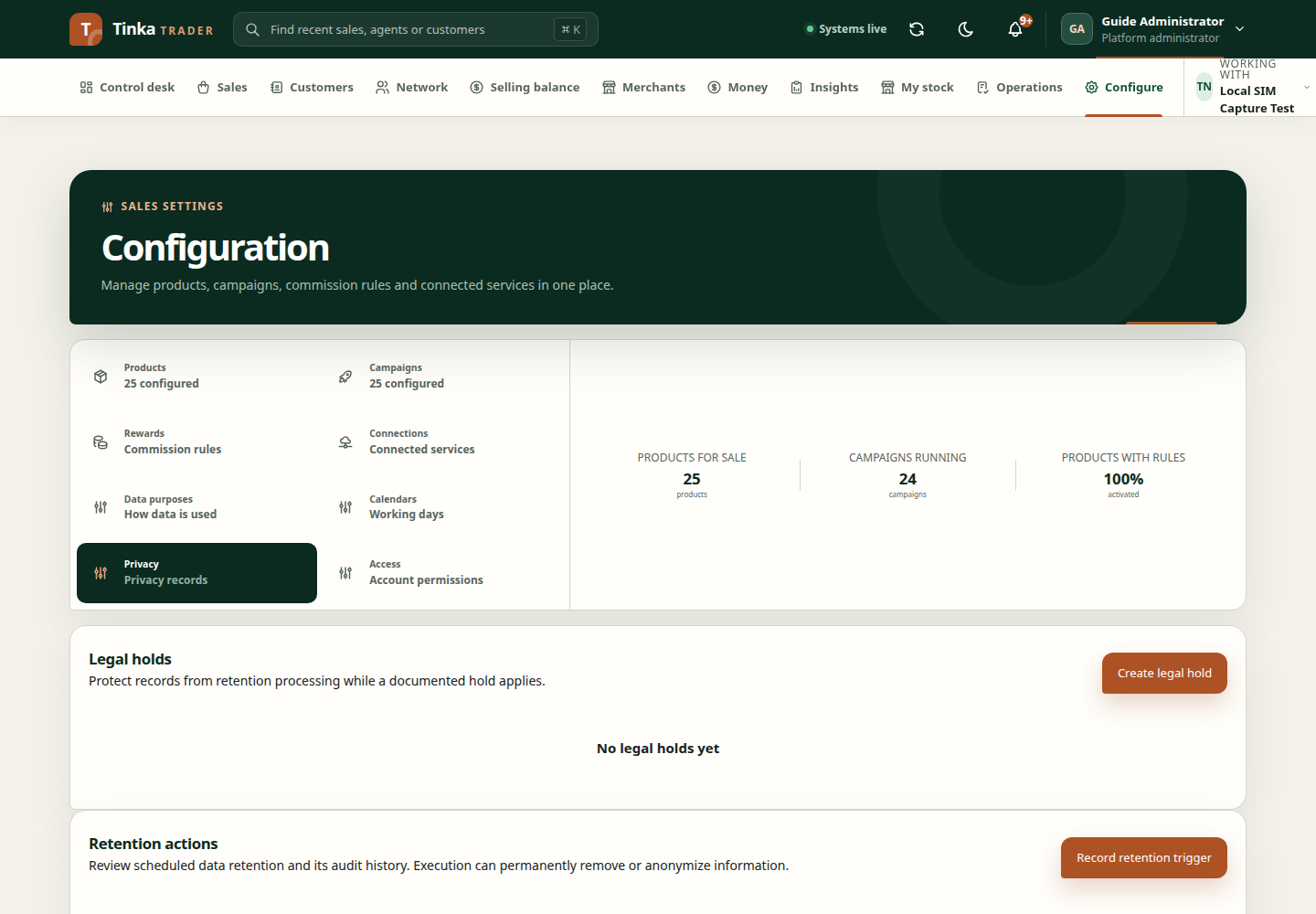
Place a legal hold
A legal hold records a requirement to preserve information. Its effect follows the applicable retention policy and backend checks.
- Confirm the merchant and open the create-hold action.
- Choose the record type: customer, sale line, or file.
- Copy the exact Record ID from the relevant record. Do not substitute a customer name, sale reference, or filename.
- Enter the reason code, effective dates, and explanation.
- Submit and inspect the saved hold.
To release a hold, open it and record the release time and reason after obtaining the required authority. Releasing a hold does not itself confirm that the record has been deleted.
Review retention work
Open a retention action to inspect its status and audit history. Where authorised, record a trigger with the actual event and time. A trigger describes what happened; it is not a request to erase every related record.
For a decision, choose the appropriate available option:
- Defer: set a future review time and explain why the action should wait.
- Cancel: explain why the proposed action should not proceed.
- Execute: review the specific action and record, then acknowledge the confirmation before submitting.
Execution may permanently change or remove information. Confirm the exact target and approved action before submitting. A legal hold or other backend rule may prevent execution even when you can open the form.
After submission, reopen the action and inspect its state and event history. If another person changed the record, reload and review their changes before making a new decision.