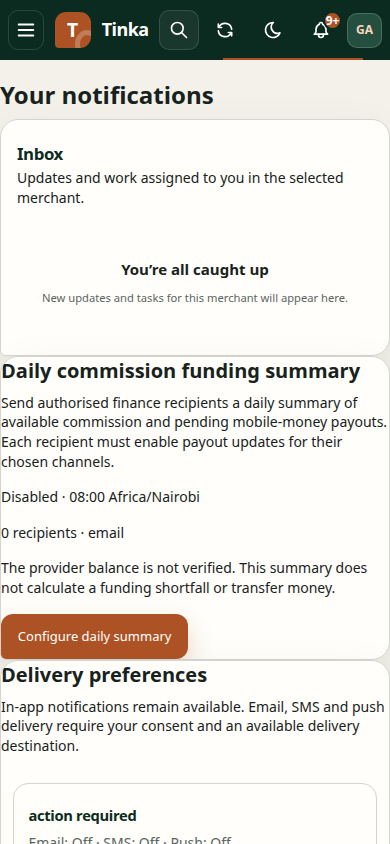
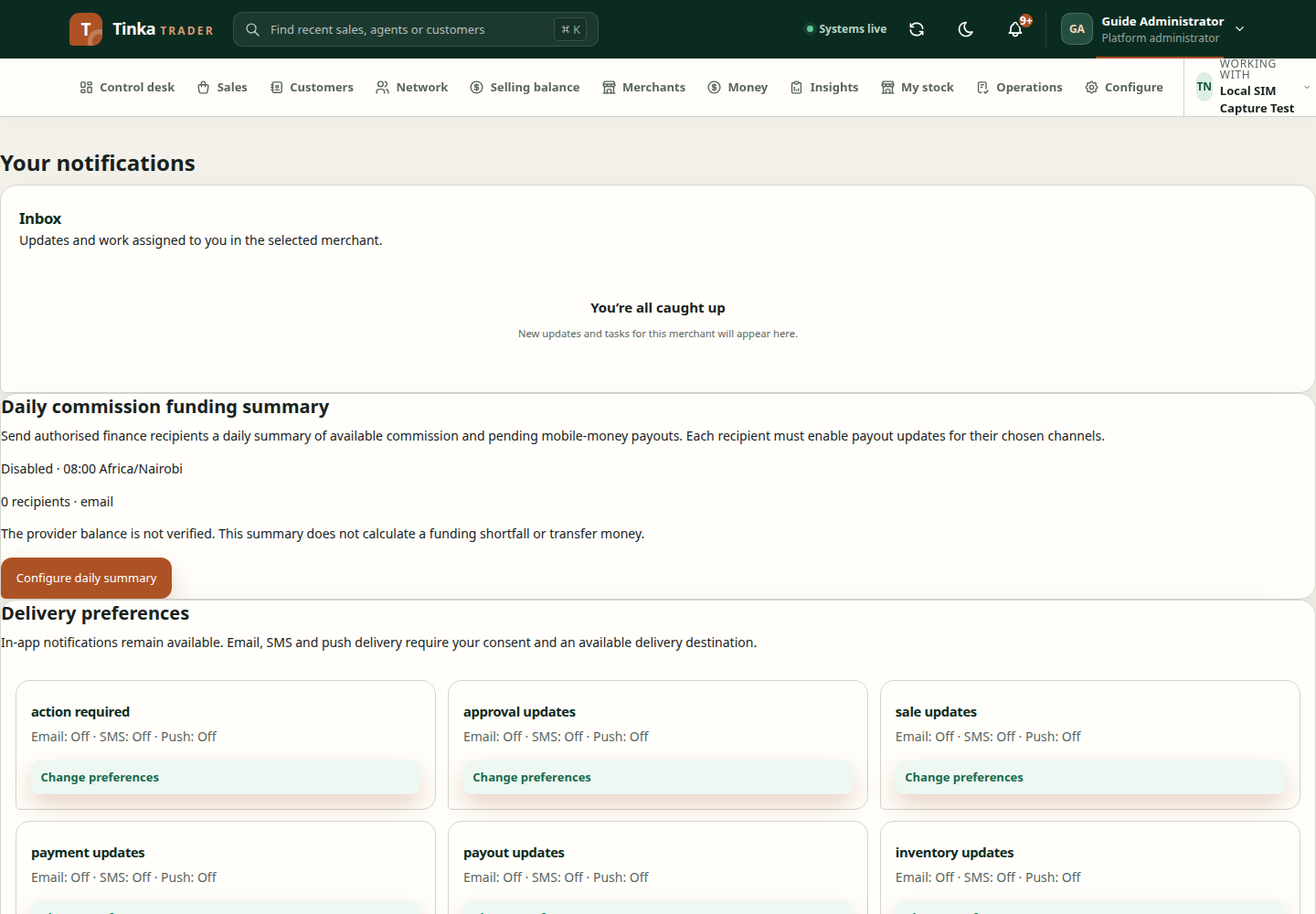
Your notifications and delivery preferences
Open Your notifications from the account menu or notification bell. Inbox access and preference changes require the corresponding permissions.
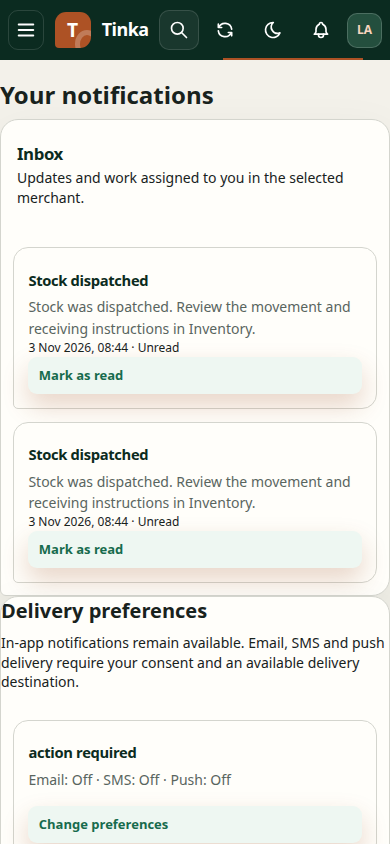
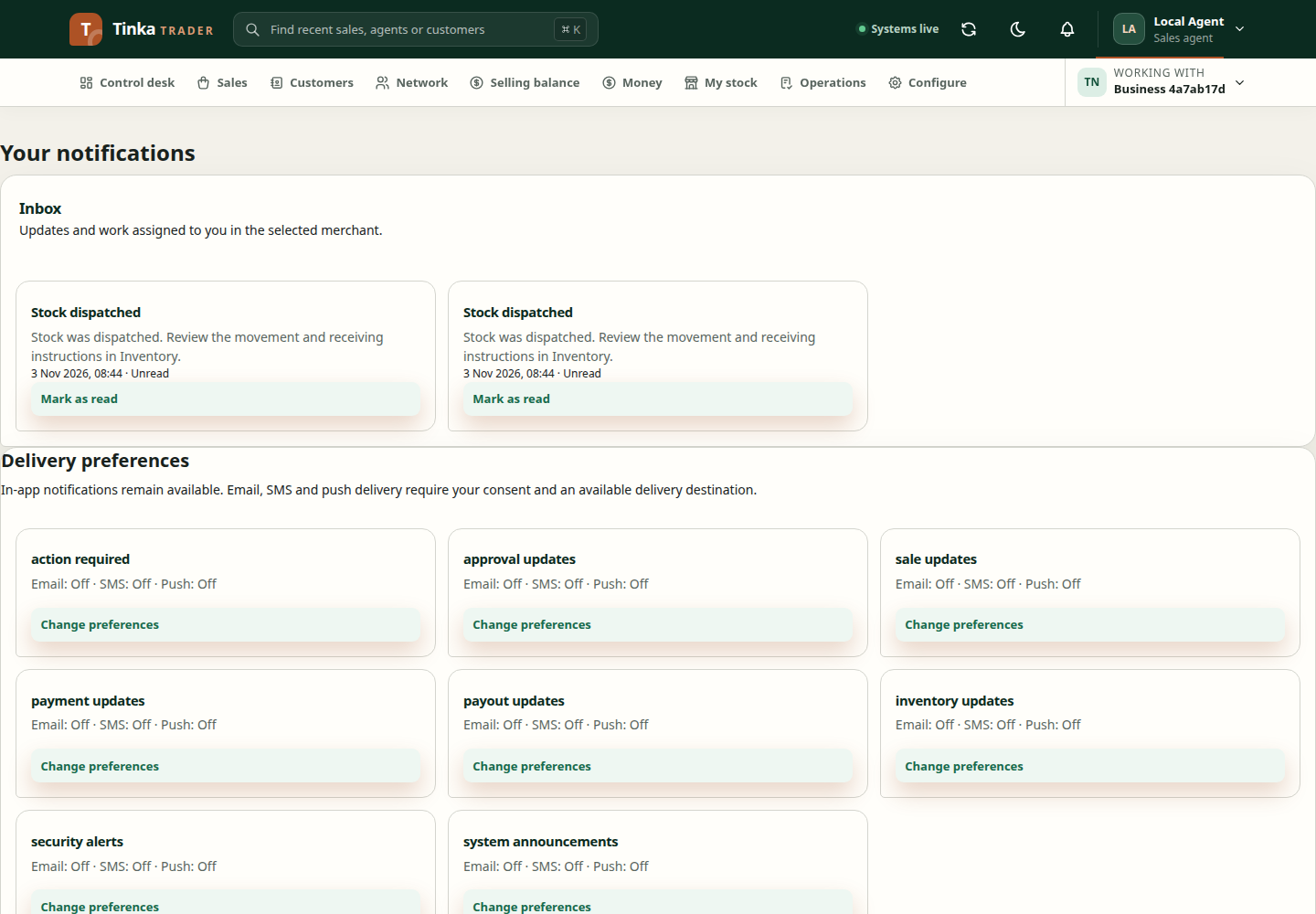
Read your inbox
Review each notification and use its mark-read action when finished. Load more records when offered. Marking a notification as read does not approve, pay, or resolve the underlying business record; open that record to act on it.
Choose delivery channels
Under Delivery preferences, review the event types and select the offered email, SMS, or push channels. Save your preferences and confirm the result. In-app notifications remain enabled.
If another session changed your preferences, refresh and review them before saving again. Enabled preferences do not prove a message was delivered: the connected delivery service must also be configured.
Verified contacts
Use Verified contact details to synchronise eligible contacts from your identity provider. This action does not verify an arbitrary address or number. If the expected contact is missing, ask the identity administrator to correct and verify it at the provider first.
Push devices
Device registration currently requires a real registration token issued by the configured notification provider. Automatic browser permission and enrollment are not available in this flow yet.
Only connect a device when your administrator supplies the approved setup. Select the provider and platform, give the device a recognisable label, and enter its provider registration token. Never use your Tinka Trader access token or password as a device token.
Remove registrations for devices you no longer use. Removing a device registration does not sign the account out of that device; use the normal sign-out process as well.
Daily funding summary
Eligible finance and administrator accounts can configure the daily commission-funding summary in their notification settings. Check the time, timezone, recipients and enabled email, SMS, push or in-app channels before saving. This is a scheduled summary, not proof that a funding transfer completed. Delivery depends on configured, authorised channels.
Administrator notification centre — screen example