Offline sales and the outbox
Offline capture lets supported sale work wait for a connection. It does not make every action in the platform available offline.
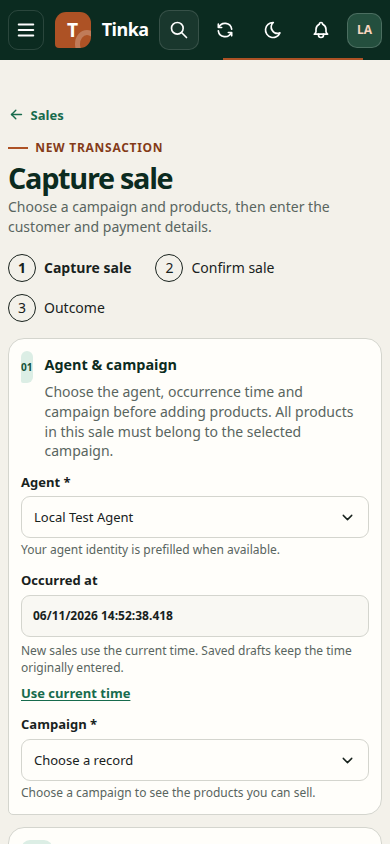
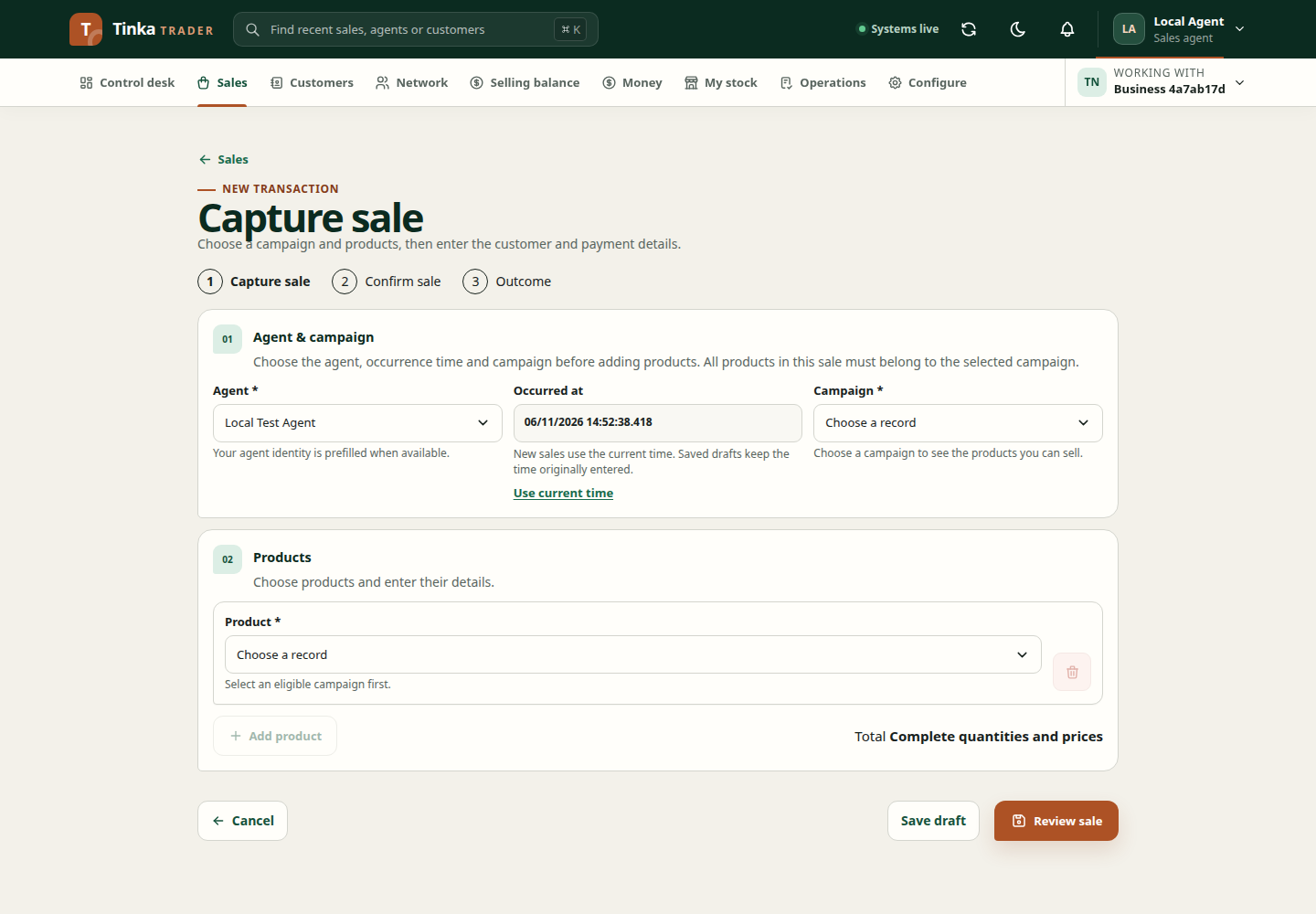
Understand what is saved
The sale outbox holds pending submissions for the signed-in account and operating merchant. A queued record is not yet confirmation that the server accepted the sale. Reference data may also be limited to what the device previously loaded.
Before field work, sign in online, choose the correct merchant and load the information you need. Confirm the campaign permits the intended offline workflow. Do not assume a previously cached permission remains valid indefinitely.
Reconnect and check progress
- Reconnect to a reliable network.
- Make sure the same account and merchant are active.
- Review Offline sale outbox on the capture screen.
- Wait for synchronisation, or use Retry outbox when the screen offers it.
- Inspect failures individually. Correct only the field or evidence issue reported by the application.
- Confirm the accepted sale appears in Sales, using its original reference.
If an outbox item is being corrected, use its existing edit/recovery flow. Do not recreate it as a separate sale simply because the first attempt returned an error.
Protect pending work
Avoid clearing browser storage, reinstalling, or moving to another device while unsynchronised work remains. Pending files and drafts may exist only on the original device. An application update prompt can wait until current work is safe.
Account and merchant boundaries prevent one user from submitting another user's queued records. If access is rejected, reauthenticate or contact your administrator. Do not attempt to bypass the boundary by copying internal browser data.
When recovery fails
Keep the original record intact. Record the sale reference and displayed error, and ask support for help. A damaged recovery record, missing file, changed revision or unavailable browser storage needs a targeted fix. Deleting the outbox is not a general recovery step.
See installation and updates for device guidance.