Agent contracts and suspensions
Contracts record the terms under which an agent works. Suspensions restrict capabilities for a stated reason and period. They should reflect approved business decisions.
Create an agent contract
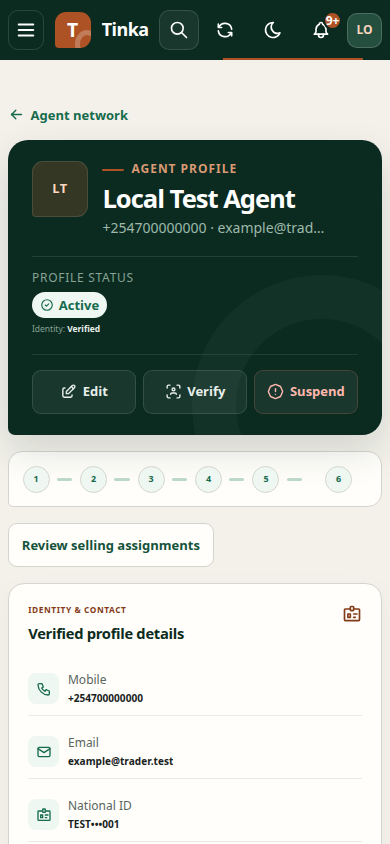
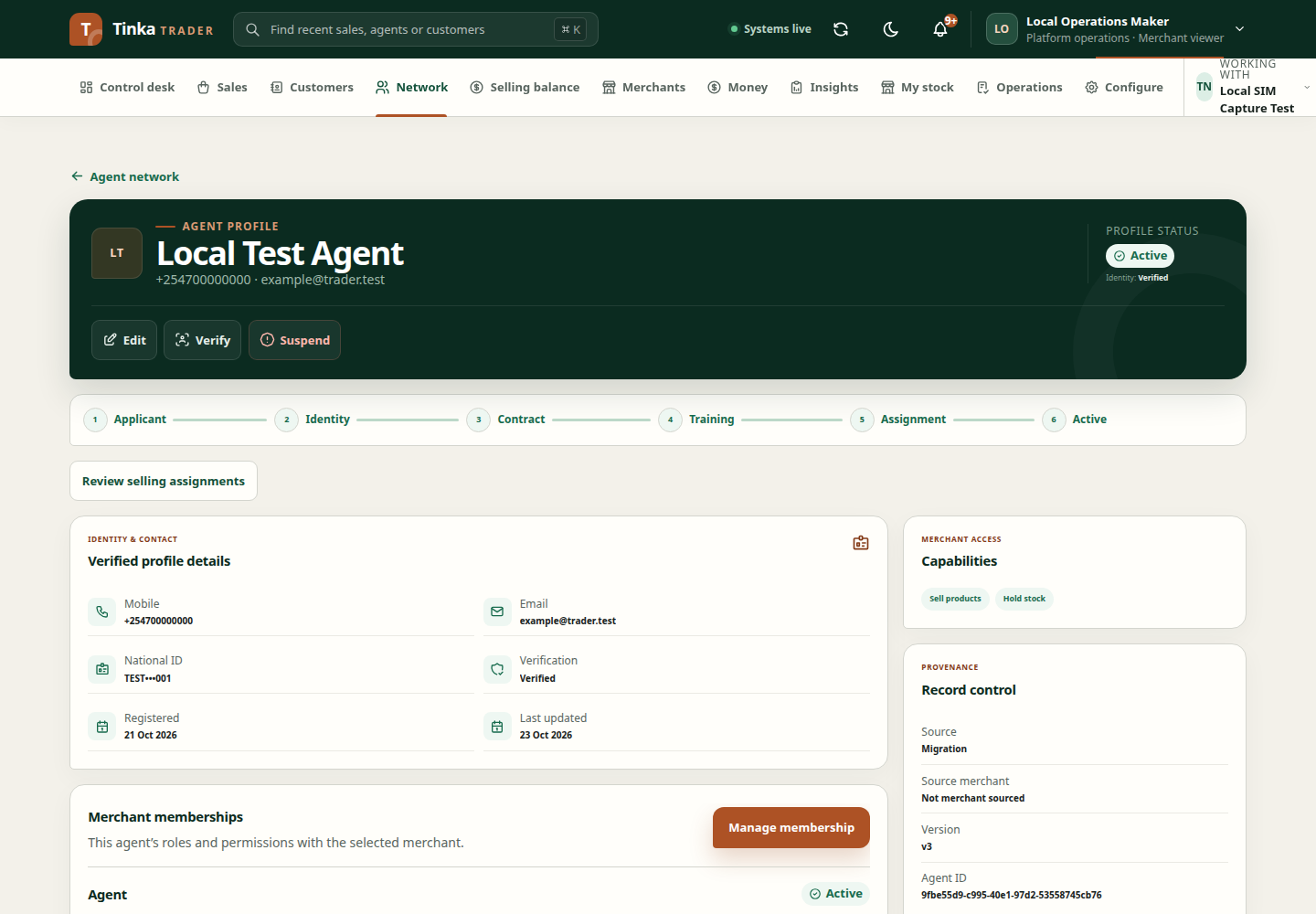
- Open the agent profile and Create agent contract.
- Choose Contract class: Independent agent, Fixed term, Employee, Entity service provider or Other approved.
- Set Effective from and, when applicable, Effective to.
- Upload the Signed contract document and wait for its usable scan result.
- Review the agent, class, period and file before submitting.
An end time must be later than the start time. Check local timezone settings before entering a future or backdated period. Do not upload an unsigned draft as a signed agreement.
Suspend capabilities
Open Suspend agent capabilities where authorised. Select the capabilities and effective period offered by the form. Enter Suspension reason and a clear explanation. Link the Related case when relevant.
Review the confirmation carefully: the purpose is to restrict the selected work, and the impact can reach sales, cash, stock or payouts depending on the chosen capability. Confirm only the intended scope.
Confirm the outcome
Reopen the agent profile and inspect the contract or suspension entry. A successful submission should be checked against the intended dates and capability. If the record is wrong, use the supported follow-up action or request administrative assistance; do not create unrelated overlapping records to counteract it.
If required files or case choices cannot load, check merchant, file permissions and case access. Refer to files and cases for recovery guidance.
Agent profile and membership — screen example